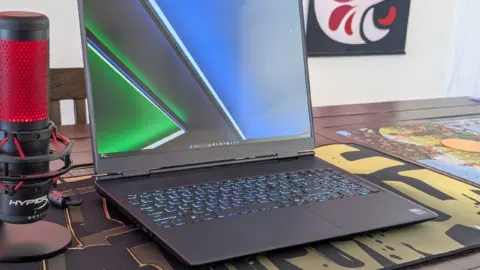
Alienware has detailed the performance trade-offs between the power modes on its 16X Aurora laptop. The system offers three settings: Balanced, Performance, and Overdrive. Each mode adjusts GPU clock speed, memory clock, power draw, temperature, and fan noise.
Balanced mode reduces fan noise significantly
In Balanced mode, the GPU runs at 1957 MHz with a memory clock of 1125 MHz. The GPU temperature reaches 71°C, and board power draw is 84 W. Fan noise measures 48.7 dB(A). Performance mode increases the GPU clock to 2197 MHz and memory to 1378 MHz, with a temperature of 76°C and power draw of 99 W. Fan noise rises to 51.5 dB(A). Overdrive mode pushes the GPU to 2355 MHz and memory to 1378 MHz, with a temperature of 72°C, power draw of 101 W, and fan noise of 59.8 dB(A).
According to 3DMark benchmarks, Overdrive mode offers only 2% better graphics performance than Performance mode. The noise increase from Performance to Overdrive is significant, jumping from 51.5 dB(A) to 59.8 dB(A). Balanced mode reduces GPU performance by 10% compared to Overdrive mode, but fan noise drops to 48.7 dB(A). The RTX 5070 Ti in the 16X Aurora is powerful enough to run demanding titles like Cyberpunk 2077 at high frame rates, making Balanced mode a viable option for quieter operation.
Notebookcheck provided the benchmark data for this analysis. The exact pricing and availability of the Alienware 16X Aurora have not been disclosed.
Source: NotebookCheck