PHONES Poco X8s listed at $313 with 6,330 mAh battery and IP68 rating PHONES Samsung Galaxy F70 5G launches in India for $210 with 90Hz AMOLED display and 4 years of OS updates GAMES Lucasfilm seeks new developer for Star Wars Battlefront 3 as EA DICE and Bungie emerge as frontrunners STEAM Steam Next Fest features over 8,000 game demos, more than doubling last year’s count GAMES Hideo Kojima to appear as braindance director in Cyberpunk: Edgerunners season 2 GAMES GTA 6 devs tried ‘a million’ weapon wheel alternatives as struggles with RDR2 realism led some to quit AMD AMD Gainsborough APU Leaked With 2,400 MHz iGPU and 24 GB of DDR5-9600 GAMES Whispers in the Fog Gameplay Teaser Reveals First-Person Psychological Horror Mechanics GAMES Unofficial Tekken 6 PC Port Adds Rollback Netcode and 4K Graphics STEAM Fish Them All! demo launches on Steam Next Fest with 100 million fish goal and UFO automation STEAM Indie dev threatens $200 Steam item ransom for AI clone of Dragon’s Chronicles FSR Horizon Forbidden West Playable Badge Misleading as Steam Deck Performance Drops to 19 FPS ANDROID Samsung Galaxy XCover Scan leaks with built-in UHF RFID chip AMD AMD Ryzen AI 7 HX 455 leaks with 8 cores and 16-CU Radeon 890M GPU

MSI Afterburner Heatmap Visualizes V/F Curve Data for RTX 50 Series

NicoGG 2 min read

MSI Afterburner v4.6.7 beta4 adds a heatmap to the V/F curve editor, visualizing 256 data points to help users optimize GPU overclocking settings.

MSI Afterburner Heatmap Visualizes V/F Curve Data for RTX 50 Series
PC HARDWARE

MSI Afterburner is adding a heatmap tool to help users optimize their GPU overclocking. This update targets the voltage and frequency curve editor, a critical area for performance tuning. The change matters because it visualizes how your graphics card behaves under load. Users can now see historical data points instead of guessing at optimal settings.
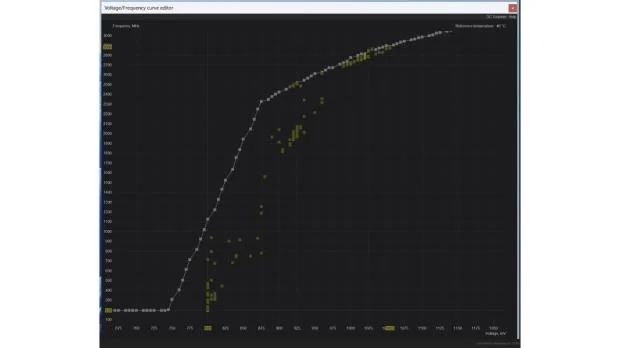
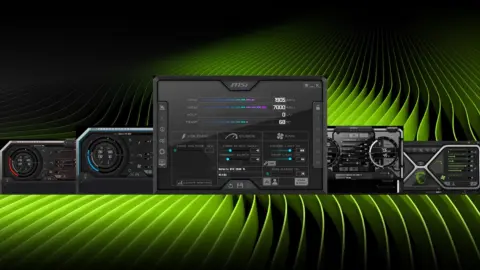
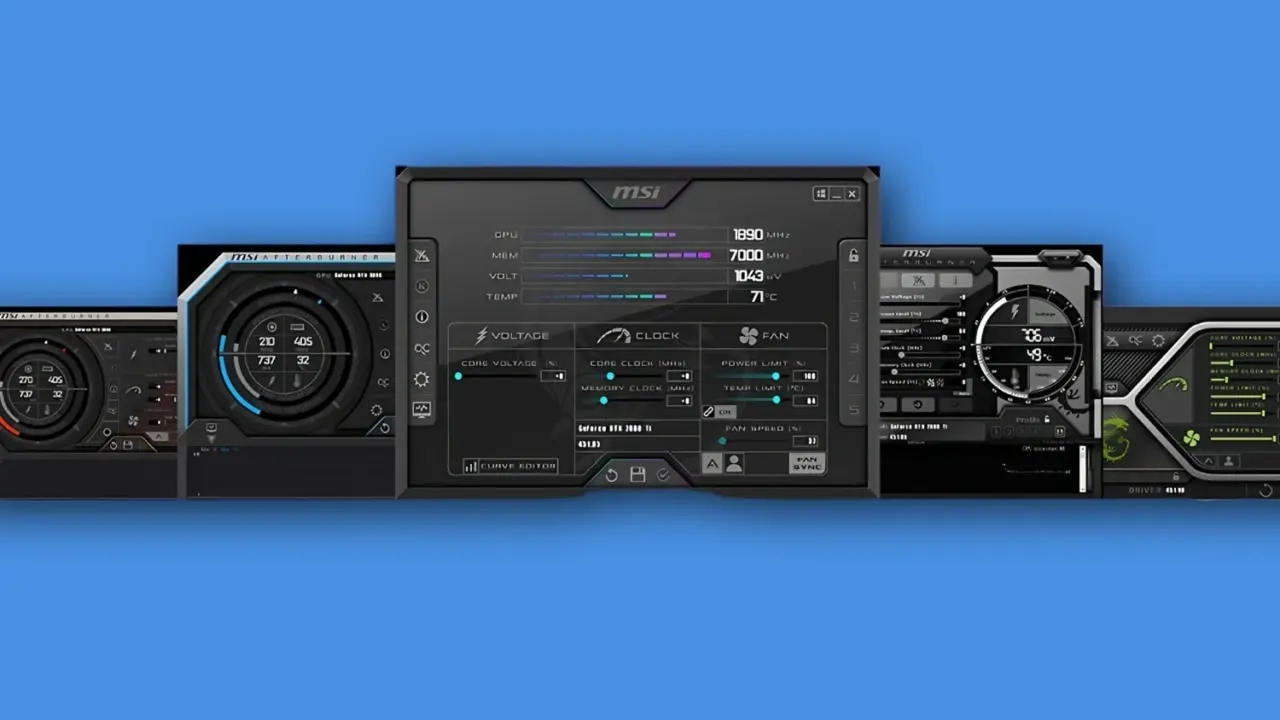
MSI Afterburner interface showing voltage and frequency curve editor
The upcoming heatmap feature visualizes historical data points within the V/F curve editor.

New beta tool tracks 256 voltage frequency curve positions

The new feature arrives in the upcoming v4.6.7 beta4 release of the software. It focuses on the V/F curve editor, which controls dynamic voltage frequency scaling. This editor allows users to adjust power delivery and clock speeds for better efficiency. The heatmap makes these adjustments easier to understand by showing usage patterns.

  • New Feature: Heatmap for V/F curve editor
  • Data Points Recorded: 256 historic V/F curve chart positions
  • Target Version: v4.6.7 beta4
  • Underlying Technology: DVFS (dynamic voltage frequency scaling)

The heatmap records and displays 256 historic V/F curve chart positions. This data helps users identify where their GPU spends most of its time. It highlights behavioral differences in newer hardware, such as the 50 Series. These differences stem from changes in how the chips handle voltage and frequency scaling.

There is no confirmed date for when this feature will reach the official stable version. The update is currently expected only in the beta4 stage. Users who want to test the new visualization tool will need to install the beta. The developer, Unwinder, has not provided a timeline for the final release.

Source: TweakTown