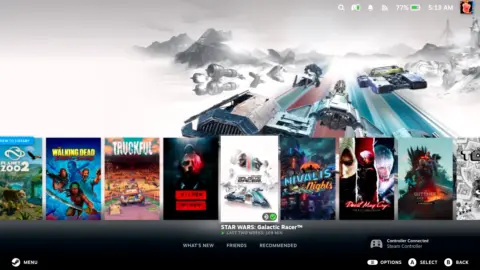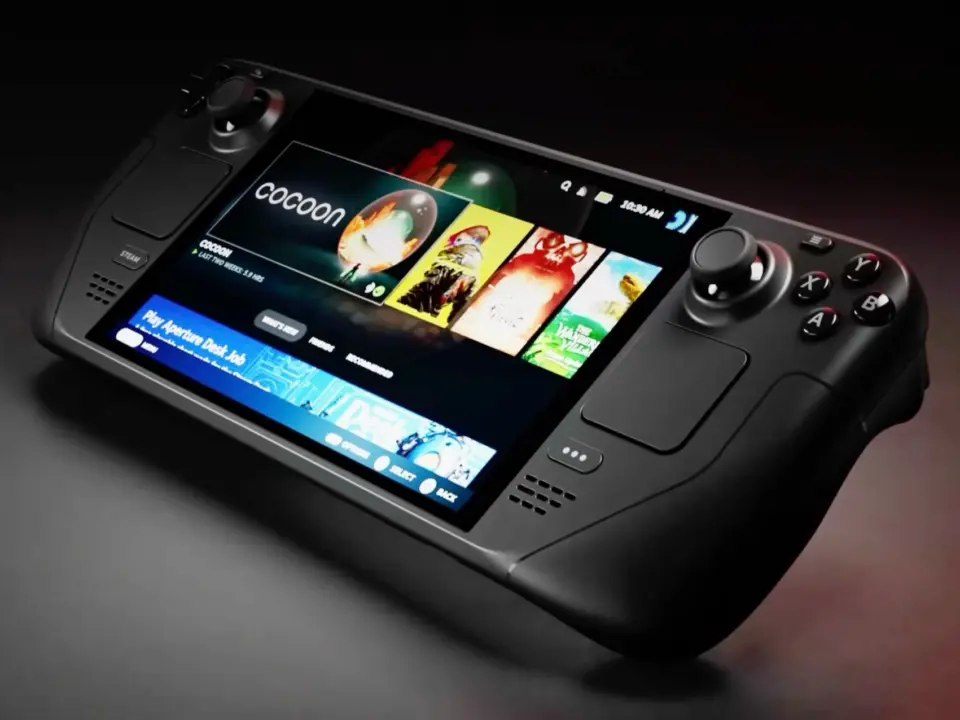
Valve released a new beta update for the Steam Deck that addresses interface display issues and improves remote streaming performance. The update matters because it fixes a visual bug that made the desktop interface difficult to read in Big Picture Mode. Users who stream games to other screens will also benefit from more stable frame rates and better bandwidth control.
Valve patches desktop interface scaling and improves streaming stability
This patch targets the Steam Client software running on the handheld device. It specifically addresses the interaction between Big Picture Mode and Desktop Mode. The changes aim to make the user interface more reliable for daily use.
The update corrects incorrect UI scaling so interface elements display at the proper size. Valve also added 59.94 FPS as a selectable framerate limit for Remote Play. This gives users more control over streaming performance when connecting to other displays.
Valve fixed an issue where the client video decoder could become overloaded when unlimited bandwidth was enabled. Users should face fewer frame drops when the framerate limit is set to automatic. The patch also resolves a bug in Settings > System where the wrong update channel notes could sometimes be displayed.
The update expands Steam Input support by adding compatibility for both the wired and wireless PDP Afterglow Wave Controller for Nintendo Switch and Turtle Beach controllers for Nintendo Switch 2. In addition, Valve fixed a Steam Controller firmware issue that could cause occasional repeated B Button presses.
We looked at the last Steam Deck update earlier while tracking Valve releases. Several of the same balance and stability themes came up in this latest release. The changes focus on refining existing features rather than adding major new capabilities.
The beta update is now available for users on the Preview/Beta channel. It addresses specific bugs in the user interface and remote play functionality. The firmware fix for the Steam Controller is also included in this release.
Source: NotebookCheck