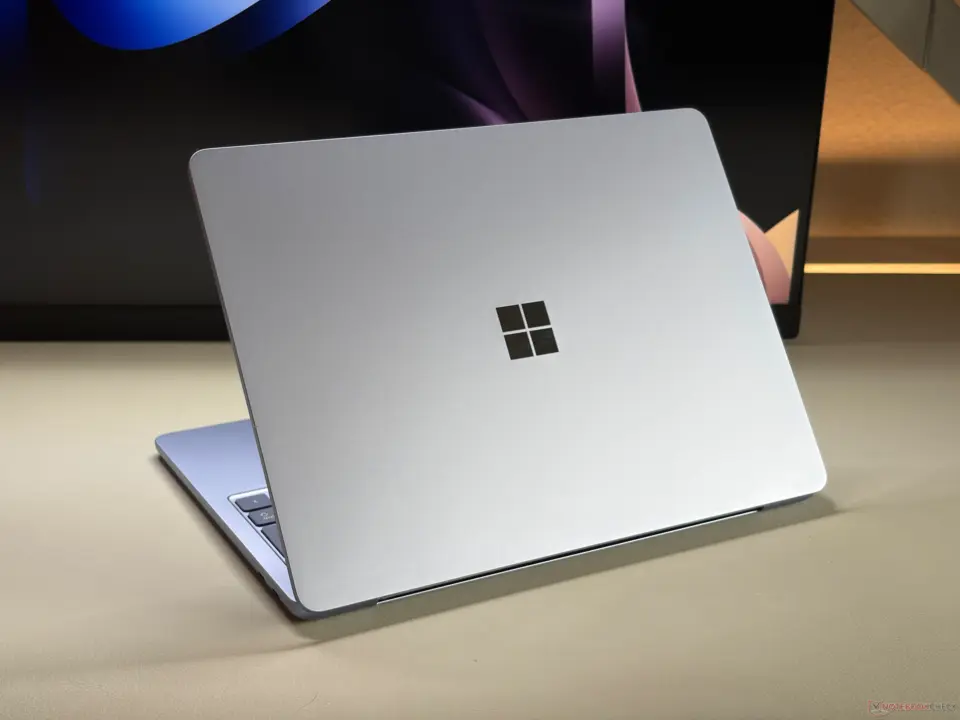
Microsoft is bringing some performance optimizations to Windows 11 that are specifically designed for 8GB of RAM systems. This is important for many budget and mid-tier systems. The reason it's important is because many budget and mid-tier systems still use 8GB of RAM.
New optimizations for 8GB RAM systems improve app speed and memory handling
Often, slower performance means that the system has to resort to using the storage drive as RAM. The idea is to make these systems more responsive so it feels like a faster computer. And, without any hardware upgrades.
There are some core improvements to system responsiveness and application performance. As part of this, Microsoft has optimized the OS to decrease the total memory footprint for Microsoft 365 applications. What this does is optimize the OS so it can better handle the active data. That means there is less need to resort to moving data to slower storage drives.
One of the big changes here is memory compression. In Windows 11, there's now the ability to hold up to 2GB more active data in memory rather than going to slower storage drives. That's a big help when it comes to maintaining speed during multitasking.
Basically, the OS can better handle data. So, you have less latency when switching between tasks.
This update also brings some speed improvements to specific applications. New windows for Edge open up to 33% faster when Edge is already running in the background. Start menu, Search, Settings, Snipping Tool, File Explorer have up to 20% faster response times.
And, Teams up to 20% faster on 8GB systems. Overall, Microsoft claims up to 40% performance improvements on these systems.
As we discussed the previous Windows 11 update, there were some similar balance and stability topics. The new update is continuing that with its focus on being more practically efficient rather than new features. It's really about extending the useful life of systems that you have.
Microsoft validated these performance improvements over on its Windows Blog. The update is available for Windows 11 with 8GB of RAM. So, if you're on a system with 8GB of RAM, you should be seeing improved response times in everyday tasks.
Source: NotebookCheck

Memory compression is not a silver bullet. The kernel overhead for managing the compressed heap often negates the gains on older NVMe drives. It is a valid stopgap for eMMC storage though.