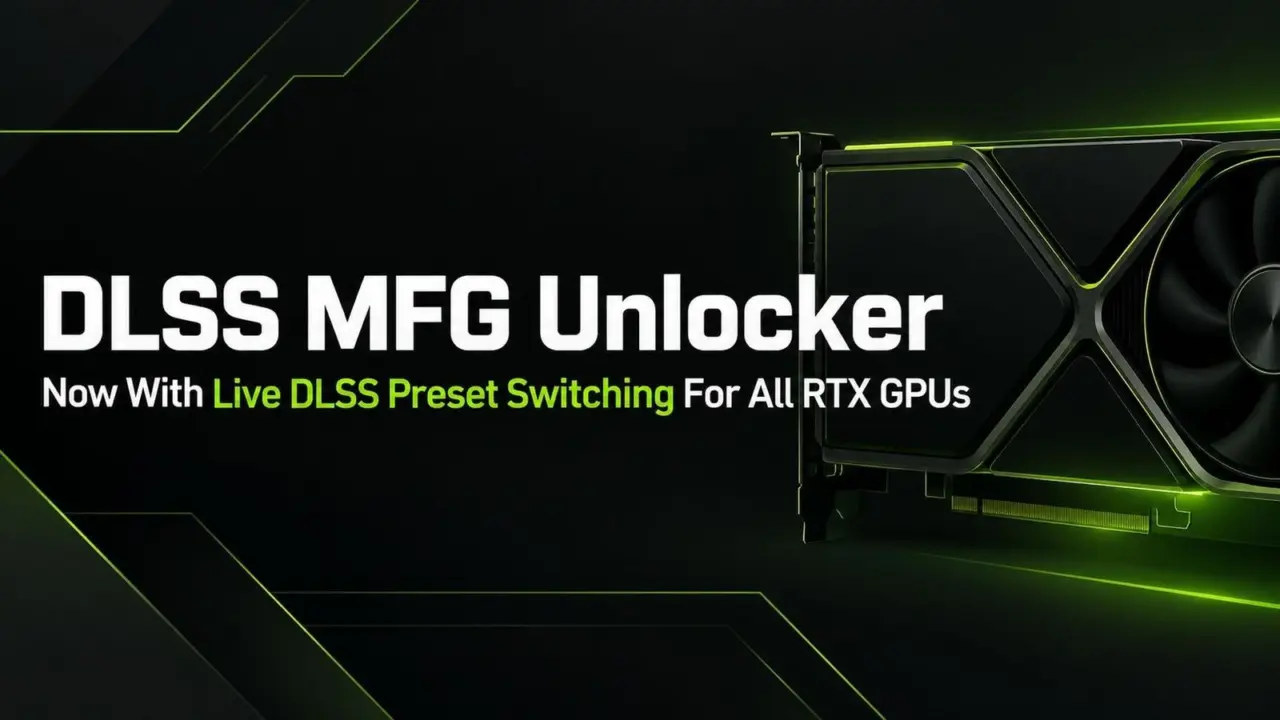
Modder dashdogy has shared the 1.6.1 version of his Universal MFG Unlocker tool to provide PC players with direct access to NVIDIA DLSS settings. The reason why this update is important is that it enables users to freely change image quality presets without having to quit or restart the games. That means we'll be able to modify game visuals "on the go" and that will save us some time while we're playing games.
Tool enables preset changes without restarting games on supported RTX cards
The software is compatible with GeForce RTX 20, 30, 40, and 50 series graphics cards. It provides on-the-fly Super Resolution, Ray Reconstruction, and Frame Generation settings switching. The tool changes the way DLSS features work in supported DirectX 12 games.
- Supported GPU Series: GeForce RTX 20, 30, 40, and 50
- DLSS Super Resolution Presets: J, K, L, and M
- DLSS Ray Reconstruction Presets: D, E, and F
- DLSS Frame Generation Presets: A, B, and C
- API Support: DirectX 12
You'll be able to set particular presets for each DLSS mode. Super Resolution has J, K, L, and M presets. Ray Reconstruction has D, E, and F presets. Frame Generation has A, B, and C presets.
This update addressed the problem that Frame Generation did not work on some RTX 20 and 30 series GPUs. For instance, this affected some games like Final Fantasy VII Rebirth. Also, keep in mind that you still need to restart your app to switch between presets in Vulkan games or to use old versions of Frame Generation.
When we reported about the previous version of Universal MFG Unlocker there were many similar balance and stability issues mentioned. The new version follows that pattern by making the tool even more compatible for previous generations of hardware.
So the new version of the Universal MFG Unlocker is now available for supported DirectX 12 games. It's a handy way to fine-tune your DLSS performance without affecting your gaming experience.
Source: IXBT

Discussion
0 comments