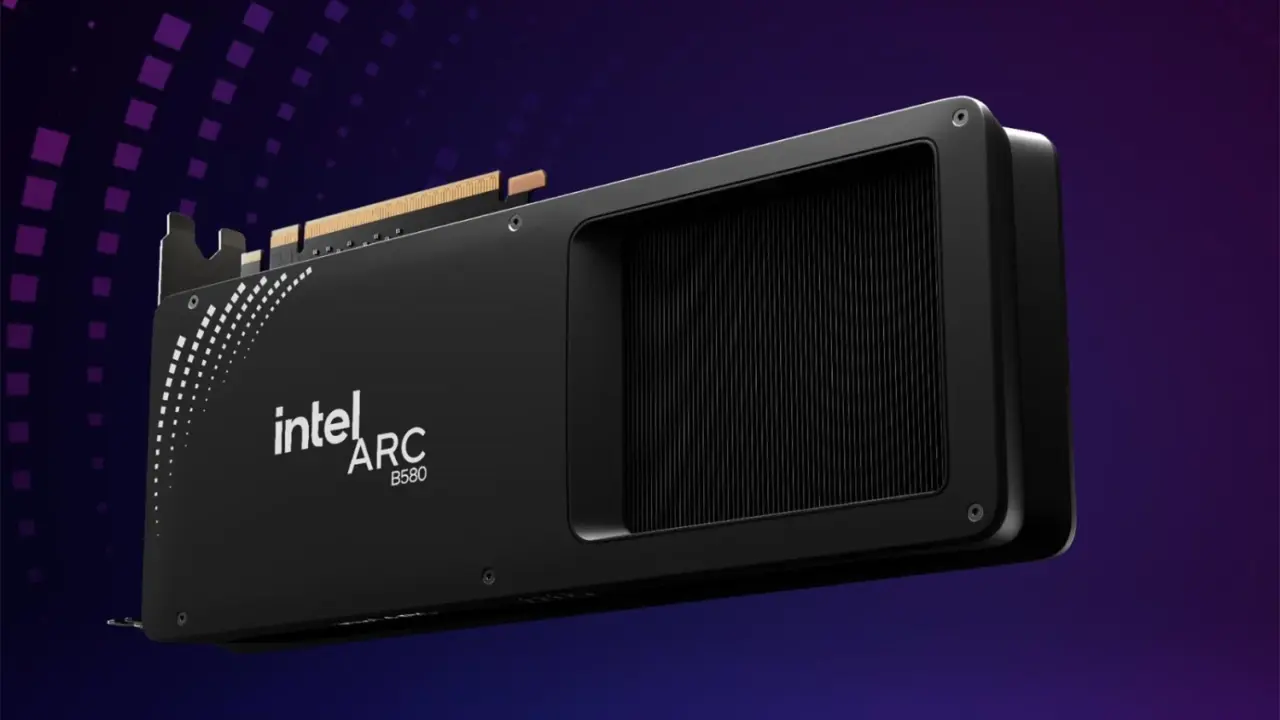
A developer created a Linux tool to give older systems full access to graphics memory on their Intel Arc B580 GPUs. The arc-rebar utility increases the size of the visible VRAM window to the CPU from 256 MB to 16 GB. The tool gives a huge boost to memory access which was limited and capped the performance on legacy motherboards. If you have an older motherboard, you can now work around its BIOS, which would limit the full use of ReBAR.
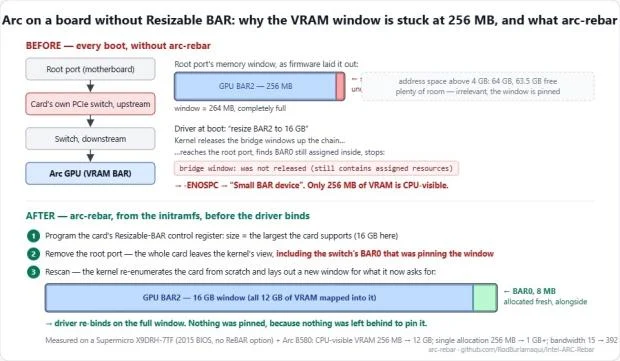
arc-rebar tool boosts compute bandwidth to 392 GB/s on older chipsets
The arc-rebar tool is designed for Intel Arc B580 GPUs running on Linux on older chipsets. The utility uses ReBAR (Resizable BAR) features that older motherboards would usually not activate or show correctly. To use it, your motherboard must support Above 4G Decoding.
- VRAM: 12 GB
- Memory Window (Before): 256 MB
- Memory Window (After): 16 GB
- Bandwidth Increase: 15 GB/s to 392 GB/s
- Test Platform: Supermicro X9DRH-7TF, Intel C602 chipset, Xeon E5-2670 v2, Debian 13
You'll also need a version of Linux kernel 6.12 or newer. You don't need any custom driver or change anything in BIOS. This is a simple software workaround for hardware limitations.
The developer tested the arc-rebar tool on a Supermicro X9DRH-7TF motherboard, which uses dual Xeon E5-2670 v2 CPUs. They could access 16 GB memory for the Arc B580's 12 GB of VRAM. Developer's tests show that the bandwidth available for compute workloads increased from around 15 GB/s to 392 GB/s. For example, a 4K blur filter (Vulkan) that previously locked up can now run at 39 – 50 FPS with the tool activated.
Remember, this is for compute workloads, not classic gaming benchmarks. The developer Rod Burlamaqui said there aren't any proper gaming benchmarks yet published. Windows isn't supported for arc-rebar just yet. Support for Intel Arc A-Series (Alchemist) GPUs hasn't been tested either, as it was only tested with the B580 model.
You can now get full access to your VRAM on your Intel Arc B580 GPU on older Linux systems with the help of the arc-rebar tool. It increases your memory window from 256 MB to 16 GB. That's a big jump in compute bandwidth as well.
No gaming performance improvements have been tested, but compute workloads see big gains. Windows and A-Series users have to wait for more news or testing.
Source: TweakTown


Discussion
0 comments