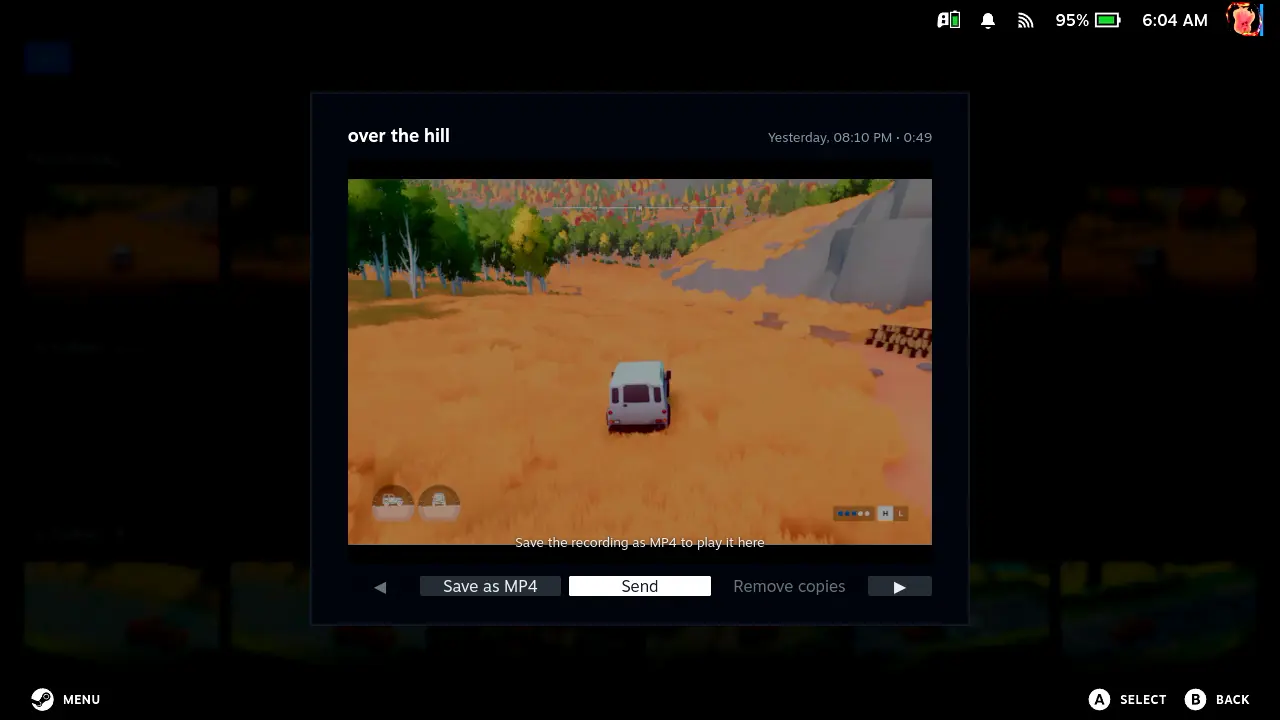
Want to easily export the clips you take of your Steam Deck gameplay? There's a new third-party tool for that. The new Deck Clip Exporter plugin is a tool that integrates into the Game Mode of the handheld, allowing you to export your clips to regular MP4s without even needing to leave the Steam Deck's main interface.
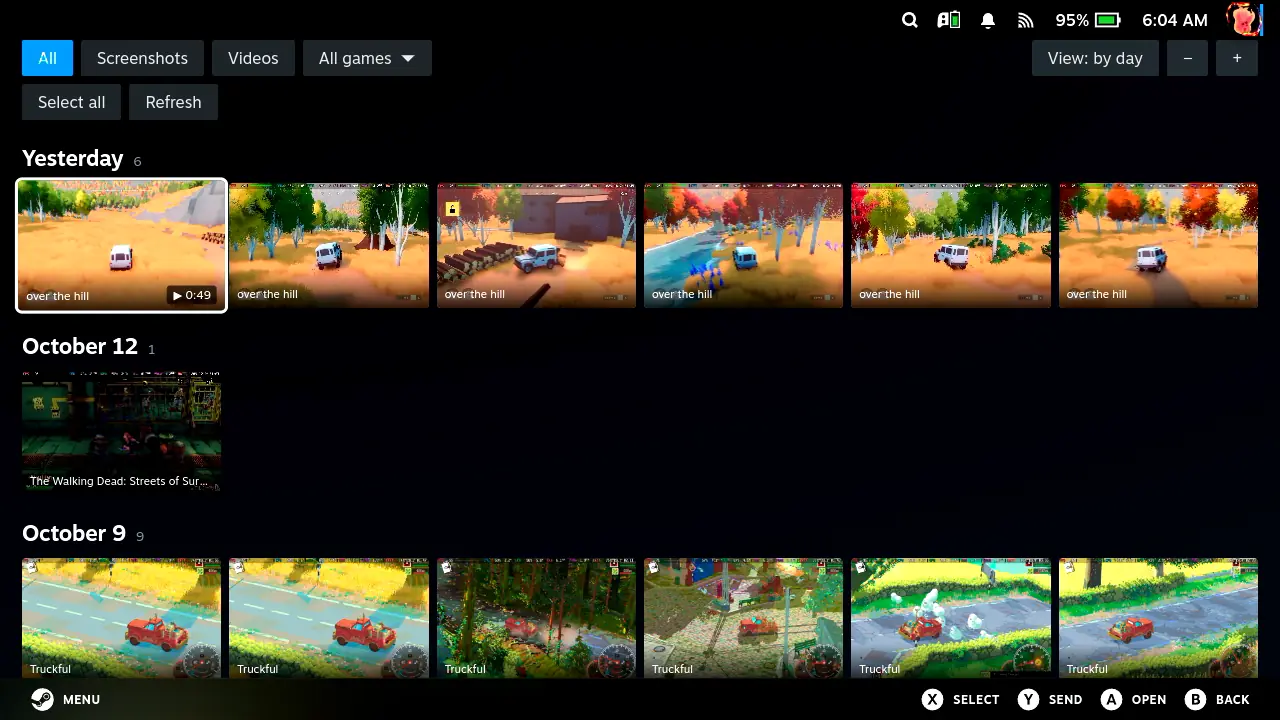
New Decky plugin simplifies exporting Steam game recordings
This makes it much easier to access your game clips without needing to go into Desktop mode or having to do lots of extra file shuffling. It's an exciting new update that provides a more efficient and easier way to export clips for people who love to share their highlights or save footage.
This is a Decky loader plugin, the main type of extension for the Steam Deck. It's a tool that improves upon the existing Steam Game Recording system. One of the drawbacks of using the built-in Steam game recording is how limited the export options are.
It can be a bit of a hassle. Luckily, this tool fixes that issue by being accessible from within Game Mode. It's super useful for those who don't want to keep jumping between different modes. It makes it easier to get your clips ready to go as a portable format that you can play back and share on other devices.
The tool allows you to convert clips straight to MP4 format, so you can easily play the clip back on any media player or social media platform. There's also support for wireless file transfer. You can send files over to your PC or phone through LocalSend or Syncthing, so you don't need to be connected to any cables.
You also get a media browser built-in to let you easily view screenshots and clips in the game before you export them. All of these features make it a great way to manage your content without needing any external devices or having to access your desktop file management software.
It can be downloaded from GitHub. To use it, you'll want to install it through the Decky loader. Developer mode is required for installation.
Keep in mind that there are some concerns about its development. The person who made the tool is known as DariLudum2217. He made the point in public that he used a lot of AI to help with the coding process.
It's hard to know if the dev himself has the skills needed to properly inspect AI-written code for any security issues. As a result, we recommend you be very careful when using or installing this on your device.
It's another great addition to the community tools for the Steam Deck, allowing you to do more than is otherwise possible. While it does make exporting clips a lot better, it also has an issue because of how the tool uses AI-written code. So, there could be security concerns for the user to consider.
Overall, it's a great new tool for those who love to record. You just need to be aware of the potential issues you could have with using unvetted third-party tools. You'll have to weigh up the ease of simpler clip exports against the fact that you're not getting a transparent insight into vetted code.
Source: SteamDeckHQ


Discussion
0 comments