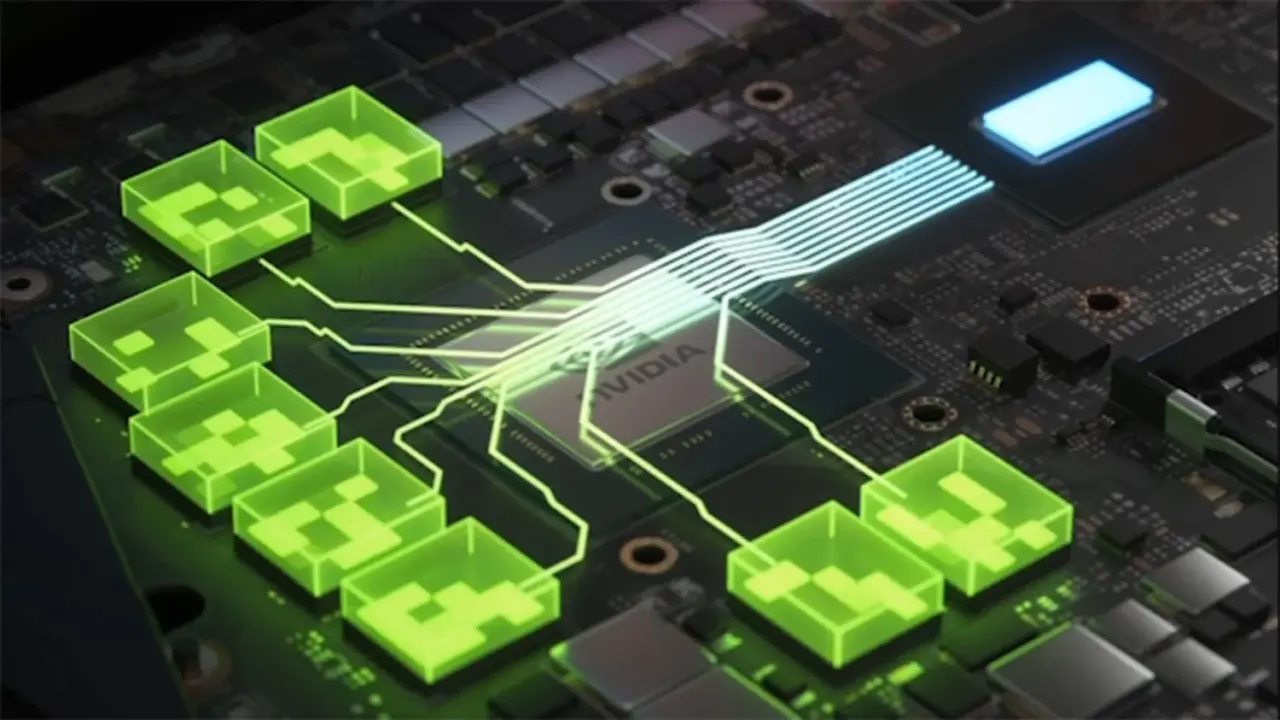
PC gamers who have struggled with unstable graphics settings in specific titles now have a simpler way to fix them. NVIDIA is moving official control over Resizable BAR from third-party workarounds directly into its own software suite. This change matters because it gives players a reliable, built-in toggle to improve performance without installing external mods or digging through complex system files.
Beta software brings native per-game controls replacing third-party workarounds
The feature arrives in the NVIDIA App version 11.0.9.239 beta. Users can now switch Resizable BAR on or off for individual games directly within the application interface. This replaces the previous method where gamers had to rely on unofficial driver modifications to access these settings.
Jacob Freeman shared the details of this update on X. The toggle is currently available in the NVIDIA App 11.0.9.239 beta version. However, the feature will not work until the next GeForce Game Ready driver update is installed. This means the software control and the underlying driver support must be updated together.
Manual toggling is expected to help unoptimized new releases and older titles. Some games perform better with Resizable BAR disabled, while others benefit from it being enabled. Having a simple on/off switch allows players to quickly test which setting provides the best frame rates for their specific hardware and game combination.
This update simplifies the process of optimizing PC gaming performance. Players no longer need to hunt for third-party tools to manage Resizable BAR settings. The feature is now integrated into the official NVIDIA App, making it easier to access and control.
Source: TweakTown