Zenless Zone Zero has launched on Steam, bringing a fresh wave of players to the platform who are encountering performance issues not present in the Epic version or earlier reports. This reality check on Steam Deck performance reveals that the Steam Deck Playable badge requires significant compromises on settings and frame rate to avoid stuttering. Steam Deck owners can avoid frustration and jarring frame drops by knowing exactly which graphics options to tweak for stable gameplay in this major new title.
Stable gameplay requires lower settings and a frame rate limit
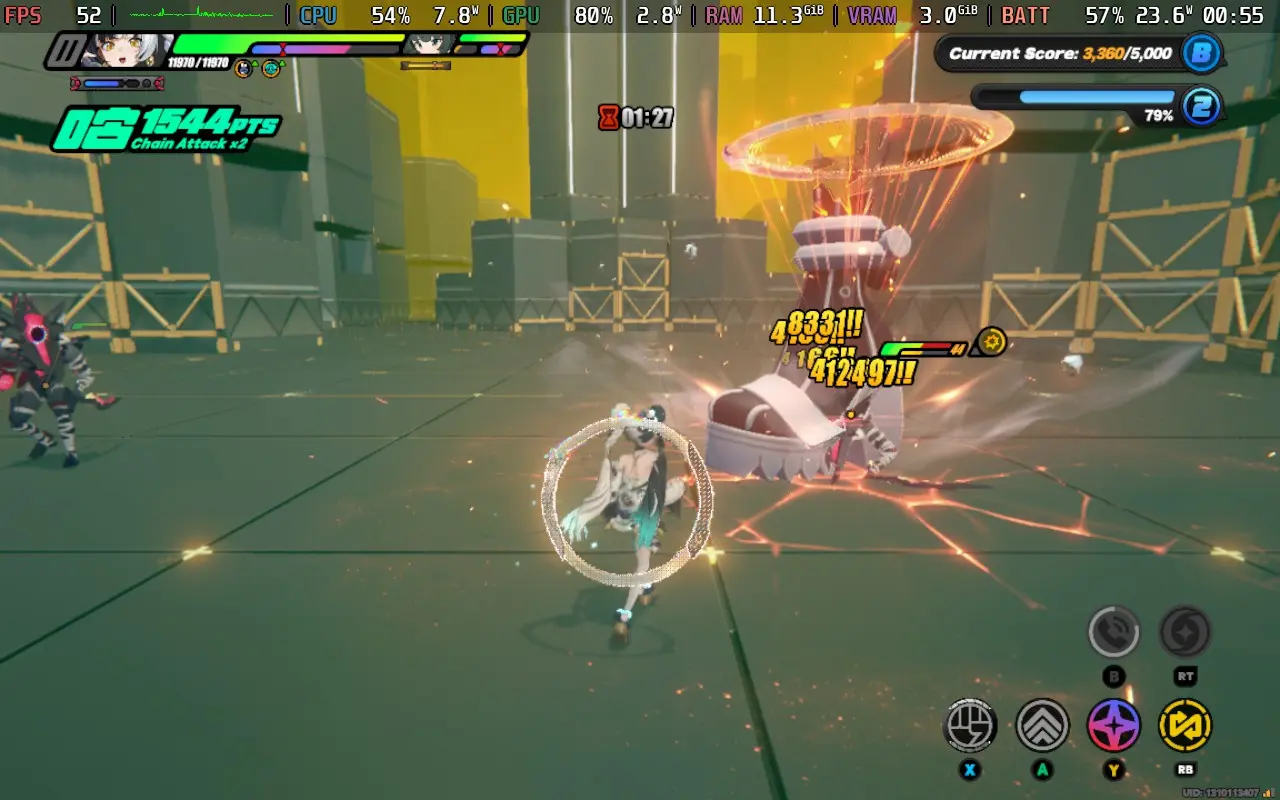
The game holds the Steam Deck Playable badge, which suggests a plug-and-play experience for handheld users. However, real-world testing on the device reveals significant performance issues that contradict some ProtonDB reports of stable 60 FPS. The overworld gameplay suffers from stuttering and frame drops into the 30s even on the lowest possible settings. This instability makes high frame rate targets difficult to maintain during standard exploration.
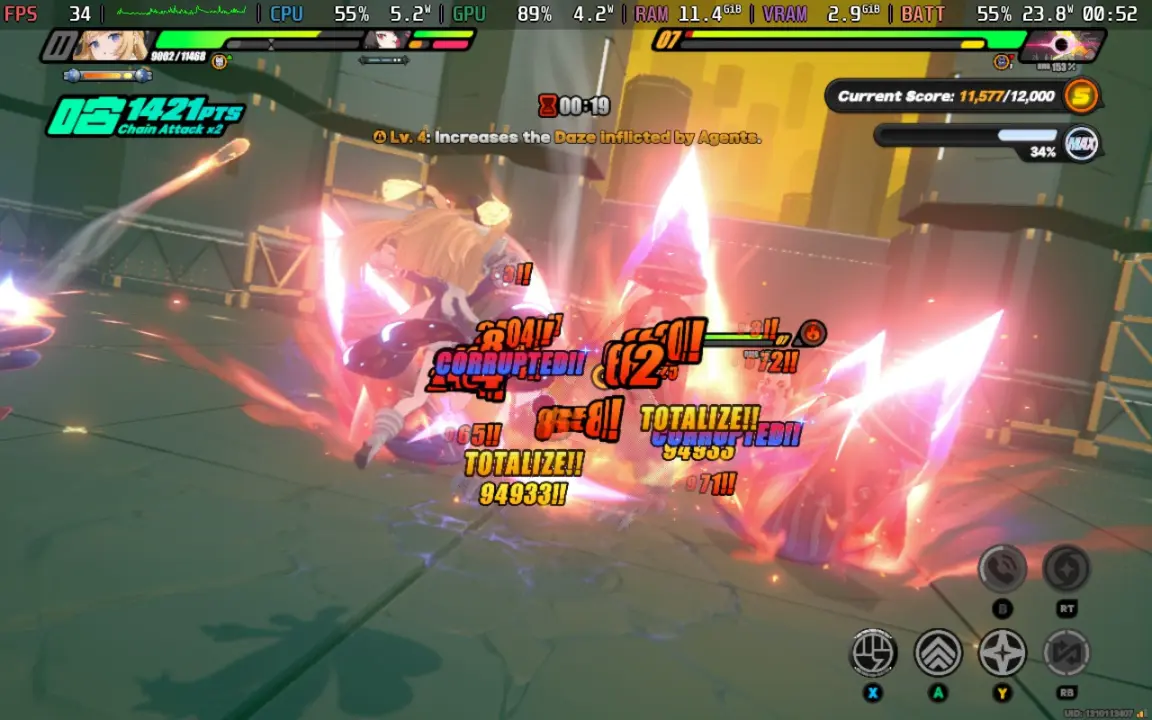
Combat scenarios present a different challenge, as the game can hit 60 FPS in contained levels. These higher frame rates drop into the 20s momentarily during complex or flashy attacks. The visual effects in these moments create significant strain on the hardware. Players should expect these dips rather than a consistent high frame rate during intense action.
The recommended configuration for a stable experience is lower settings with a 30 FPS cap. This setup prevents the severe stuttering observed in the overworld and keeps combat playable. The author of the performance test noted that the game drops and stutters like crazy if you try to play at high frame rates. Setting a cap ensures the system can maintain a steady rhythm without the jarring interruptions.
Zenless Zone Zero can be downloaded for free on Steam right now. We looked at the last Zenless Zone Zero update, where several of the same balance and stability themes came up. The current release demands that players accept lower visual fidelity to achieve a smooth experience. This approach allows the game to run on the handheld despite its demanding graphical effects.
The confirmed facts show that stable play requires a 30 FPS cap and lower settings on Steam Deck. High frame rate claims found online do not reflect the actual experience of playing the game. Users who prioritize stability over visual fidelity will find the game playable with the correct configuration. Those seeking a high frame rate experience should expect significant performance compromises.
Source: SteamDeckHQ