GAME PERFORMANCE Silent Hill: Townfall players report motion sickness, but community fixes are simple GAMES Ed Boon Denies Injustice 3 and Three Other New Games Are in Testing CONSOLES Microsoft fires Gears of War: E-Day narrative director four days after game goes gold GAMES Arc Raiders introduces paid Premium Pass for Frozen Trail update, no gameplay impact GAMES Xbox cancels new Age of Empires game as World’s Edge studio restructuring continues PLAYSTATION 5 Wo Long 2: Wings of Ember shifts to open fields and adds air-to-air combat for March 4 launch GAMES Total War: Warhammer III gets largest expansion since launch with ‘Lords of the End Times’ and massive free update GAMES Remedy’s Control Resonant shifts to open world and melee combat in direct sequel GAMES Warhammer 40,000: Rogue Trader DLC delayed to December, adds Fanatic melee archetype STEAM Remedy’s Control Resonant Gets Russian Voice Acting via Community Crowdfunding GAMES Warhammer 40,000: Space Marine 2 roadmap extends through 2027 with new Apothecary class GAMES Escape from Tarkov: Arena free weekend starts now with Season 3 updates GAMES The Witcher 3: Wild Hunt Remastered Launches September 29 at 13:00 Moscow Time GAMES Crimson Desert Enhanced Update 2.03.02 Fixes Critical Sky Sanctuary Progression Blocker

Silent Hill: Townfall players report motion sickness, but community fixes are simple

Lena Fischer 0 comments 2 min read

Silent Hill: Townfall players report motion sickness from default camera settings. Disable head bob, motion blur, and max out FOV to fix the issue.

Silent Hill: Townfall players report motion sickness, but community fixes are simple
GAME PERFORMANCE

Players of Silent Hill: Townfall are reporting motion sickness and dizziness after starting the game. This issue stems from default camera behaviors rather than the game's overall quality. We can adjust specific settings to reduce these physical symptoms for affected users.
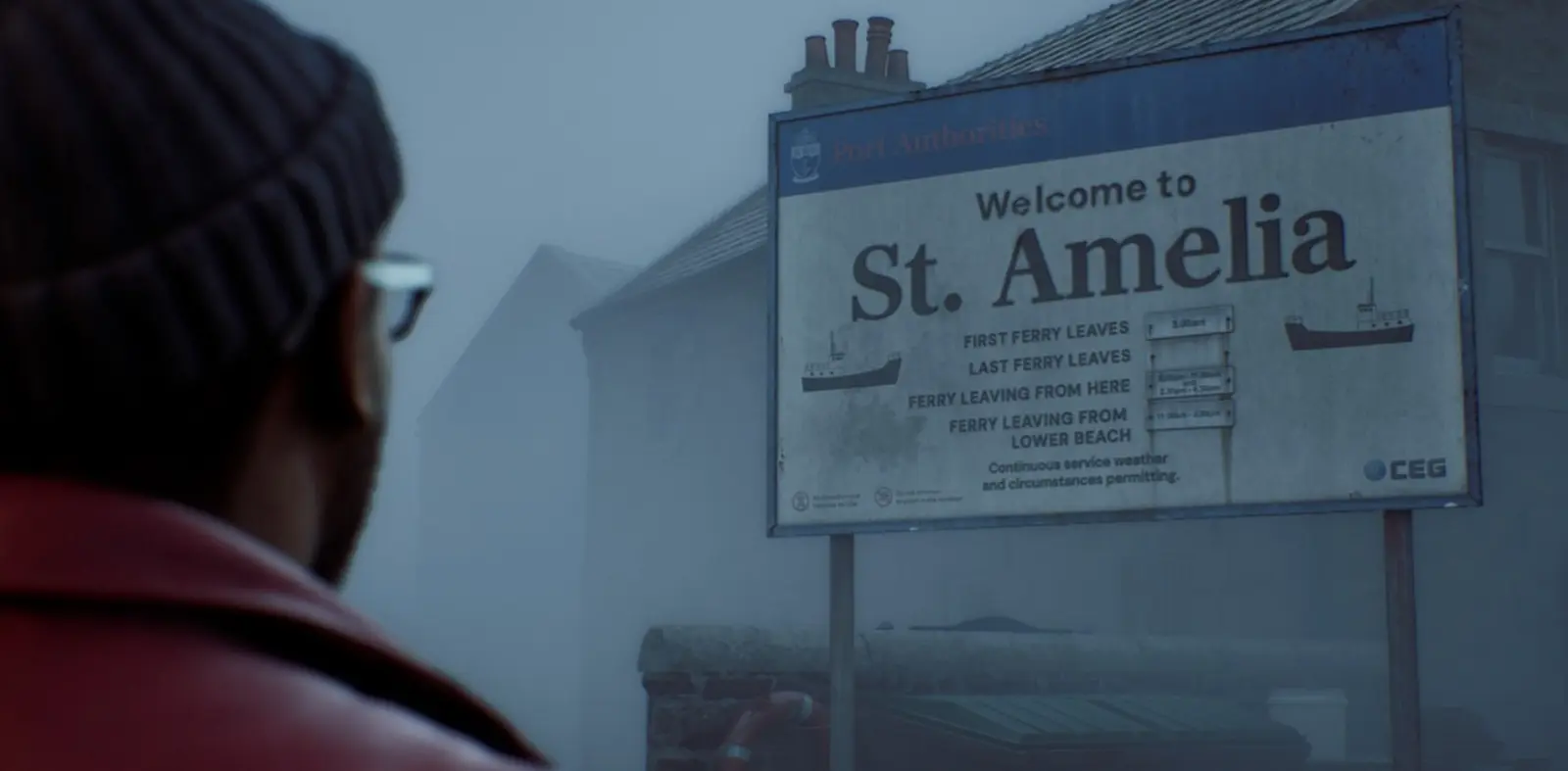
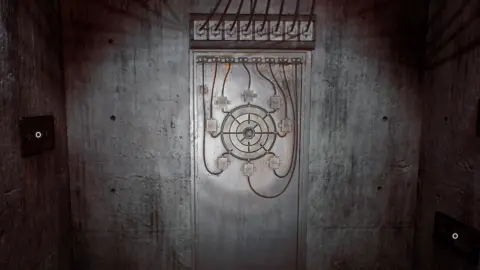
Silent Hill: Townfall gameplay screenshot
Players are reporting motion sickness in Silent Hill: Townfall.

Adjusting camera settings reduces nausea in new survival horror game

The game, developed by Screen Burn, launched on PC and consoles with a 72% rating. Players have identified several technical adjustments to mitigate the nausea. These fixes target how the camera moves and how much of the world you see.

We recommend turning off Letterboxing to remove black bars from the screen. You should also disable both Motion Blur and Head Bob. Lowering Aim Sensitivity to 0.5 helps stabilize your view during gameplay.

The most critical fix involves the Field of View (FOV) setting. You must enable the Override Field of View option and set it to maximum. Some players found that even with these changes, symptoms persisted, but the community considers this the primary solution.

This approach addresses the specific camera behavior causing the discomfort. Players who adjusted these settings reported a more stable experience. The issue highlights how default settings can impact physical comfort in first-person or close third-person games.

Source: IXBT
Discussion

0 comments

Leave a comment