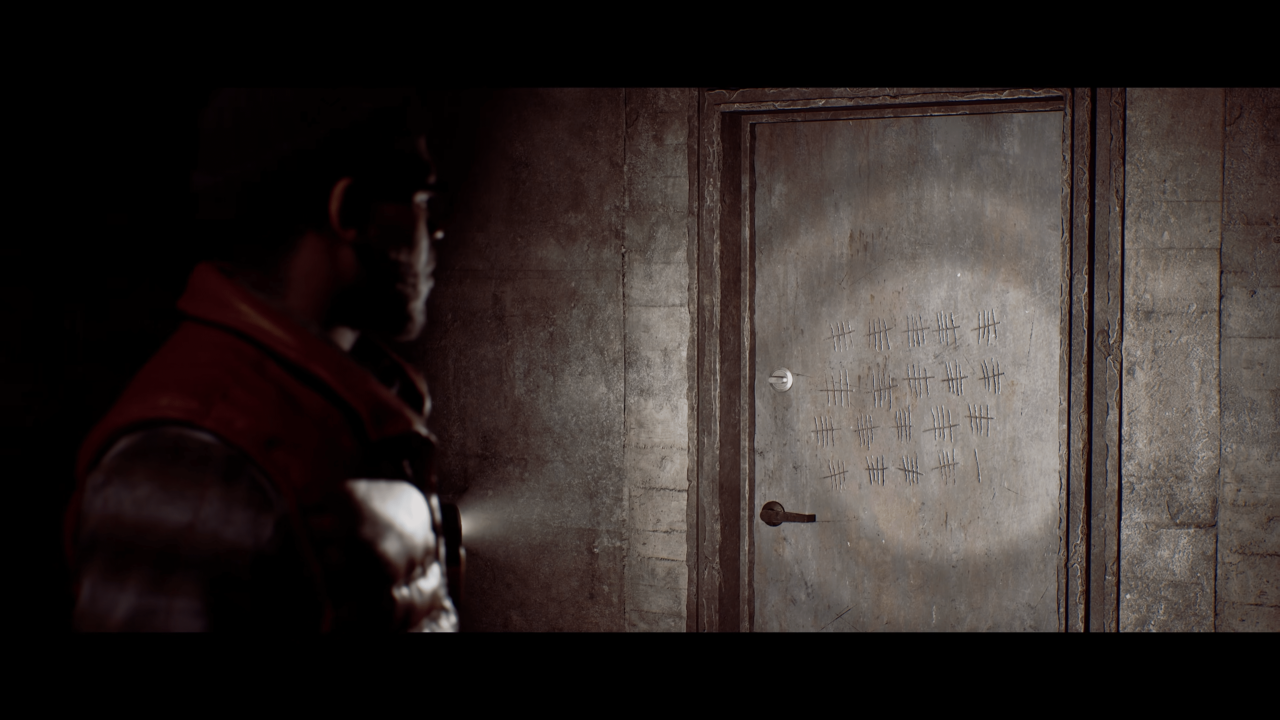
Silent Hill: Townfall is currently in early access, and the first-person perspective is making a significant number of players feel physically ill. The game's default display settings trigger dizziness and nausea for many users, creating an immediate barrier to enjoying the psychological horror experience. Adjusting a few specific options can resolve these symptoms and let you focus on the dread rather than the motion sickness.
Adjusting display and control options resolves player discomfort
Screen Burn Interactive developed the title for publisher Konami, aiming to recreate the atmospheric tension that fans have wanted for decades. The studio has successfully captured the look and feel of the series, but the default camera behavior interferes with player comfort. We find that changing these options helped stop whatever bad feeling we felt when playing the game, according to our editorial testing.
You can fix the issue by opening the settings menu and turning on the Field of View override. Set the Field of View to 85, which is the maximum allowed value. Turn off head bobbing, motion blur, and letterboxing to reduce visual noise. You should also turn the Aim Sensitivity down to 0.5 to stabilize your view.
These changes address the specific technical triggers that cause the physical discomfort. The game remains in early access, so stability and balance themes continue to evolve with updates. When we covered the last Silent Hill: Townfall update, several of the same balance and stability themes came up, suggesting this is part of an ongoing refinement process.
The developer nailed the atmosphere of psychological dread that fans have been craving for decades. These settings adjustments provide a practical way to experience that atmosphere without the physical side effects. Players who experience dizziness should apply these changes immediately to continue their journey through the game.
Source: Sllent Hill, MP1ST

Discussion
0 comments