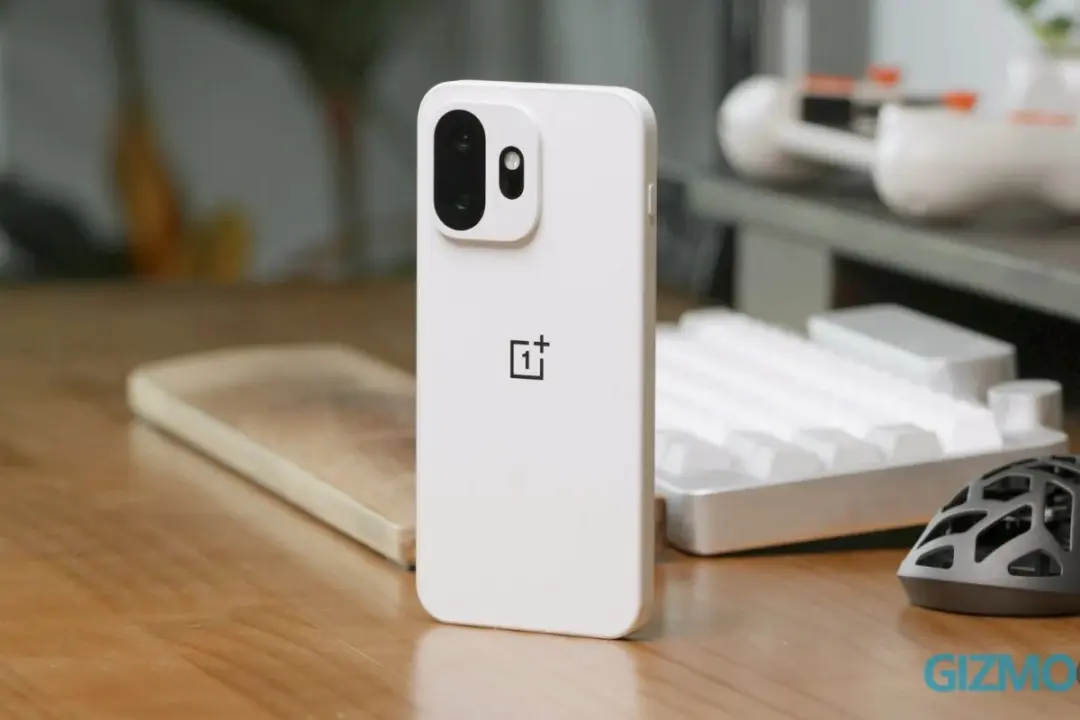
OnePlus is looking to improve the connection between your mobile life and computer. They're issuing a software update that will allow your phone or tablet to unlock your Windows PC automatically. No more having to type in your passwords or plug in a hardware security key every time you want to access your desktop.
OnePlus phones and tablets now use saved credentials to unlock PCs
OnePlus is using Microsoft's Phone Link software to create a secure link between your devices. This feature, called 'Automatically unlock when connected,' is taking advantage of saved credentials in order to make the authentication process easier. The point of this whole thing is to make it smoother for people who like to use their OnePlus devices and their desktop environment.
- Firmware Version (Phones): C20P01(BRB1EX01)
- Firmware Version (Tablets): C20P01(BRB3EX01)
- OS Requirement: OxygenOS 16 or above
In order to take advantage of this new feature you'll need to have OxygenOS 16 or newer installed on your device. For phones that support this feature, the specific firmware update you need is C20P01(BRB1EX01). If you want to get the same features out of your tablet, you'll need a different firmware version: C20P01(BRB3EX01).
On October 27, 2026, the update was pushed out to supported devices around the world. By November 19, 2026, OnePlus plans to have the update pushed out to all supported models. It'll be available for a lot of their newer devices like the OnePlus Open, 15, 13, 12, 11, Nord, Pad, and more.
When we covered the last OnePlus update, we had a lot of the same kinds of balance and stability issues. This is part of OnePlus's continued effort to provide a great connected experience without a lot of manual setup on your part. If you've got the right kind of software, the feature is now available to you.
Source: GIZMOCHINA



Discussion
0 comments