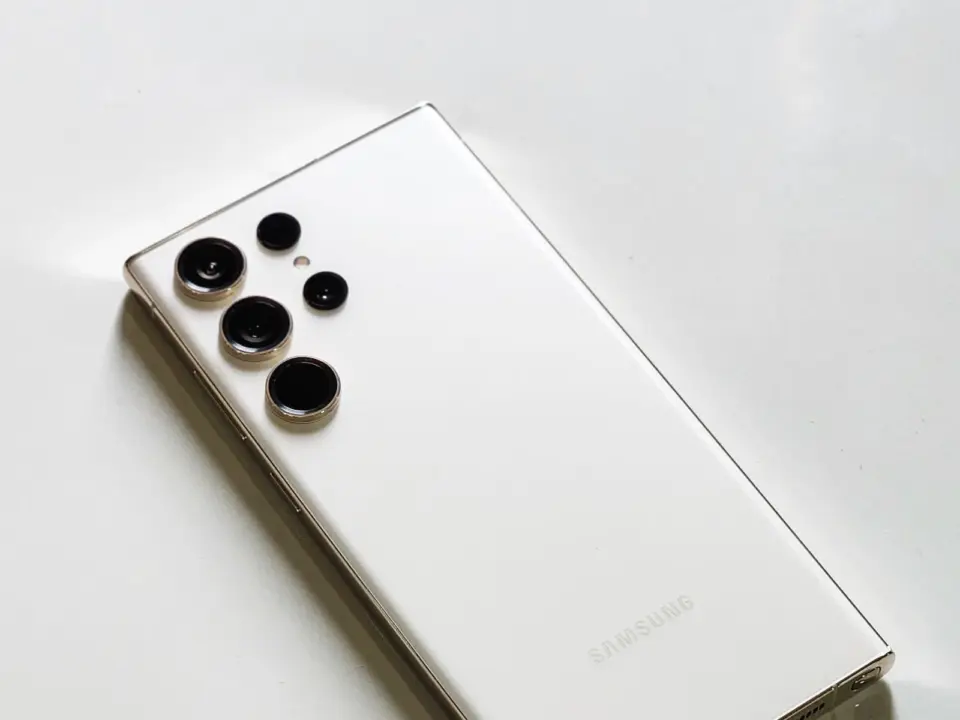
Samsung One UI 9 arrives with a security model that demands user participation rather than offering automatic protection. The update rolls out mid-September for Galaxy S26, S26 Ultra, Z Fold8, and Z Flip8 devices running Android 17. Buyers should expect to manually configure critical safeguards instead of relying on default settings. This shift places the responsibility for device security directly on the user.
Users must manually enable critical security tools in the new Android 17 update
The update introduces Theft Detection Lock and Offline Device Lock to protect hardware from unauthorized use. These features require manual activation to function, meaning devices remain vulnerable if left in their default state. Samsung positions these tools as essential layers for theft deterrence, but they do not engage automatically. Users must navigate the settings menu to enable these specific protections.
Samsung enforces a strict lock screen policy for new devices to prevent brute force attacks. The system imposes a 24-hour wait period after 12 failed PIN, pattern, or password entries. A 13th failed attempt results in a permanent lock that requires a factory reset to clear. This policy applies to devices released with One UI 6.1.1 or later, ensuring consistent security standards across newer hardware.
Auto Blocker remains off by default for devices that did not launch with One UI 6.1.1 or later. Updates to older devices do not enable this feature if it was previously disabled. Scam Detection is now available in Japan, Canada, and India, but it is not supported in Europe. Privacy alerts are added to the Now Brief feature, though they require a Samsung account to function.
Security brief and privacy alerts are now integrated into the Now Brief section of the interface. These tools provide users with timely information about potential threats and privacy risks. The features require a Samsung account to operate, linking security data to the user profile. This integration centralizes security notifications within the daily software experience.
Source: NotebookCheck

Discussion
0 comments