
Xbox players who are trying to play GTA 6 are being subjected to temporary bans for sharing video clips of the game with explicit content. Here's what's going on: The automatic content moderation algorithms from Microsoft are catching these video clips as they're uploaded to the Xbox Network. So if you're using the automatic clip sharing function, you need to change your settings RIGHT NOW.

Disable automatic uploads in Xbox settings to avoid temporary bans
The reason why you're being banned for this is because the Xbox network automatically pushes your gameplay recordings into the cloud for sharing and social functionality. Now Rockstar didn't alter the game's code to prevent this, but the Xbox platform is catching this as a breach of safety and you're getting punished because of it. Essentially the system is flagging certain imagery the video uploads as not appropriate to community standards.
To disable the automatic uploads you'll need to head to the Xbox Settings menu and then look under Preferences. From here, you need to go to Capture & Share and disable the Automatically upload toggle.
This will prevent your console from uploading videos to the cloud, but you'll still be able to record locally and take screenshots on your console storage. At this time there have been no reports of PS5 players getting banned for playing the same game. So this appears to be a problem only on the Xbox automatic sharing functionality. You can still record gameplay locally and not get picked up in the online content moderation scans if you disable the auto upload.
Source: VideoGameChronicles
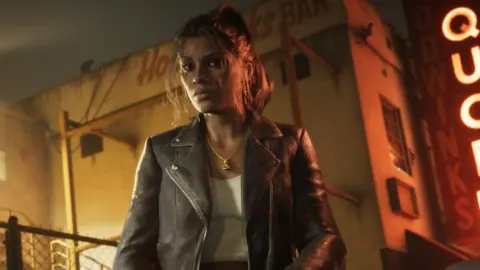
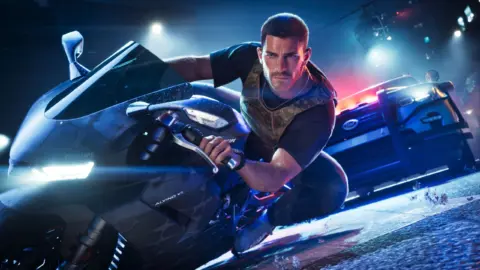
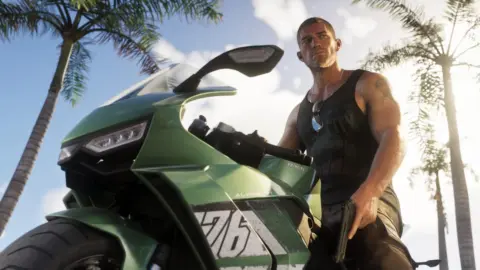
Disable auto-upload in Capture and Share immediately. Microsoft scans everything you send to the cloud.