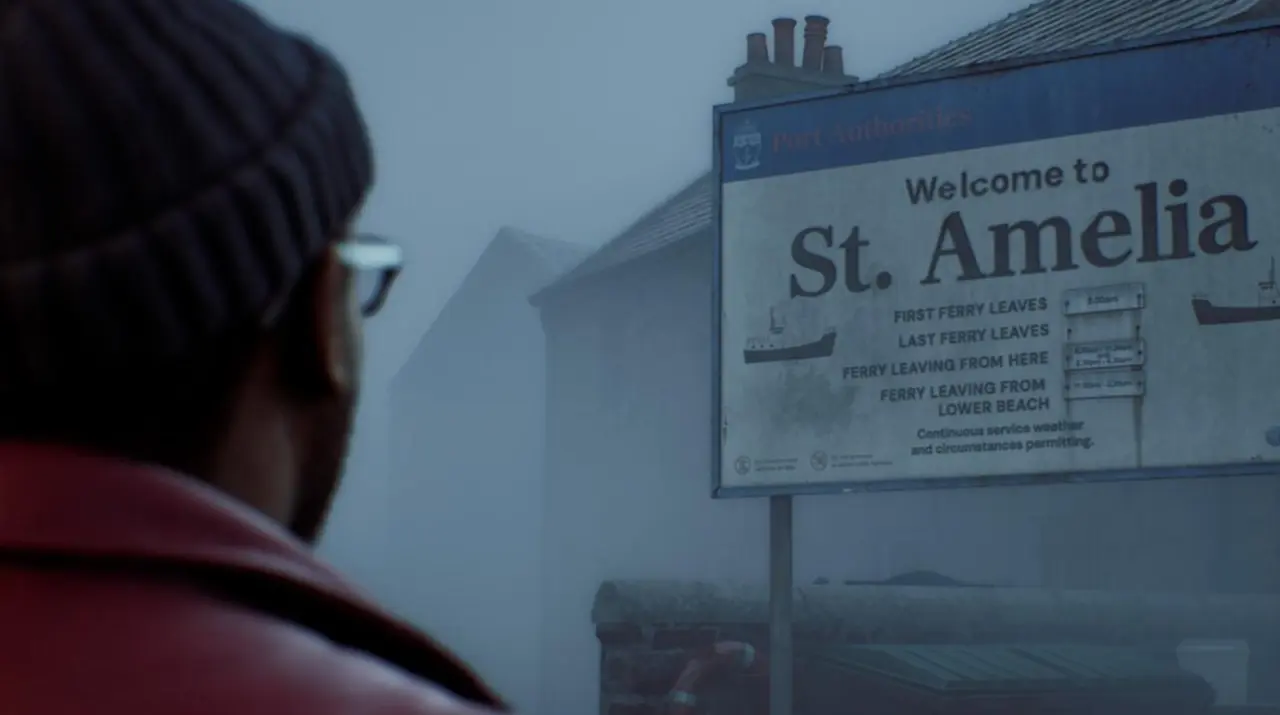
Players of Silent Hill: Townfall are reporting motion sickness and dizziness after starting the game. This issue stems from default camera behaviors rather than the game's overall quality. We can adjust specific settings to reduce these physical symptoms for affected users.
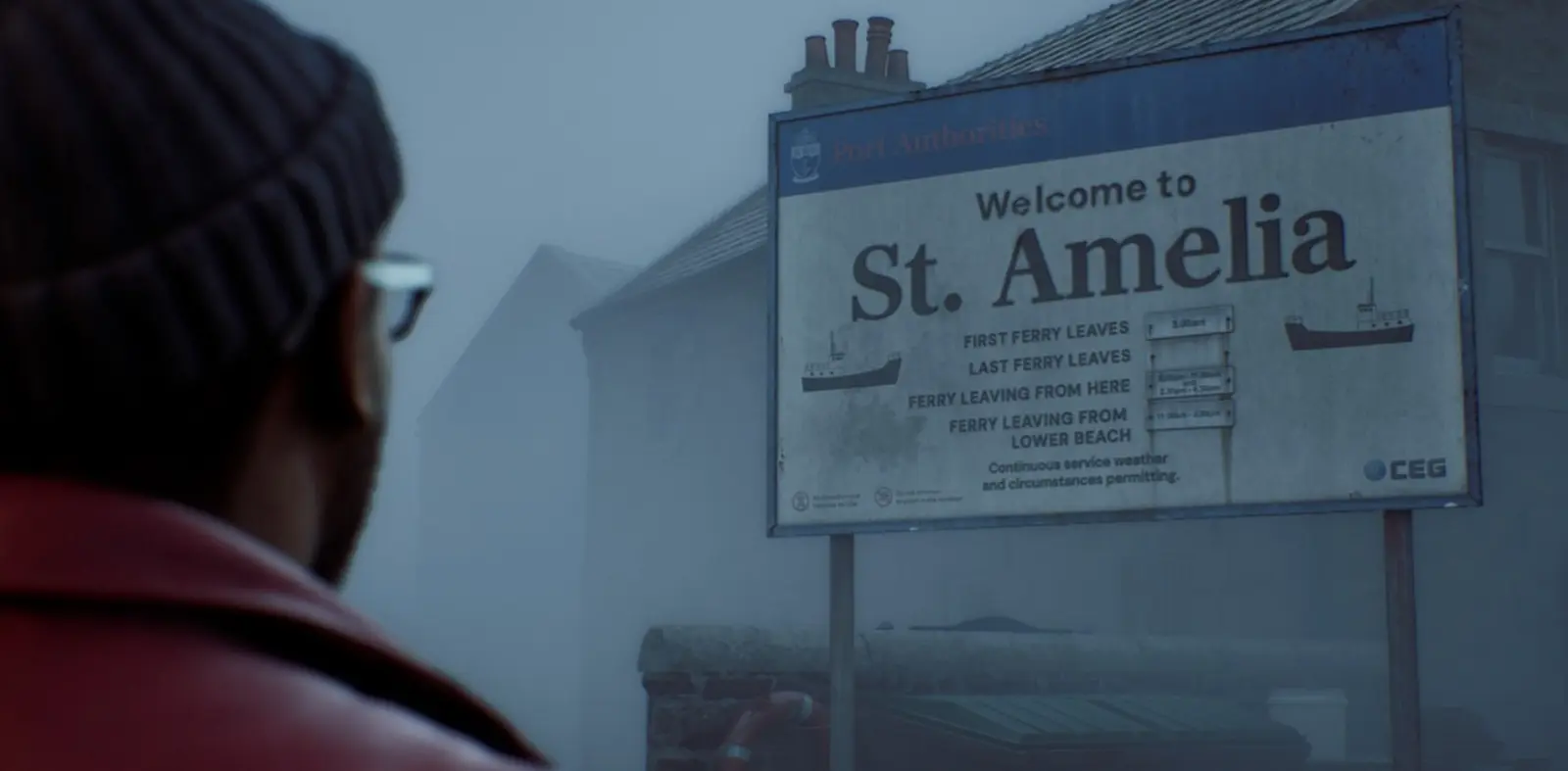
Adjusting camera settings reduces nausea in new survival horror game
The game, developed by Screen Burn, launched on PC and consoles with a 72% rating. Players have identified several technical adjustments to mitigate the nausea. These fixes target how the camera moves and how much of the world you see.
We recommend turning off Letterboxing to remove black bars from the screen. You should also disable both Motion Blur and Head Bob. Lowering Aim Sensitivity to 0.5 helps stabilize your view during gameplay.
The most critical fix involves the Field of View (FOV) setting. You must enable the Override Field of View option and set it to maximum. Some players found that even with these changes, symptoms persisted, but the community considers this the primary solution.
This approach addresses the specific camera behavior causing the discomfort. Players who adjusted these settings reported a more stable experience. The issue highlights how default settings can impact physical comfort in first-person or close third-person games.
Source: IXBT

Discussion
0 comments