PC gamers running Windows titles on Linux just got a cleaner experience with the release of DXVK 3.1.1. This update removes specific crashes and visual glitches that were breaking immersion in popular games like Skyrim and Call of Duty. Users relying on the Proton compatibility layer can now play these titles with fewer interruptions. The patch targets long-standing issues that previously forced players to disable certain graphics enhancements or accept performance penalties.
Patch resolves shader crashes and deadlocks in popular titles
DXVK serves as the critical translation layer that allows DirectX applications to run on Vulkan-based graphics drivers. The new 3.1.1 version follows the previous stable release of 2.7.1 and introduces several targeted fixes for specific software behaviors. The developer, doitsujin, has addressed core compatibility issues that affected both older and newer game engines. This release ensures that the bridge between Windows games and Linux graphics stacks remains stable for daily use.
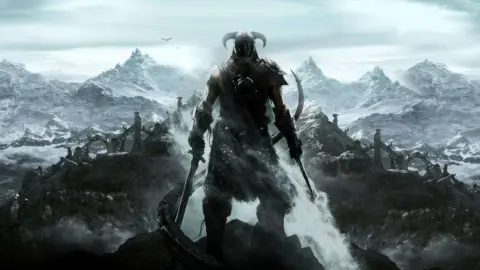
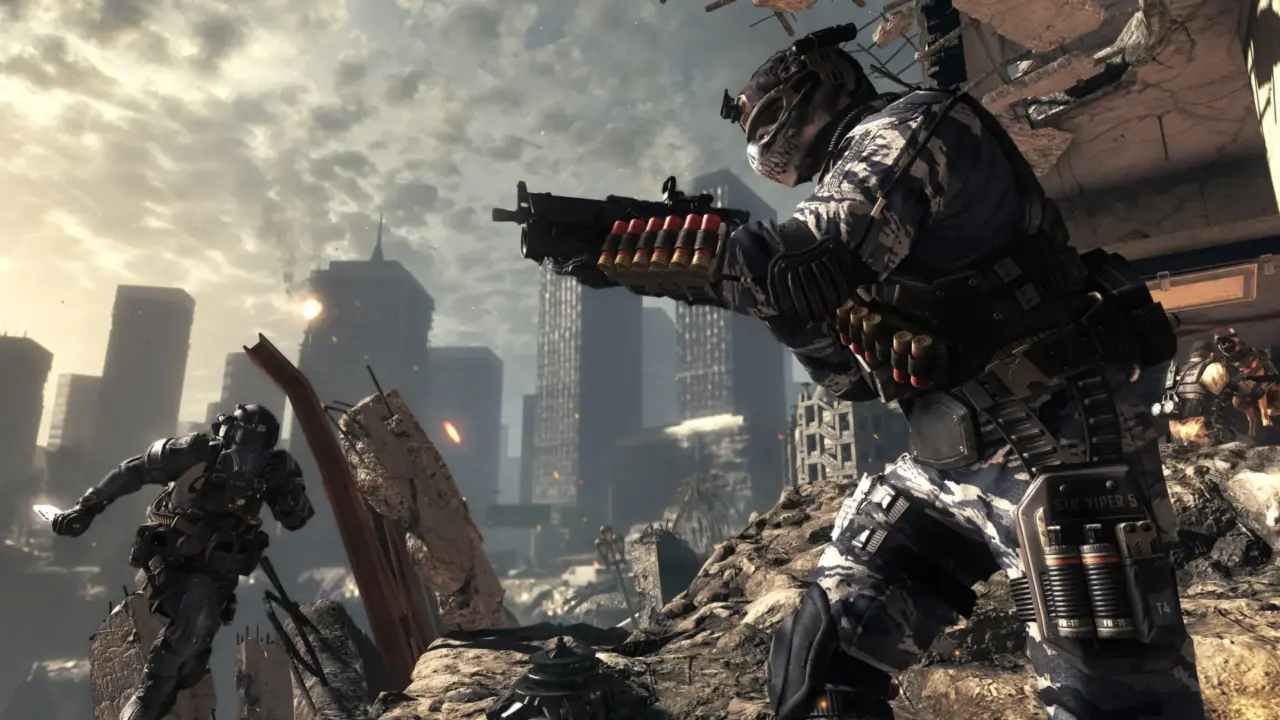
The update resolves a shader compiler crash that was triggered by specific ENB shaders in Skyrim Special Edition. Developers also fixed deadlocks in D3D9 titles such as SpellForce 2 Anniversary Edition and The Sims: Medieval. Visual artifacts like vertex explosions in Call of Duty: Ghosts and screen darkening in Corpse Party have been corrected. The team implemented DXGI_SCALING_NONE and SetBackgroundColor methods to improve swap chain handling. A workaround for poor CPU performance in Skyrim SE now allows for unlocked frame rates without system instability.
We expect DXVK 3.1.1 to integrate into Proton's Experimental branch soon for broader testing. This transition will allow Linux users to access these fixes without waiting for a full stable release cycle. The changes directly benefit players who use advanced graphics mods or older DirectX 9 titles on modern Linux systems. Gamers can update their compatibility layers to restore stability in affected games immediately.
Source: SteamDeckHQ