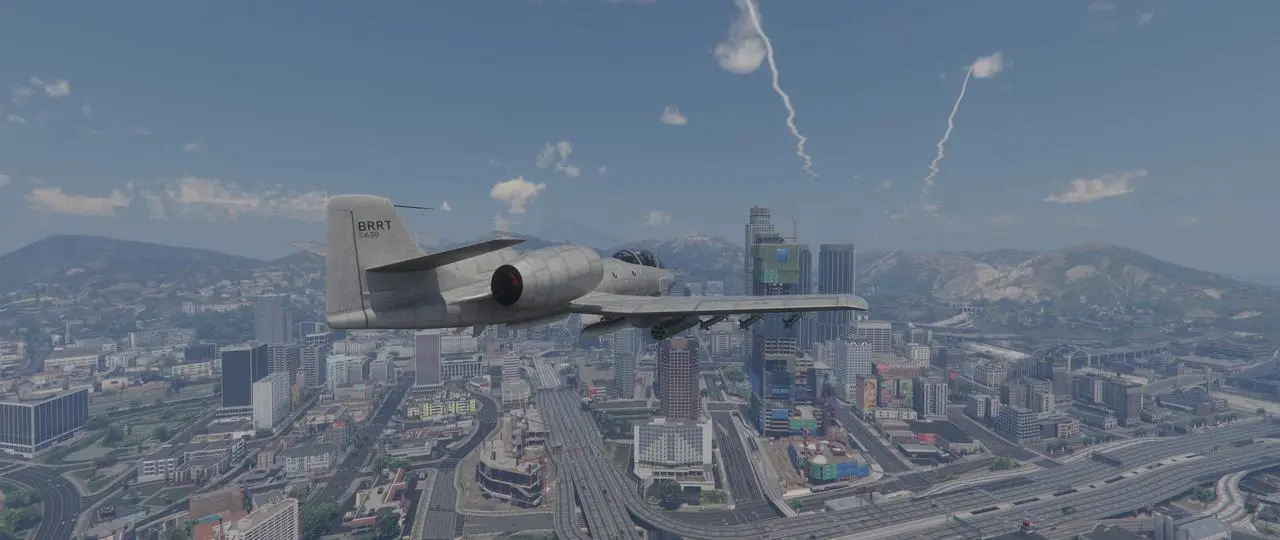
A new graphics modification brings path tracing to Grand Theft Auto V on PC, fundamentally changing how the open-world game renders light and shadow. This update matters because it pushes the title closer to modern visual standards, though it demands specific hardware to run. Players seeking a more realistic Los Santos experience can now access these advanced effects, provided they have the right GPU.
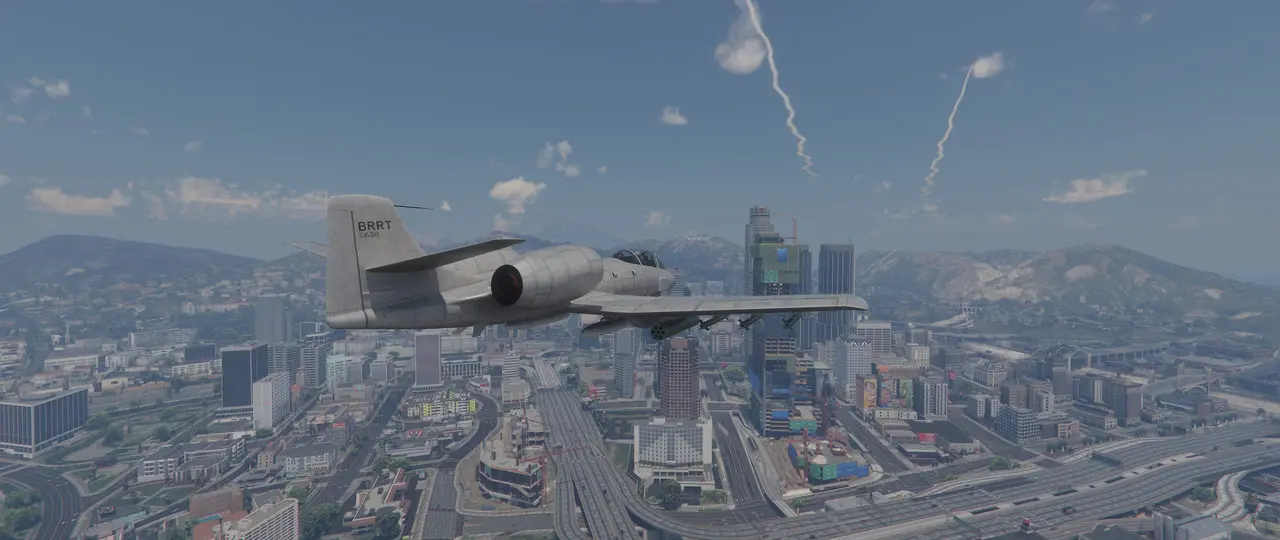
Kypos releases AuraV Enhanced mod for Grand Theft Auto V with ray-traced reflections
The mod, known as AuraV Enhanced, is developed by the creator Kypos and targets the PC version of Rockstar Games' title. It integrates ray-traced reflections, a new skybox, volumetric clouds, and improved atmospheric lighting into the existing game engine. The modification also reworks subsurface scattering and adjusts wave physics to respond to wind direction and strength.
Running this enhanced visual pipeline requires a PC equipped with a GeForce RTX graphics card, as path tracing functionality depends on this specific hardware. The mod is distributed through kyposmods, offering a free Lite version and a paid early access tier for those who want to support development. Users must install the mod to experience the graphical overhaul, as it is not an official update from Rockstar.
The visual improvements include higher quality shadows and more accurate rain effects that interact with the environment. Wave movement in the game's water bodies now shifts based on wind parameters, adding a layer of environmental detail. This technical adjustment allows for a more immersive atmosphere, particularly during weather events or near coastal areas.
This release highlights the ongoing community efforts to extend the lifespan of older titles through technical modifications. The AuraV Enhanced mod demonstrates that path tracing is feasible for large-scale open-world games on current-generation NVIDIA hardware. Players interested in these visuals should check the mod page for installation instructions and version details.
Source: IXBT

Discussion
0 comments