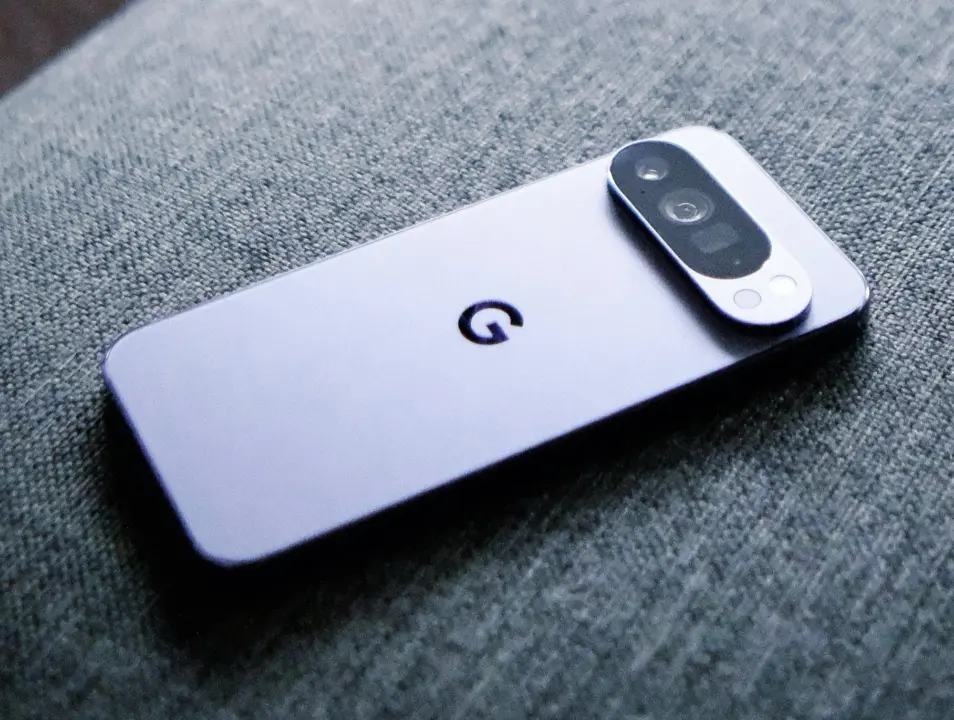
Google is tightening the rules for Android cloud backups, and the change directly affects how much space you need to keep your phone safe. The tech giant now counts text messages, call logs, and system settings toward your storage quota. This shift matters because many users rely on the free tier and may suddenly find their accounts full. You will need to monitor your usage more closely to avoid losing backup capabilities.
New policy expands default backup scope to include text messages and call history
The update applies to Android smartphones and rolls out to compatible devices starting today. Google initially released the change on Pixel devices, with a broader rollout scheduled over the coming weeks. Previously, only photos, videos, app data, and MMS messages consumed your cloud storage. The new policy expands the scope of what the system backs up by default.
- Backup Data Scope Change: Text messages, call history, and system settings now count toward cloud storage quota
- Average Backup Size Increase: 40 MB
- Free Storage Tier: 15 GB
- Google One 100 GB Price: $1.99 per month
- Google One 2 TB Price: $9.99 per month
Users start with 15 GB of free cloud storage, which is now shared with these additional data types. Backups will be approximately 40 MB larger on average due to the inclusion of call history and SMS records. To help manage this increased footprint, the update introduces new system settings. These controls allow users to exclude specific data types like SMS, MMS, or call history from the backup process.
For those who need more room, Google offers several paid tiers through its Google One service. The entry-level plan provides 100 GB of storage for $1.99 per month. Heavy users can upgrade to a 2 TB plan for $9.99 per month. A premium tier at $19.99 per month includes 2 TB of storage along with access to additional AI features.
This policy adjustment ensures that more of your phone's data is preserved in the cloud. It also places a higher premium on managing your storage allocation effectively. Users should review their backup settings to exclude unnecessary data if they are close to their limit. The change is now active for Pixel users and will expand to other compatible Android devices soon.
Source: NotebookCheck