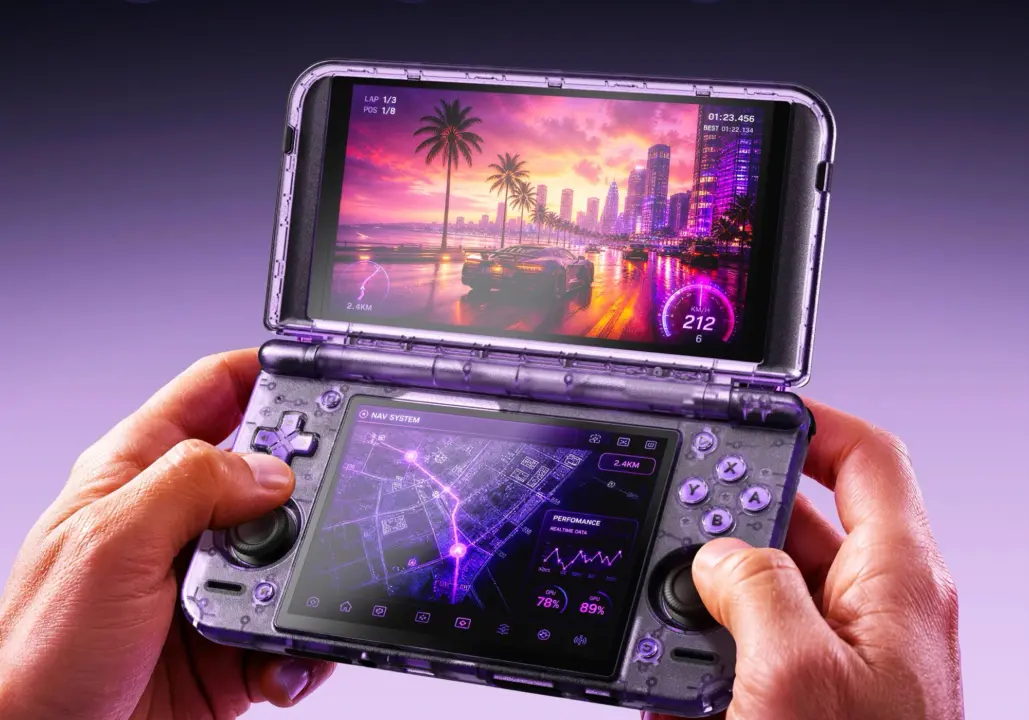
Azahar emulator this week released its latest 2127.0 RC1. Azahar is offering a real boost for Android handhelds. People with Android handhelds like the Retroid Pocket Duo, AYN Thor can now enjoy better Nintendo 3DS emulation.
New release candidate adds ADPF support and custom driver loading for Android handhelds
With less hassle and manual tweaking. This update takes care of some hardware issues that could hamper the performance of handheld gaming devices.
Azahar 2127.0 RC1 is focused on Android handhelds with ARM Mali graphics. Now with Android Dynamic Performance Framework (ADPF) support, there's better handling of system resources. This update also allows the emulator to use customized drivers for GPU's from other manufacturers besides Qualcomm. So you can enjoy some performance optimization support for more hardware combinations.
The big tech improvement here is a performance uplift of up to 15% on compatible devices. This performance upgrade is because of Android Dynamic Performance Framework (ADPF) integration. It helps the emulator deal with CPU and GPU resources.
So the new 2127.0 RC1 is now out there to test, globally. You can install this to see what kind of optimization you can enjoy with your own handheld device.
Besides the performance boost, there are also some usability improvements for advanced users. Now, per game settings are kept separate in Azahar. So it's easier to deal with different configurations for different games.
Also, Azahar can now fully close. When you exit from the Android home screen shortcut. This helps to reduce battery consumption by cutting off background processes when you're not actively using it.
Also, the ROM scanning now skips dot-prefixed files on macOS and Linux. So there's less clutter in your game library. And scanning is now even faster on macOS/Linux.
We covered the last Azahar update as well. A lot of the same balance and stability topics were being mentioned. This release is all about stability and some nice usability improvements.
Azahar 2127.0 RC1 is a free update for existing users. It's live, for anyone up for some testing of a release candidate. It's all about keeping core emulator functionality, but improving on modern Android hardware interactions. Remember to make a save backup before installing any release candidate software.
Source: NotebookCheck

Discussion
0 comments