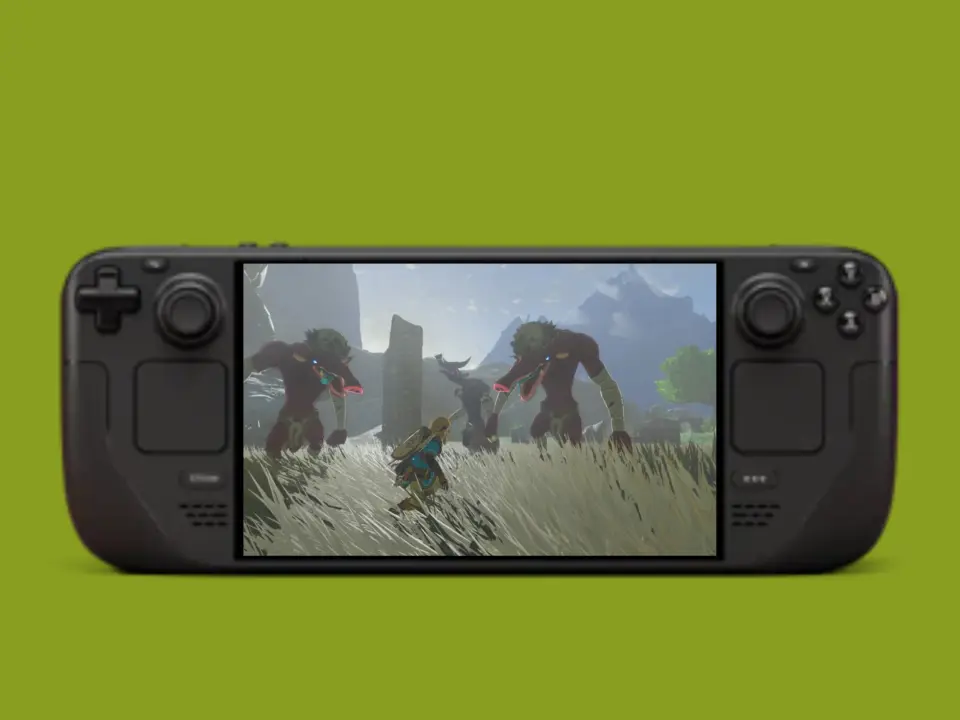
A collective community is working on The Legend of Zelda: Tears of the Kingdom for PC hardware and are now getting playable framerates without using emulation. It's an important workaround, which means that handheld users can finally get playing Nintendo's latest game on their Steam Deck with native Windows or Linux execution. Now you have access to the game on a different platform – but it does need some tech-savvy tinkering and a version of the game.
Community project TotK Recomp enables native Windows and Linux execution for Nintendo Switch title
This particular workaround – called TotK Recomp – is a switch-to-pc code translation for the switch game. There's also the other collective approach of UltraTears but the big change there was an update on November 2nd specifically to fix some of the tech problems. We can't really judge which one is better for the long term right now. They're still early days with both of them.
- Performance (TotK Recomp): 30-40 FPS in demanding areas; up to 60 FPS in less demanding areas
- Performance (UltraTears): Major update released on November 2 intended to resolve technical issues
- Supported Game Updates: 1.1.0, 1.2.1, 1.4.3
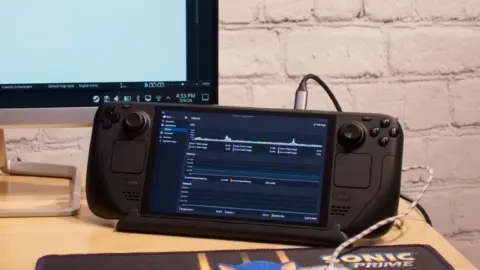
Depending on what parts of the game you're playing through, the framerates can vary a lot. According to the users, TotK Recomp is hitting between 30-40 FPS on the heavy bits of the game and up to 60 FPS on less heavy parts. A user report we've seen suggests that on a steam deck you're hitting 54 FPS, with 50% GPU use and 43% CPU use. You won't get it working through Proton, so you need to use the native Windows or Linux versions.
You'll need to dump original game files and install one of three supported updates – 1.1.0, 1.2.1, 1.4.3 – to get this set up working. It's not something for the casual-gamer plug-and-play enthusiasts. We talked about a lot of the same theme for balance and stability when we went over the latest update for The Legend of Zelda: Tears of the Kingdom.
The game can be played on stock hardware, but you need to configure it in some particular ways with the software. You'll have to pick between TotK Recomp and UltraTears, depending on how technical you are with troubleshooting. With native execution, there's at least a way to do something different to emulation if you're willing to put in some time to get it set up.
Source: NotebookCheck
Native execution is finally happening. No more emulation overhead.
Can I run this on the standard Steam Deck or does it need the OLED model for those 60 fps numbers? I have the original LCD version.
The article mentions 54 fps with half gpu load. That load is light enough for any Deck. The LCD should handle it fine.