AMD released driver version 26.7.1 WHQL for its Adrenalin Edition software, bringing official support for the newly announced Radeon RX 9050 graphics card. This update matters because the RX 9050 is a brand-new entry-level GPU based on the RDNA 4 architecture, and users need this driver to run it correctly. Buyers with this specific hardware should install the update immediately to ensure stable performance.
New entry-level GPU support and stability fixes for older cards
The Radeon RX 9050 serves as the entry-level option in AMD's latest lineup, targeting 1080p gaming. It is a cut-down version of the Radeon RX 9060 XT, featuring half the Compute Units and a power rating of just 92W. This hardware sits alongside other new and existing models like the RX 7000 and RX 9000 series in the driver's support matrix.
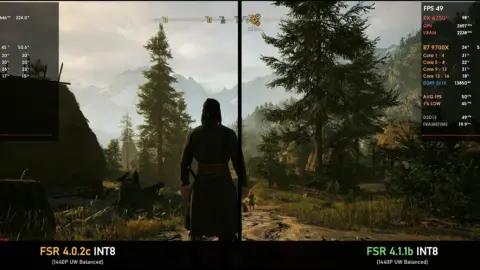
The driver includes specific optimizations for two new titles: the Gears of War: E-Day Open Beta and Out of Control Evolution. AMD also addressed several stability issues affecting older hardware. The update fixes intermittent crashes when using AMD FSR Upscaling 4.1 on Windows 10 systems with RX 7000 series graphics. It also resolves model flickering and rendering failures in Maxon Cinema 4D and Blender for RX 7000 series and above.
Several known issues remain in this release that users should be aware of before installing. AMD Smart Access Memory may become disabled after driver installation on Windows 10 systems. Players running Battlefield 6 on AMD Ryzen AI 9 HX 370 processors might experience intermittent crashes or driver timeouts. AMD is working with the developer to resolve the Battlefield 6 issue and will release a fix as soon as possible.
We looked at AMD Adrenalin 26.6.2 driver fails on in our earlier Amd coverage. That previous update had significant installation problems on Windows 10, which this new release aims to address with improved stability. The current driver provides a necessary foundation for the new RX 9050 hardware while patching critical bugs for existing users.
Source: TweakTown