EmuDeck for Android received a major update that changes how users launch and manage their retro games. This matters because the new setup simplifies the interface for handheld owners and fixes sync issues that previously caused frustration. Users who want a cleaner experience on their Android devices can now access these improvements immediately.
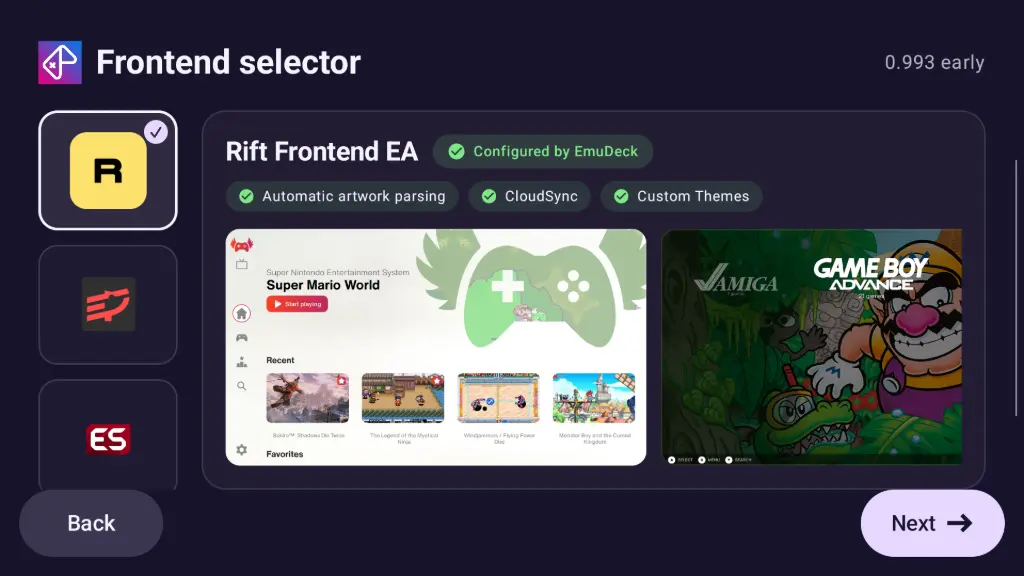
New launcher and sync fixes for handheld owners
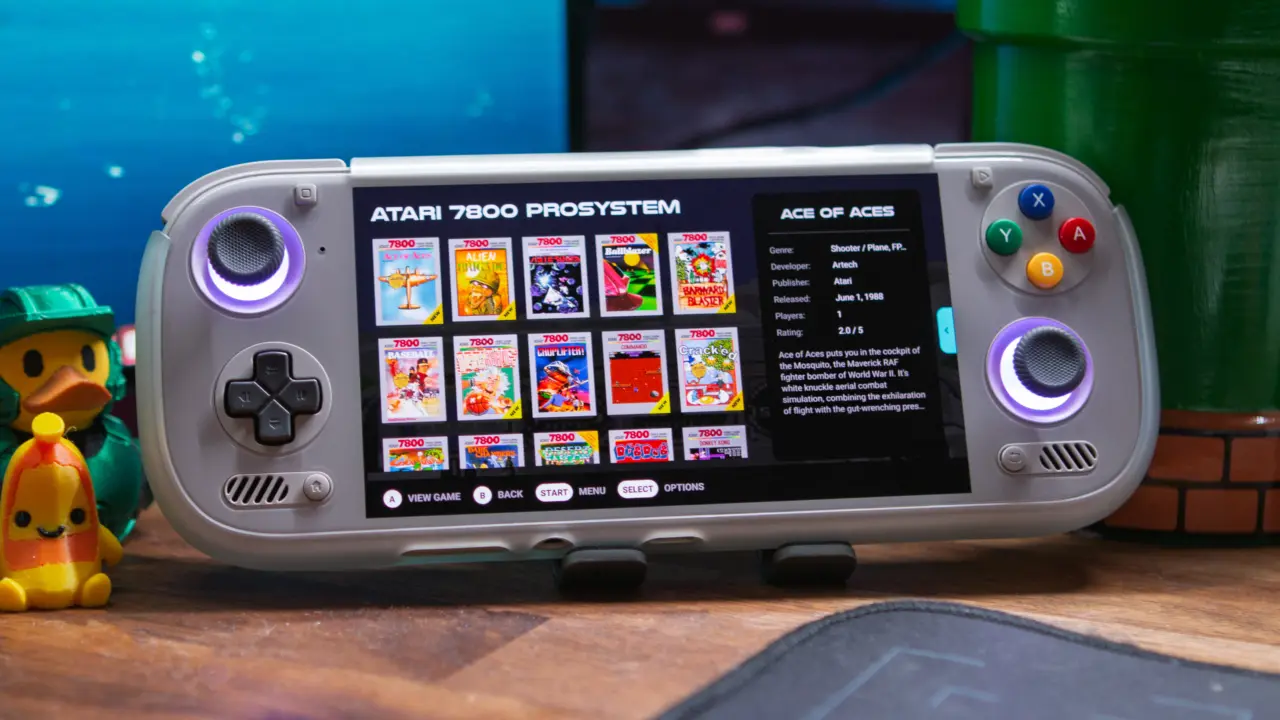
The centerpiece of this release is the introduction of Rift Frontend, a new launcher designed to replace older interfaces. EmuDeck also added compatibility with Armada, which brings SteamOS-like functionality to Android handhelds. This allows users to run their existing libraries with a more familiar, console-style layout.
- New Launcher: Rift Frontend
- Compatibility: Armada
- CloudSync Fixes: RetroArch, Dolphin, Cemu
- New Optional Emulators: ARMSX2, DuckStation Legacy, Flycast, GameNative, melonDS, Starboard
The update includes significant technical fixes for CloudSync across several popular emulators. Developers implemented necessary corrections for RetroArch, Dolphin, and Cemu to ensure save files and settings sync correctly. These changes address previous broken states that prevented seamless cloud saves for many users.
EmuDeck expanded its library with several new optional emulators for specific platforms. Users can now install ARMSX2 for PlayStation 2, DuckStation Legacy for PlayStation 1, and Flycast for Dreamcast. Additional options include GameNative for Steam games, melonDS for Nintendo DS with dual screen support, and Starboard for Portmaster games.
A change in package naming has broken compatibility with frontends other than ESDE or Rift. The developer stated they plan to contact other launcher developers to restore broad compatibility. Until then, users must use the new Rift Frontend or ESDE to launch these updated forks.
Source: RetroHandhelds