Dolphin Emulator released version 2606 on June 25, 2026, addressing a long-standing visual defect that disrupted gameplay in several major titles. The update resolves a persistent issue where high-resolution bloom effects created full-screen ghosting, a problem that has plagued users for years. Players who own GameCube and Wii games should see an immediate improvement in visual clarity, particularly in titles that rely heavily on lighting effects.
Update resolves visual artifacts and adds Game Boy Player support
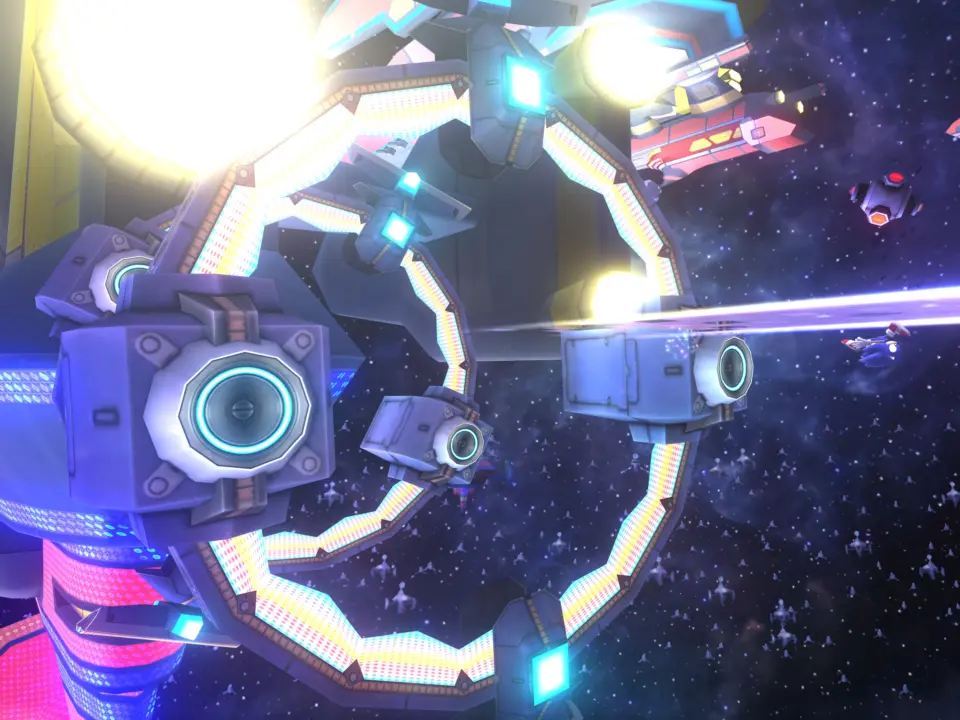
The update targets specific games that were most affected by the rendering bug, including Metroid Prime Trilogy, Xenoblade Chronicles, Super Mario Galaxy, Sonic Colors, and Donkey Kong Country Returns. These titles previously displayed visual artifacts that obscured gameplay details. The fix restores the intended visual fidelity for these popular releases, allowing users to experience the games as they were originally designed.
Users can enable the fix by navigating to the Graphics Mods section in the game settings and selecting the "Bloom Blurred" option. This setting applies the correction directly to the rendering pipeline, eliminating the ghosting without requiring manual configuration of other graphics parameters. The change is contained within the emulator's graphics subsystem, ensuring it does not interfere with other visual enhancements.
Beyond the visual fix, version 2606 introduces support for the Game Boy Player, expanding the range of compatible Nintendo hardware. The update also adds individual audio channels for Wii Remotes, improving the audio experience for games that utilize motion controls. Additional improvements include better cropping adjustments, which help align the video output more accurately with the original console's display standards.
Source: NotebookCheck