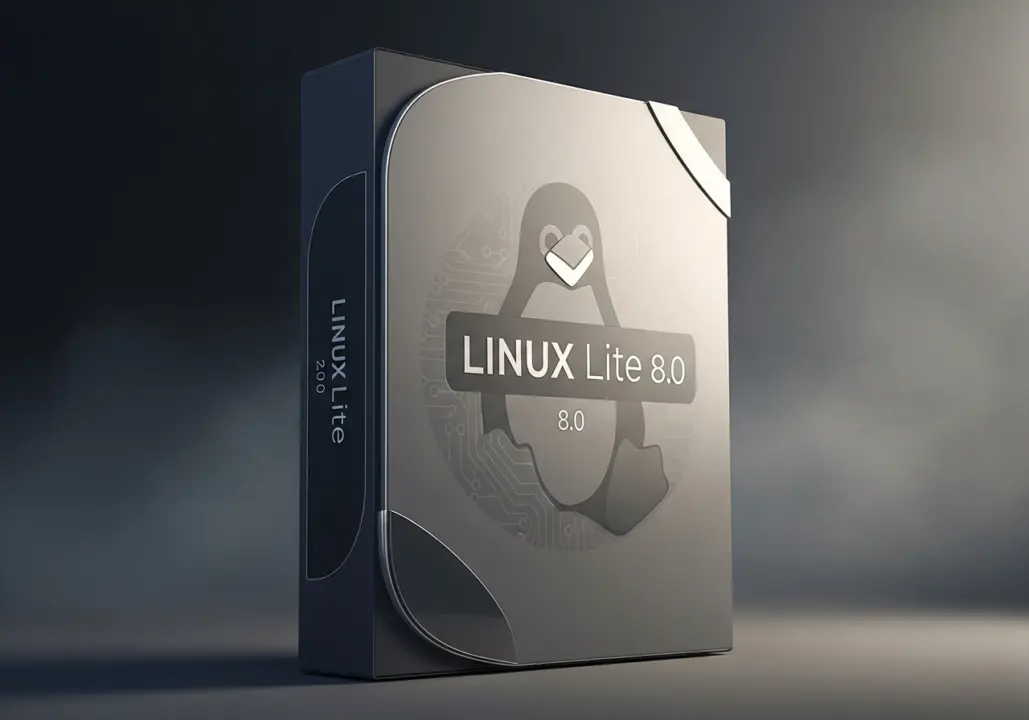
Linux Lite 8.0, a beginner-focused Linux distribution, has released its latest major update. The new version brings significant changes to the core software stack and user interface, aiming to improve performance and ease of use for newcomers.
The release replaces Ubiquity with Calamares for flexible installation.
The release is built on Ubuntu 26.04 LTS and features the Xfce desktop environment with LightDM display manager. All custom applications have been ported from GTK3/WebKit2 to GTK4, ensuring a modern look and improved compatibility across the system.
Linux Lite 8.0 replaces the Ubiquity installer with Calamares for a more flexible installation process. Python has been upgraded from version 3.12 to 3.14.4+, while Btop now serves as the default system monitoring tool instead of Htop. The expanded Lite Software app also replaces Synaptic Package Manager.
Firefox is reinstated as the default web browser, and JPEG-XL files are supported out-of-the-box. The Dirty Frag vulnerability has been patched, and OEM installer translations have been expanded to 25 languages. New applications include Linux Lite Advanced Performance Kernels, MyAI, and a suite of utilities like Driver Manager and Kernel Manager.
The Kernel Manager allows users to choose between Desktop and Gaming kernel flavors, complete with a benchmarking module. The ISO file size is 2.36 GB, and minimum system requirements are modest: a 1.5 GHz dual-core CPU, 4 GB RAM, 40 GB storage, and a 1366×768 display.
Linux Lite 8.0 is available globally for download from the official website. The release represents a solid refresh of a distro that has been in development for over 14 years, offering updated tools and improved performance for users seeking a straightforward Linux experience.
Source: NotebookCheck