PC gamers who rely on NVIDIA’s software suite for system monitoring now have direct access to CPU data without launching a separate utility. Version 11.0.9 of the NVIDIA App introduces CPU temperature, clock speed, and power consumption metrics to the in-game overlay. This change consolidates monitoring tools that previously required switching between applications. Users can now track thermal and performance data while playing games without interrupting their workflow.
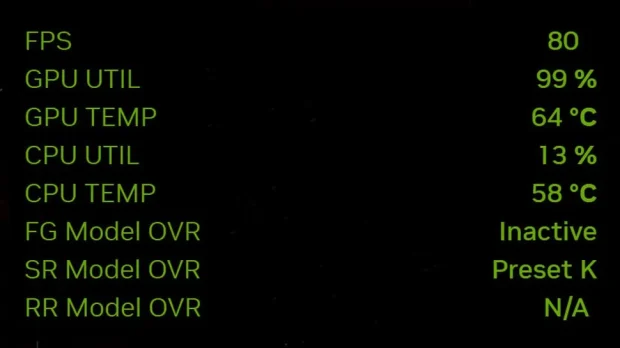
Consolidates monitoring tools previously requiring separate utilities
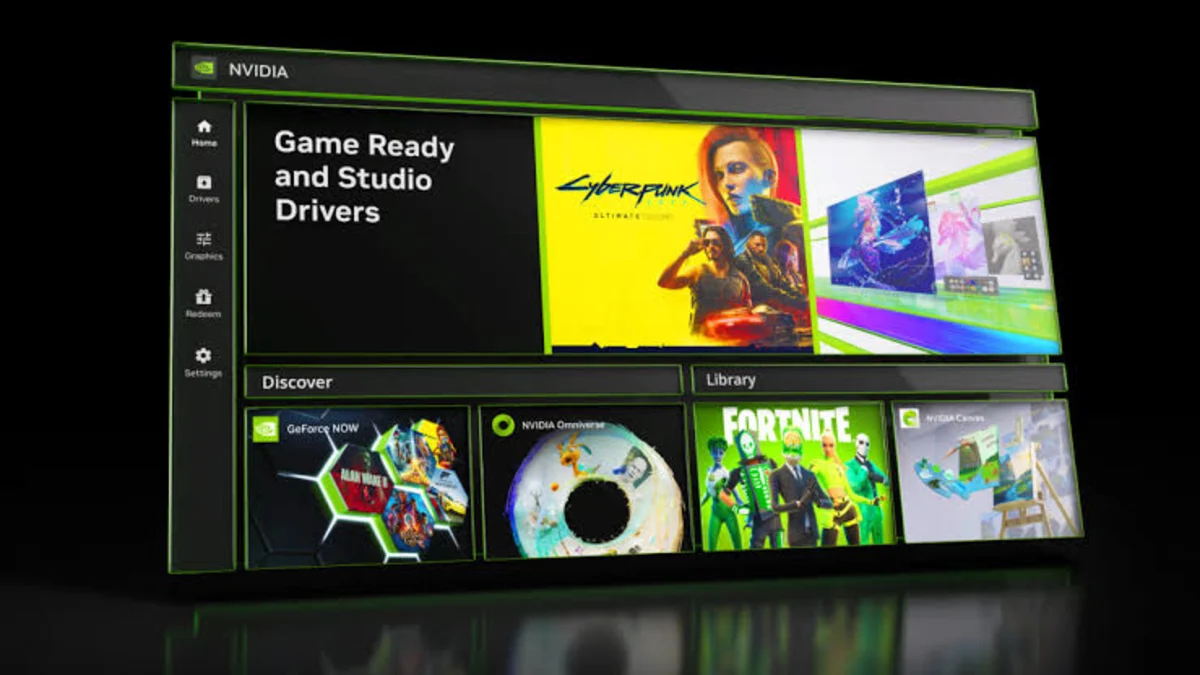
The update lands in version 11.0.9 of the NVIDIA App, a platform NVIDIA uses to manage drivers and game settings. The official release notes for this version primarily highlighted DLSS 4.5 support and Resizable BAR controls. The CPU monitoring additions were not explicitly listed in the main changelog but are present in the build. This means the feature arrived as a background update to the overlay functionality rather than a headline announcement.
The new overlay metrics provide a single overall reading for CPU temperature rather than granular per-core data. This simplification allows users to see the general thermal state of the processor quickly. The overlay also displays current clock speed and total power consumption for the CPU. These three metrics now appear alongside existing GPU statistics in the same interface.
Despite the addition of CPU data, the overlay still lacks VRAM and system RAM usage metrics. Users looking for complete memory utilization stats will not find them in this version. The feature set remains focused on processor and graphics card telemetry. The update improves the utility of the overlay for general performance tracking but does not replace dedicated system monitors for all hardware components.
This update streamlines the experience for users who previously had to use the separate FrameView utility to check CPU temperatures. It brings core monitoring capabilities into the main NVIDIA App interface. The change reflects a move toward consolidating hardware management tools. The new metrics are available immediately to users who install version 11.0.9.
Source: TweakTown