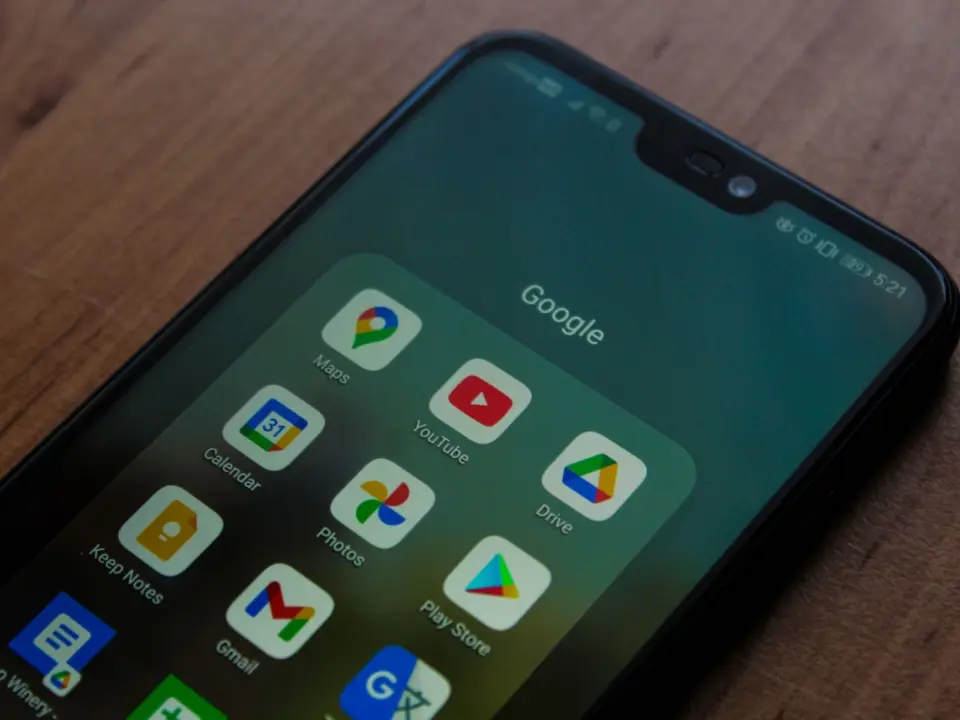
Changing your Google password no longer automatically locks out every third-party app you have ever authorized. This distinction is important because many users mistakenly believe that changing their password automatically disconnects all linked services. Users who depend on third-party applications for managing personal data should verify that these tools remain connected following any account security changes.
Changing your password does not disconnect apps with Photos or Calendar access
The core issue involves how Google handles OAuth tokens for apps granted access to specific data types like Photos, Calendar, Contacts, or Drive. Google states that changing your password does not revoke this access unless the app's token explicitly includes Gmail scopes. This means classic OAuth grants remain active even after your primary account credentials change.
Google lists six specific reasons for revoking app access, but only a password change involving Gmail scopes triggers an automatic user-triggered revocation. On August 12, 2026, Google introduced 13 new 'Connected Apps' for Gemini that operate under a different framework. These new apps can actively perform actions like booking appointments but are not monitored or secured by Google for data protection.
Revoking access to any app does not delete data that has already been shared with that provider. Users must manually delete that data on the provider's own site to ensure complete removal. Understanding the difference between revoking application access and deleting stored data is essential for users managing their information across various services.
Source: NotebookCheck