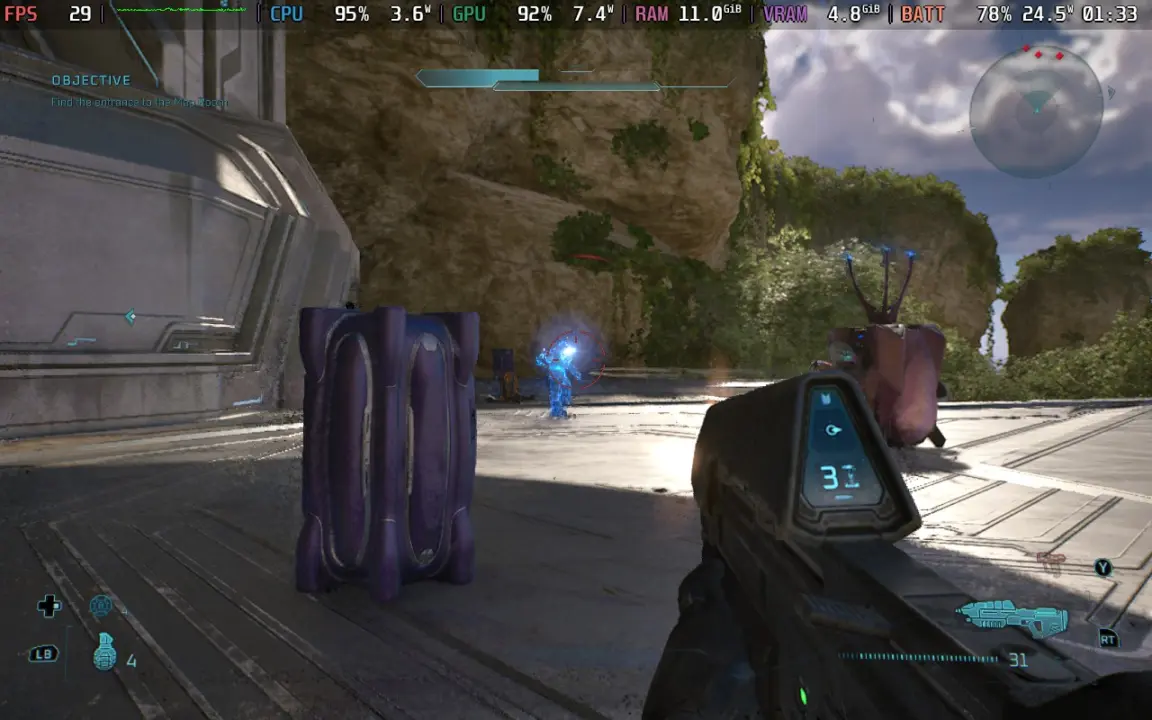
Halo: Campaign Evolved is now available in early access on Steam Deck, but the experience demands careful configuration to remain playable. The game targets 30 FPS, yet it frequently drops to 24 FPS during large battles or in CPU-intensive zones. This performance ceiling matters because the handheld struggles to maintain stability without specific visual compromises. Players must accept lower resolution and upscaling artifacts to keep the frame rate within a playable range.
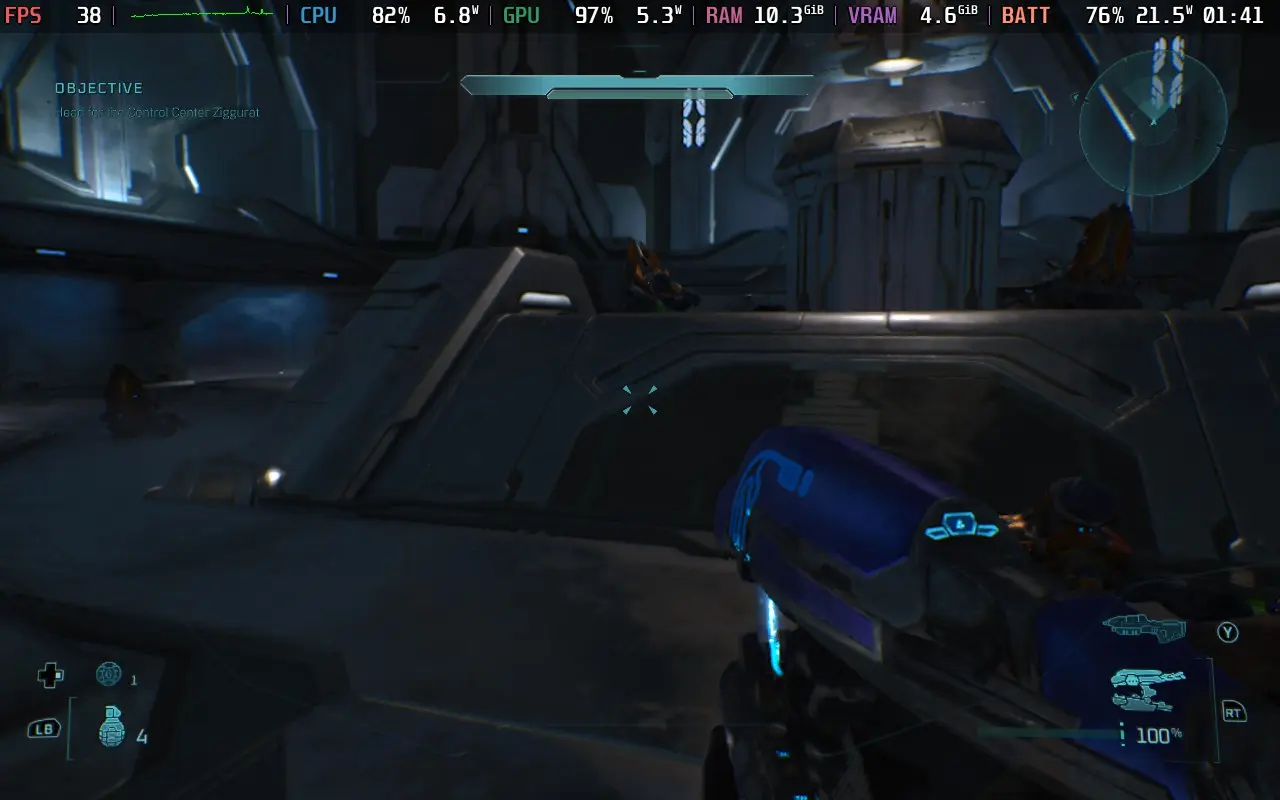
TSR upscaling and Very Low graphics are the only stable configuration
The title runs on Valve’s handheld hardware with default settings locked to Very Low graphics and TSR upscaling. 343 Industries developed the game, but the current build relies on user-adjusted parameters to function on the device. The game requires a linked Microsoft account to launch, which adds a mandatory step before any gameplay begins. This setup is necessary for the early access version currently live on Steam.
- Target FPS: 30 FPS
- Minimum FPS: 24 FPS
- Recommended Upscaler: TSR 70% resolution scale at Very Low quality
- Alternative Upscaler: FSR Medium
- Price: $49.99
The recommended configuration uses TSR with a 70% resolution scale at Very Low quality settings. This combination offers the best balance between visual clarity and performance stability. An alternative FSR Medium setting provides similar frame rates, but the visual output is significantly worse. Reviewers describe the FSR rendering as shiny and pixelated, making it an inferior choice despite the comparable speed.
Manual changes to the upscaler setting actively degrade performance by preventing the Deck from fully utilizing its resources. The game also suffers from CPU bottlenecks in specific areas, causing frame drops below 30 FPS regardless of graphics settings. These technical hurdles mean that even with optimized settings, players will encounter stuttering in open areas and combat scenarios.
We looked at the last Halo: Campaign Evolved update, where several of the same balance and stability themes came up. The current build remains a tough sell for handheld owners who expect consistent performance. The game is priced at 49.99 USD (around $49.99) on Steam, reflecting the cost of entry for this early access version.
Halo: Campaign Evolved runs on Steam Deck with a target of 30 FPS, but performance drops to 24 FPS in intense scenes. The TSR 70% at Very Low setting is the only reliable way to maintain stability. Players should avoid manual upscaler changes and expect CPU-related stutters in specific zones.
Source: Halo, SteamDeckHQ