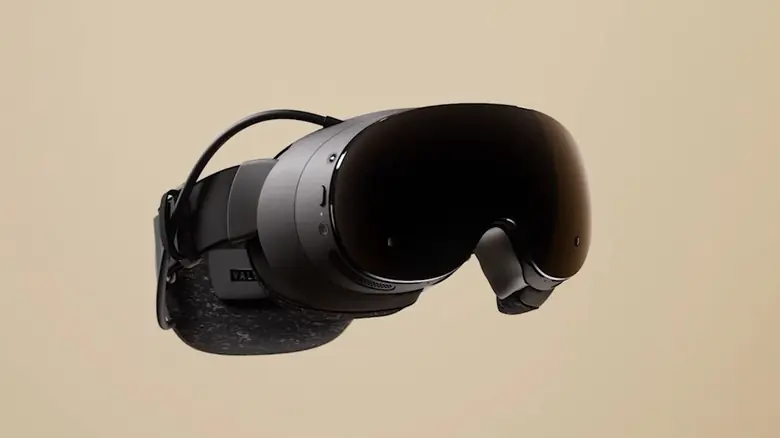
Valve is preparing to release the Steam Frame handheld with a dedicated performance tuning interface. This update matters to users who want direct control over graphical settings without relying on default configurations. The new menu allows players to optimize their experience before launching titles.
New interface allows direct control over graphical settings and rendering techniques
The performance settings reside in the Quick Access Menu UI. This layout mirrors the interface found on the existing Steam Deck hardware. Users will find the controls in a familiar location within the system software.
The menu offers several technical adjustments for supported games. Players can enable or disable eye-tracked foveated rendering if their hardware supports it. The system also includes tweaks for ARM Memory compatibility to improve stability.
Users can change the game resolution directly from this menu. This feature works similarly to adjusting settings through Steam Deck game properties. The interface also allows users to enable or disable desktop rendering techniques for better performance.
Source: SteamDeckHQ