Finally we can play Xbox One games on our iPhones and iPads (Sort of) and it's not easy to do it. There's a fan made translation layer named Utsuro which makes it possible to run Windows based Xbox games on our Apple products. This is great news.
Sideloading the alpha tool enables Xbox One titles on Apple devices
It means that now we can play Xbox games on our iOS devices even though Microsoft does not support it. Those who love crossplatform gaming must know that this is a dev tool. It's not just a play and play application.
It's made for rendering Xbox One software on Apple Silicon devices (ARM) using Apple Metal Graphics API. This is not an emulator. It's translation layer.
Originally it was made for macos. This is version 0.1.0 Alpha. So it's in early stages of development.
It supports external controllers for gameplay. Levi (The dev) confirmed that.
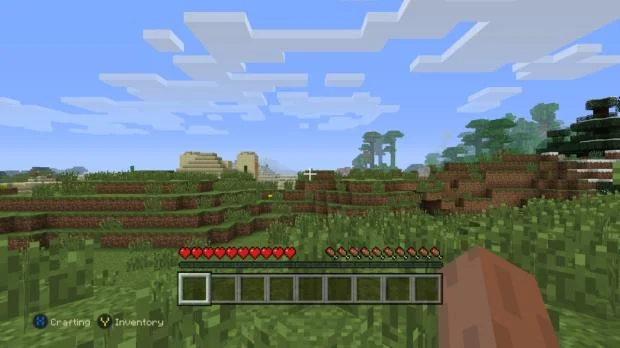
It's performance will be different for different games. But still some popular games work fine. On iPhones you can play Minecraft : Xbox One edition and Rocket League with little issues.
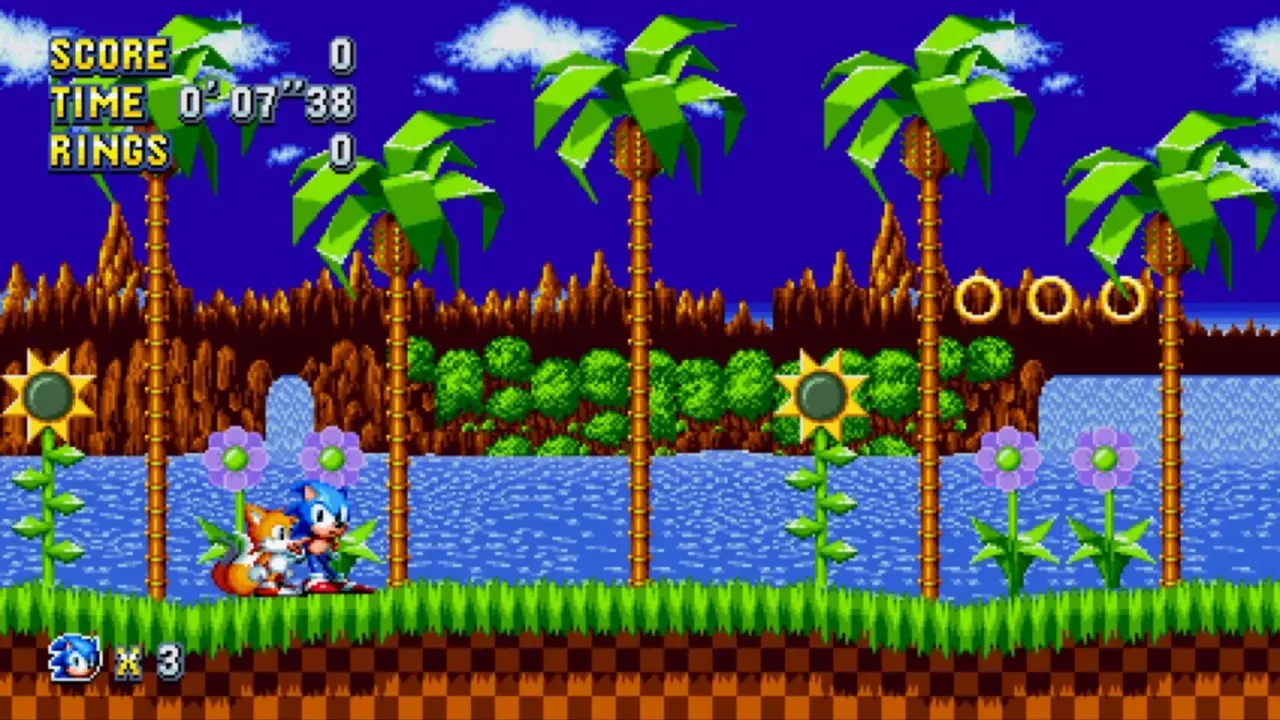
Sonic Mania also works well on Macs without any issue. So this layer holds promise. But you need to provide game files by yourself as there are no pre-packaged games.
You have to sideload software to your device to setup Utsuro. There are a lot of hoops to jump through to use this translation layer. You don't know which specific device models will work.
So you might need to try on your iPad/ iPhone. There is no official store availability. So you need to manually install it right now.
Source: TweakTown
Discussion
0 comments