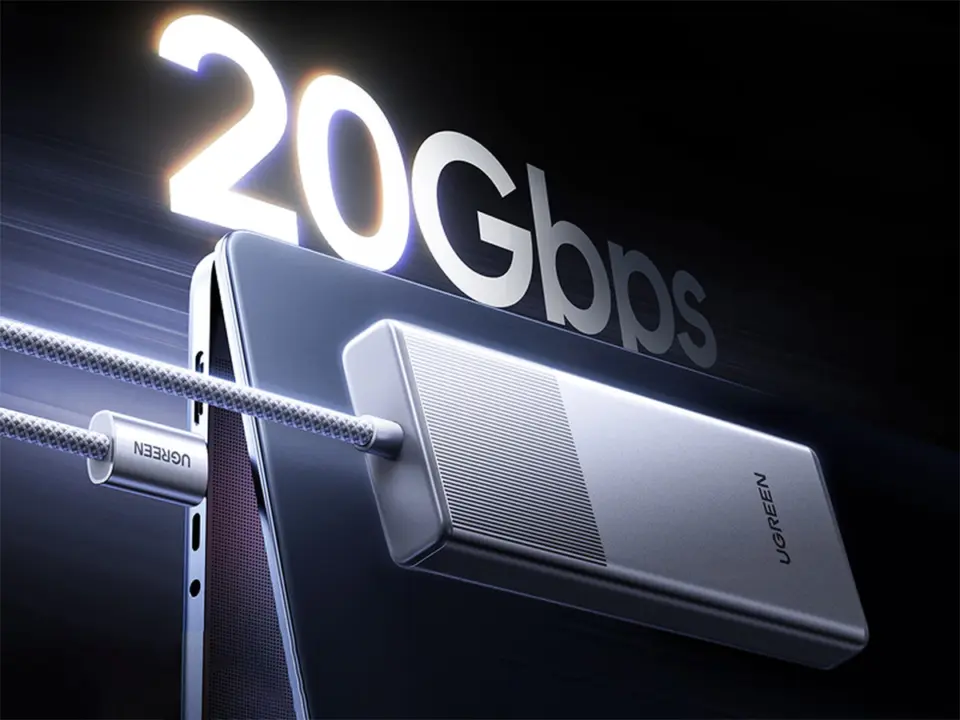
Ugreen unveils a new M.2 NVMe external SSD enclosure to make life easy for those that want to add more storage to their system with convenience and big storage as their goals. The enclosure comes with a built-in USB-C cable so that you won't need to carry an additional cable with you on a daily basis. This is especially important for laptop users who frequently attach and detach their storage drive.
Aluminum housing and built-in cable simplify portable storage
The enclosure supports M.2 SSD in four common sizes: 2280, 2230, 2242, and 2260. You will be able to put SSDs up to 8TB in size inside it, and store massive amounts of data or high-resolution media content. The SSD enclosure is made out of aluminum to help dissipate heat from the internal SSD while in operation.
Specifications
- Max Capacity: 8TB
- Interface Speeds: 10Gbps and 20Gbps
- M.2 Form Factors: 2280, 2230, 2242, 2260
- Material: Aluminum
- Cable: Built-in USB-C with Type-C to Type-A converter
There are two versions of the enclosure offered by Ugreen that can support different connectivity needs. The 10Gbps model is available, which uses USB 3.2 Gen 2. There is also a 20Gbps model that uses USB 3.2 Gen 2×2.
Previously, the 20Gbps model was advertised as USB 3.0 Gen 2, but the specs for it say it's USB 3.2 Gen 2×2. Both versions come with a Type-C to Type-A converter for compatibility with older ports.
The 10Gbps model is priced at $29.99. The 20Gbps model costs $39.99 to retail, but is currently on sale for $34.99. Both are available for sale on Amazon. This makes it quite affordable for those that don't necessarily need the top theoretical speeds.
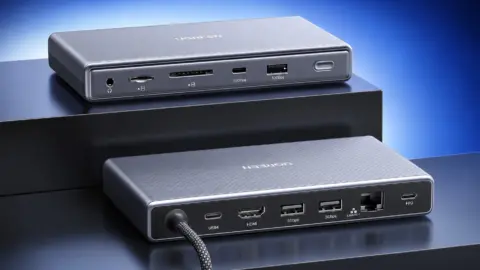
Previously, we talked about Ugreen's 11-in-1 USB4 dock drives single 4K 240Hz monitor for $150. The new enclosure fits into the Ugreen ecosystem, and gives users an option for portable storage if they use Ugreen peripherals. It's a nice addition to their lineup as a practical accessory for those that don't have internal drive bays and want to add more storage.
Source: Ugreen, NotebookCheck

Discussion
0 comments