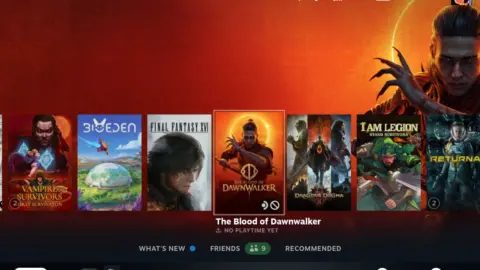
A new community plugin for Decky Loader is changing how Steam Deck users monitor their biometrics during gameplay. This tool pulls real-time heart rate data from an Apple Watch and displays it directly on the handheld screen. Gamers who track their physical exertion while playing can now keep an eye on their vitals without stopping their session. The feature adds a layer of health awareness to the portable gaming experience.
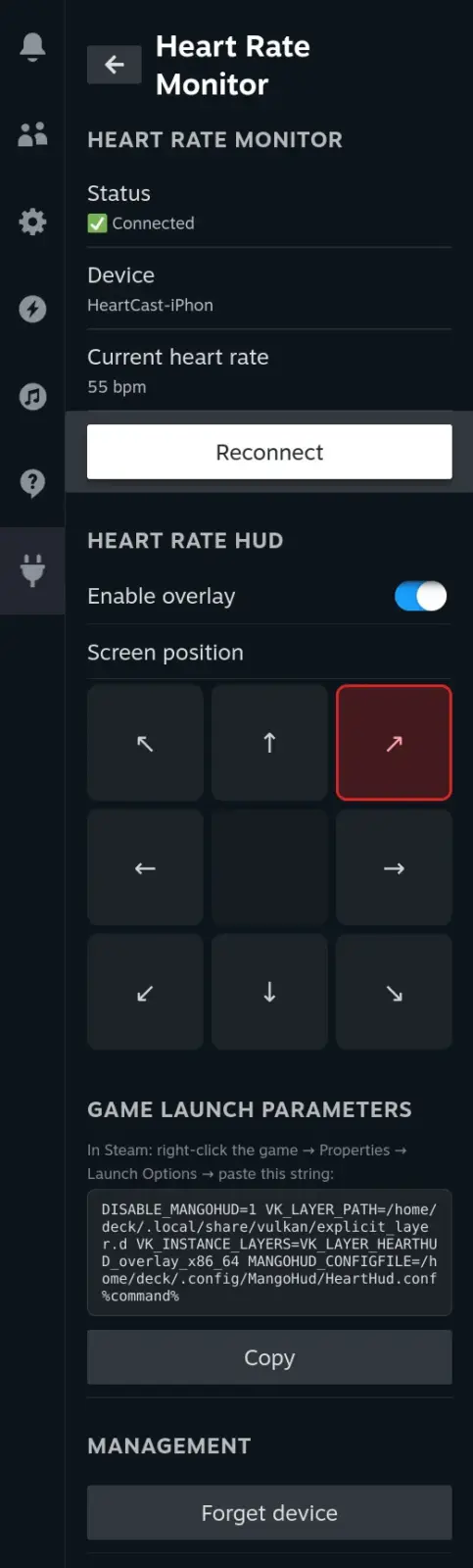
Community tool overlays biometric data from Apple Watch during gameplay
The software is a community-built extension for the Steam Deck, developed by a user known as u/Junior-Doctor-9102. It integrates with the Decky Loader framework, which allows users to install custom homebrew applications on the device. The plugin is designed to overlay heart rate information onto the game interface. Users must configure a specific launch option to activate the feature within their Steam library settings.
The developer has built eight configurable on-screen locations for the heart rate display. This flexibility lets players choose a spot that does not obstruct gameplay or important UI elements. The plugin currently supports only Apple Watch devices for data input. It reads the heart rate sensor from the watch and transmits the value to the Steam Deck in real time.
Community members have suggested that future versions of the plugin should support Garmin and Android watches. These suggestions are currently unimplemented and remain as feature requests from the user base. There is no official release date for the plugin yet. The developer is still in the active development phase of the project.
We looked at the last Steam Deck update, several of the same balance and stability themes came up. This new plugin represents another example of the vibrant modding community surrounding the handheld. Valve has not officially endorsed this specific plugin, but it runs on the supported Decky Loader platform. The tool is available for testing by users who have already set up Decky Loader on their device.
Source: SteamDeckHQ