
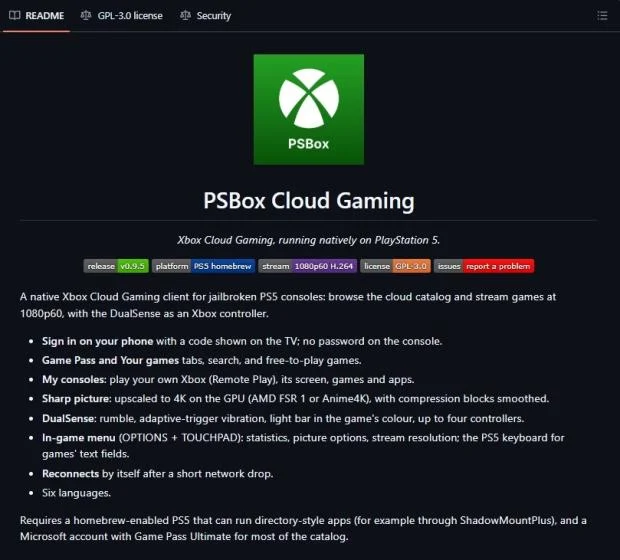
Jailbroken PlayStation 5 owners can now stream Xbox Cloud Gaming titles directly on their consoles through a new software tool called PSBox Cloud Gaming. This development matters because it allows players to access Microsoft's cloud library without needing a separate Xbox console or a PC, provided they have a jailbreak and an active subscription. The app currently sits at version 0.9.5 and represents a functional bridge between two competing ecosystems.
New PSBox tool bridges Microsoft cloud service to Sony console
The software runs on the PS5 hardware but requires the console to be jailbroken to operate. It connects to Xbox Cloud Gaming servers to stream selected titles, effectively turning the PlayStation into a client for Microsoft's service. Users must maintain an active Xbox Game Pass Ultimate subscription to access the cloud library, as the app itself does not provide game content.
- Resolution: 1080p native, up to 4K upscaling
- Frame Rate: 60 FPS
- Controller Support: DualSense
- Version: 0.9.5
The application streams video at a native resolution of 1080p with a target frame rate of 60 FPS. It also supports upscaling the output to 4K for users with compatible displays. The tool includes full support for the DualSense controller, allowing players to use the standard PlayStation controller for navigation and gameplay. An in-game menu is available for configuration settings during sessions.
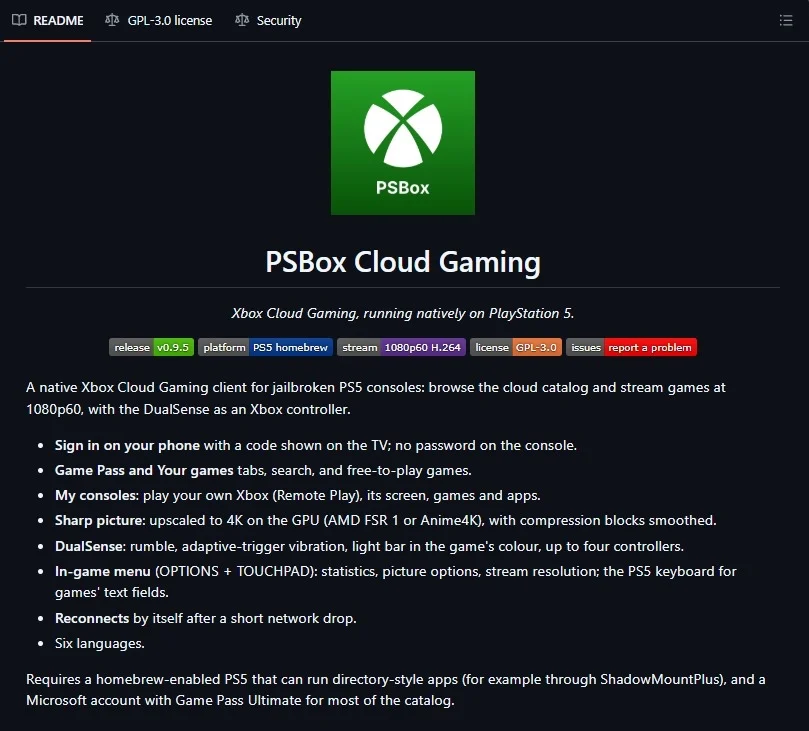
Beyond cloud streaming, the project also supports Xbox Remote Play. This feature allows users to stream video from their own physical Xbox console to the PS5. This adds flexibility for those who own both platforms but prefer the PlayStation interface for remote access. The tool remains an open-source project hosted on GitHub, with updates managed by the community.
The PSBox Cloud Gaming project currently offers a functional way to mix cloud gaming services across console platforms. It relies on jailbreaking the PS5 and maintaining a subscription to Microsoft's service. Users interested in this cross-platform setup can download the latest version from the official GitHub repository.
Source: TweakTown


Discussion
0 comments