NINTENDO SWITCH ASYLUM Console Release Brings Horror Adventure to PS5, Xbox, Switch PLAYSTATION 5 Order of the Sinking Star Adds PS5 Version for 2026 PHONES Redmi Kids Watch Pro Launches with Offline GPS and Dual Cameras CONSOLES DreamSTer Brings Sega Dreamcast Emulation to MiSTer FPGA DLSS NVIDIA DLSS 5 Update Brings Developer Control Over AI Lighting NINTENDO SWITCH 2 Big Walk Crossplay and Cross-Progression Status Still Unknown GAMES Fortnite Survey Asks if Players Have Played Palworld NINTENDO Nintendo Switch 2 Universal Exploit Found: Works Offline ANDROID ARMSX2 2.6.4 Update Adds Material You Theming to Android PS2 Emulator PHONES Apple iPhone 20 Pro Max Rumored to Get 7-Inch Display GAMES GTA 6 Fans Skip Story for Sandbox Exploration on Launch Day PHONES Apple Foldable Entry to Drive 21% Global Market Growth in 2026 GAMES Neverness to Everness 1.2 Adds Iroi Healer and 999 Nights Mode GAME PERFORMANCE Modern Warfare 4 TTK Faster Than BO7, Slower Than MW2: Beta Data

How to Install Steam on Android Handhelds with ROCKNIX Nightly

Simon Ellis 0 comments 1 min read

Learn how to install Steam on Android handhelds like AYN Odin 2 and Retroid Pocket 5 using ROCKNIX Nightly. Step-by-step guide with known issues.

How to Install Steam on Android Handhelds with ROCKNIX Nightly
ANDROID HANDHELDS

ROCKNIX Nightly now supports installation on Android handhelds. The update brings Steam to devices such as the 2 series, Pocket series, Retroid Pocket 5/6/Flip 2, and KONKR Pocket Fit.

Flashing ROCKNIX to a microSD card

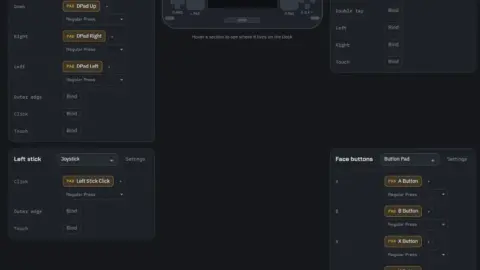
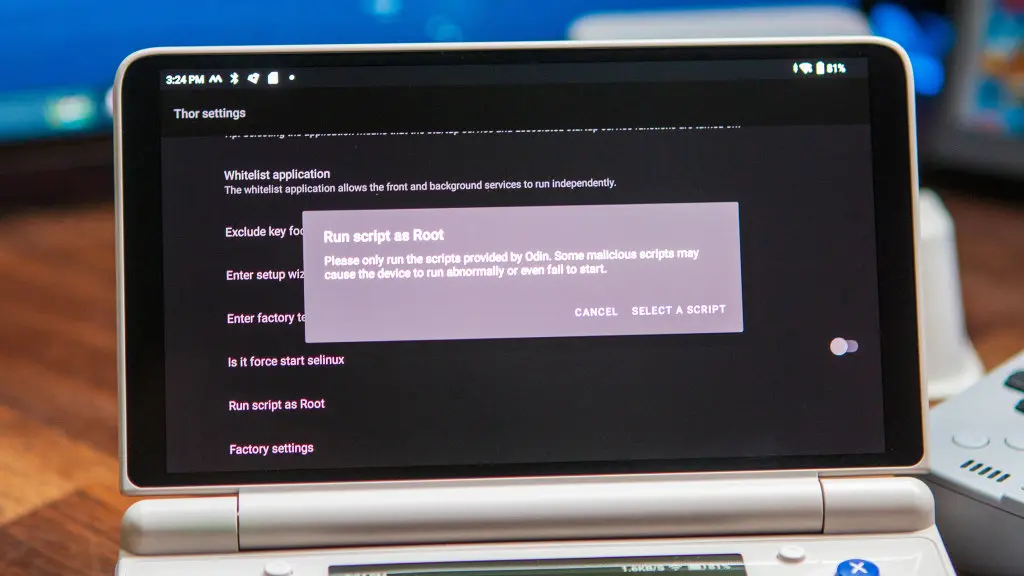
Installation requires flashing ROCKNIX to a microSD card and changing the boot mode. Once running, Steam launches in Big Picture Mode. Steam Input can be enabled for controller support.
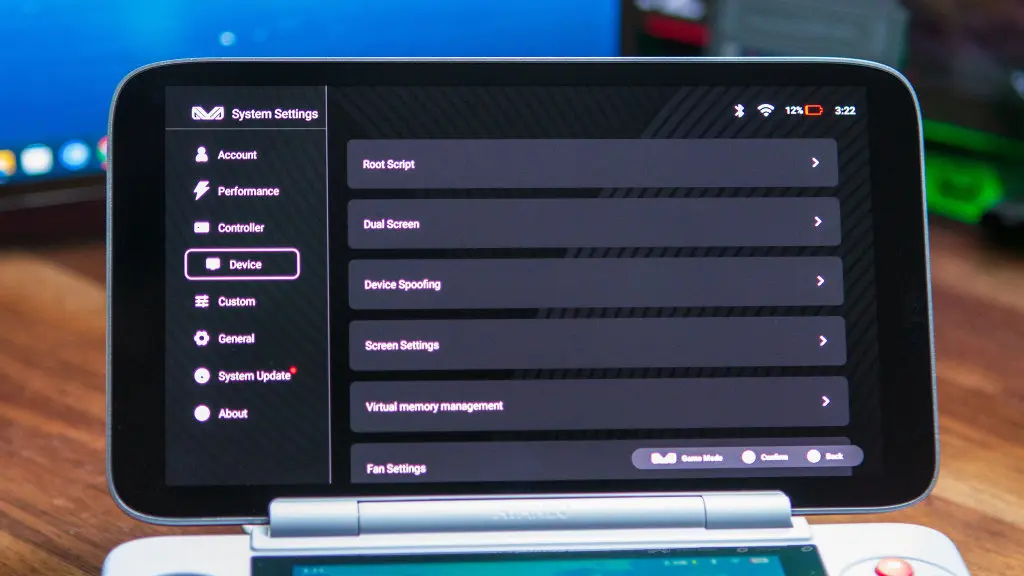
ROCKNIX Nightly Steam installation on AYN Odin 2 handheld
ROCKNIX Nightly enables Steam on Android handhelds like the AYN Odin 2.

Known issues include windowed mode, difficulty exiting games, and Wi-Fi connection problems. ROCKNIX has not confirmed a timeline for fixes.

The update expands the gaming capabilities of these handhelds by adding access to Steam's library. ROCKNIX and ProtonDB are referenced as sources for the installation guide.
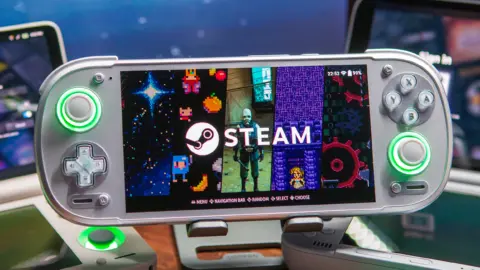
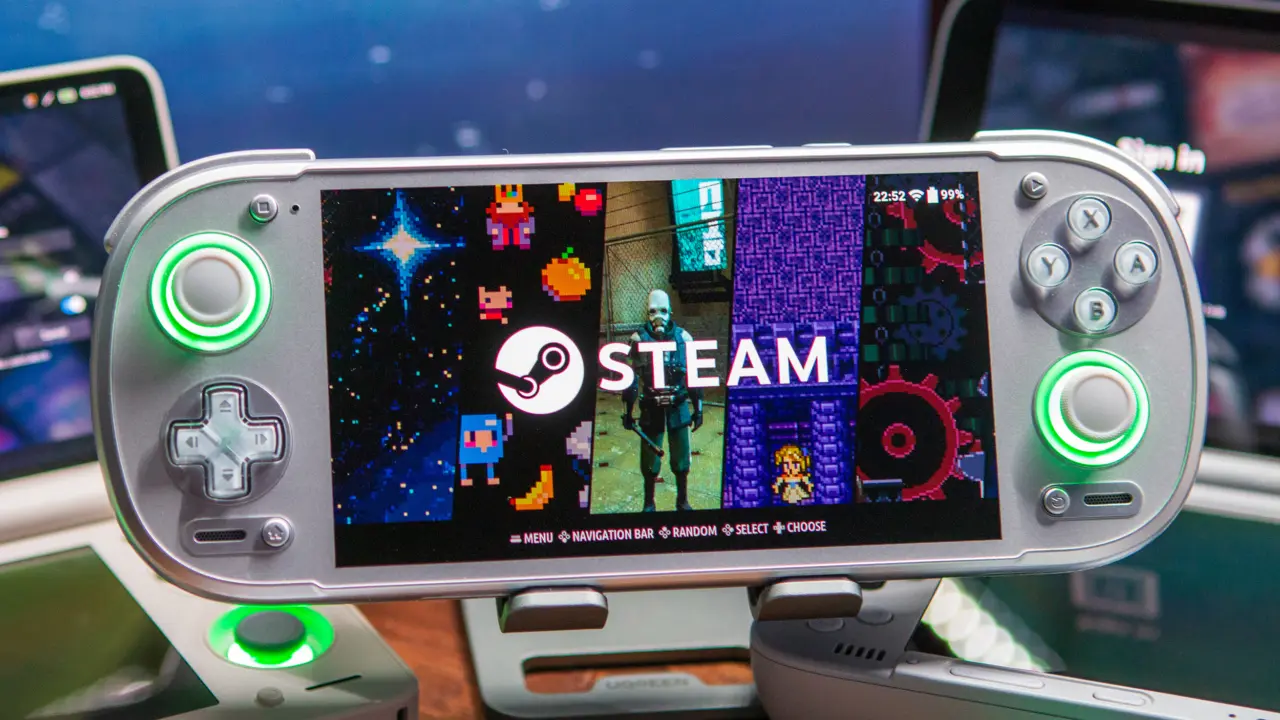
ROCKNIX Nightly Steam Big Picture Mode on Retroid Pocket 5
Steam runs in Big Picture Mode on compatible devices.

Source: RetroHandhelds

Discussion

0 comments

Leave a comment