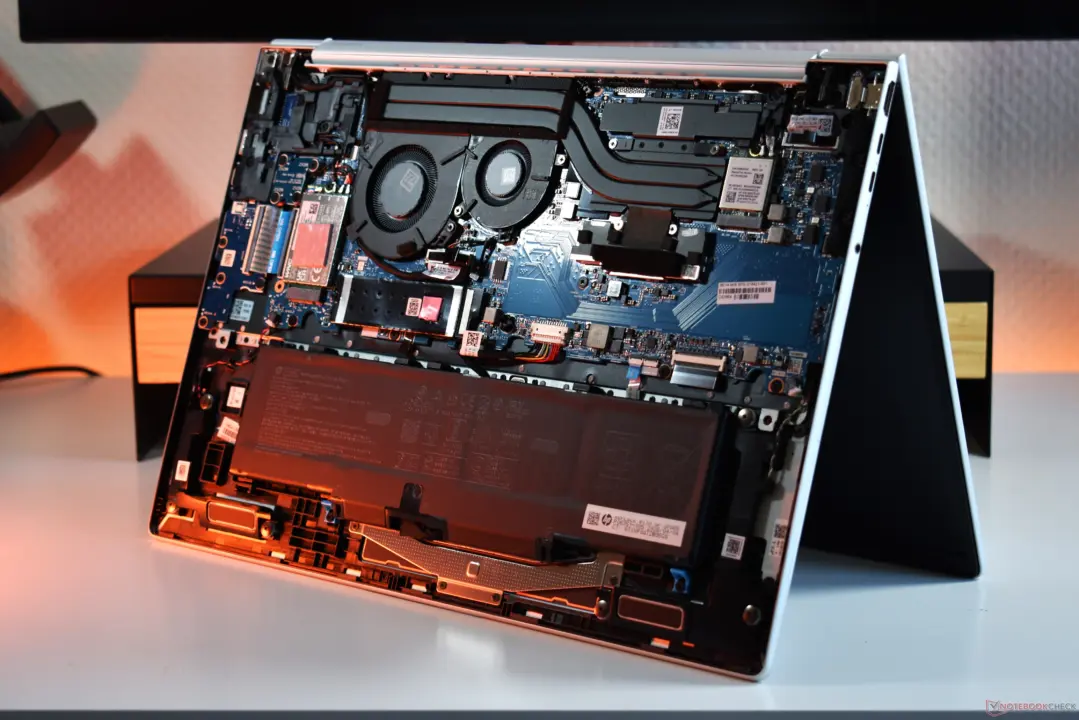
The HP EliteBook 8 G2a 16 redefines expectations for mainstream business laptops by prioritizing raw processing power over acoustic comfort. Buyers who need sustained performance for heavy workloads will appreciate the machine's ability to handle stress without slowing down. However, users sensitive to noise in quiet office environments may find the cooling system too aggressive for daily use.
HP EliteBook 8 G2a 16 sustains 30W CPU power without throttling, but fan noise hits 50 dB(a)
This 16-inch device is built around an AMD Ryzen AI 7 processor and comes equipped with 32 GB of RAM for multitasking. The hardware configuration targets professionals who require consistent compute power for demanding applications. The chassis design accommodates these components while maintaining a form factor suitable for mobile business use.
Specifications
- CPU: AMD Ryzen AI 7
- Screen Size: 16-inch
- RAM: 32 GB
- CPU Power Limit: 30 W
- Max Chassis Temperature: 40 degrees Celsius
Thermal management in the EliteBook 8 G2a 16 is engineered to maintain a steady 30 W CPU power limit under load. Testing confirms that the laptop sustains this performance level without throttling during extended stress tests. The maximum chassis temperature remains controlled, peaking at only 40 degrees Celsius even during intensive operations.
The primary trade-off for this thermal strategy is significant fan noise, which exceeds 50 dB(a) under maximum load. This volume level is comparable to gaming notebooks and stands out as unusually loud for a business-class device. While the laptop remains quiet during everyday tasks, the high noise output during peak performance is a notable characteristic to consider.
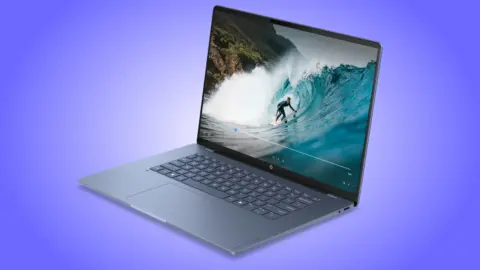
We previously covered the HP ZBook 8 G2a Laptop Launches, which shares similar Ryzen AI architecture but offers higher RAM capacity. The EliteBook 8 G2a 16 is positioned as a more accessible option within the same product family. Notebookcheck describes the device as delivering an all-around great impression with impressive performance metrics.
Source: NotebookCheck

Discussion
0 comments