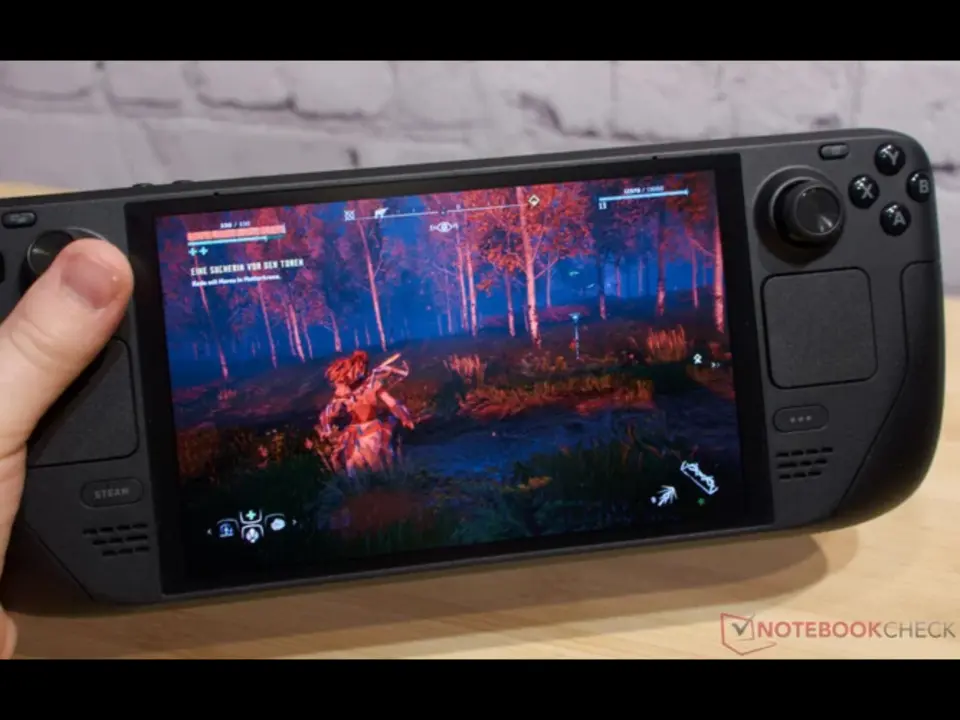
For Steam Deck users who are sick of having to play games with letterboxing, AnyAspectRatio plugin can help regain screen space automatically. It handles full screen fixes to get rid of side black bars or top/bottom black bars so that you can enjoy your games without the black bars in sight. All that's important is that it helps avoid the hassle of finding and manually downloading mod files for each game.
Free Decky plugin automates fullscreen fixes for over 100 titles
TLin-Y's AnyAspectRatio is a free Decky plugin. It's built for Steam Deck's native 16:10 ratio, at 1280 x 800 resolution, by default. But this can also be used on other handheld devices that have the Decky loader framework support.
- Aspect Ratio Support: 16:10 (default), 4:3, 3:2
- Compatibility: 100+ games including Clair Obscur: Expedition 33, Resident Evil Village, Dark Souls III, Monster Hunter Rise
- Platform: Steam Deck, other handhelds supporting Decky
The plugin can also be toggled to offer support for 4:3 ratio and 3:2 ratio for retro and cinematic feel, respectively. A compatibility list for over 100 games is already made by the developer. From popular games such as Clair Obscur: Expedition 33, Resident Evil Village and Dark Souls III.
The plugin hopes to make it as easy as just tap and fix without having to manually handle the files. However, we don't have much user feedback yet. So, the experience might be drastically different from game to game. The developer says it's hard to tell how effective this plugin is in real world usage for all the supported games.
You can freely download it on GitHub for AnyAspectRatio. For handheld gamers, it's a simple solution to have the screen fill up without having to manually change game files.
Source: NotebookCheck

Discussion
0 comments