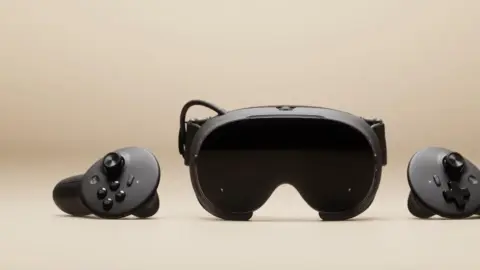
Googlebook laptops shipped on October 4 in the US and October 5 in other markets, bringing a new level of flexibility to users who want to modify their devices. This availability marks a shift from closed systems to open ones, allowing buyers to install custom software and test new apps directly on their hardware. This change allows owners to control their devices, a capability usually limited to custom-built systems.
Googlebook OS gains official bootloader unlocking and Magisk root support
The devices, including models from Acer, Asus, Dell, HP, and Lenovo, run Googlebook OS, which blends Android’s app ecosystem with ChromeOS desktop capabilities. This operating system supports native Android applications, the full Chrome browser with extensions, and an isolated Linux environment for development tools. The operating system provides a desktop interface alongside the standard Android application library.
Google has officially documented the process for unlocking the bootloader, a critical step for advanced customization. The support page confirms that users can unlock the device to install custom operating systems or test applications. Official documentation provides a standard method for unlocking, accompanied by specific warnings. Unlocking the bootloader erases all data, disables security features, and may void the device warranty.
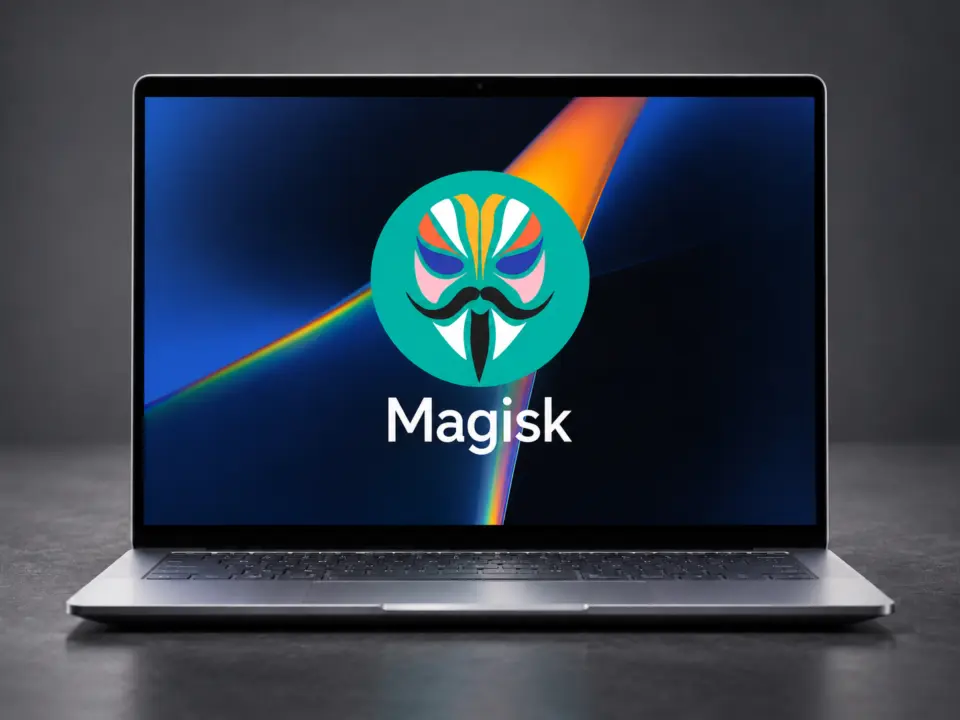
A major development for the developer community is the adaptation of Magisk, the popular Android rooting tool, for Googlebook OS. Magisk creator John Wu confirmed that the tool is being modified to work with the new platform. The adaptation process involves handling Headless System User Mode, a specific requirement for the OS environment. Wu also reported finding an alternative method to flash the device without using specialized USB cables, though details of this method remain undisclosed.
Bootloader unlocking and Magisk development indicate increased customization options for Googlebook laptops. Users who need a customizable development environment now have official pathways to modify their systems. The integration of Android applications, Linux tools, and hardware access supports various user workflows.
Source: NotebookCheck