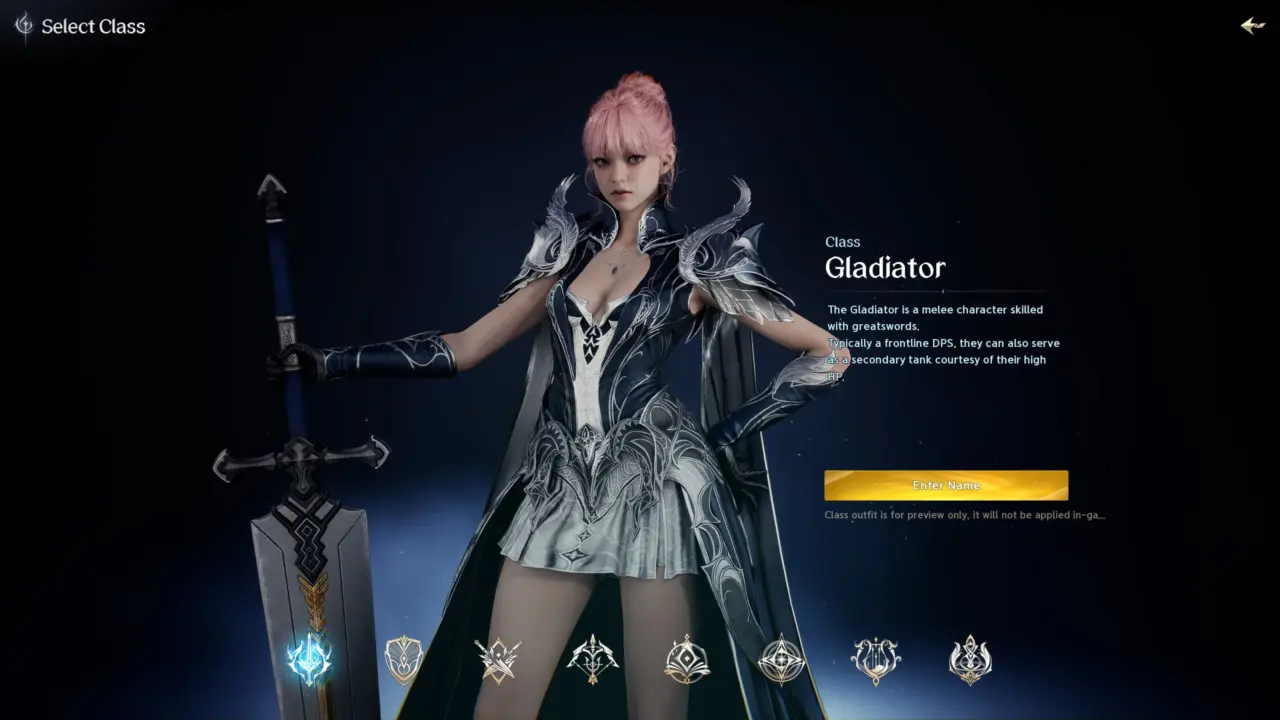
New players trying to create characters in NCSoft's Aion 2 on PC are hitting a hard stop. The game blocks account creation with a 'restricted' error message. This issue prevents immediate access for users who just bought or downloaded the title. We need to look at the specific system settings causing this block.
NCSoft game blocks new accounts until players adjust system time and DNS settings
The problem stems from how the game client checks your computer's system time. It enforces strict time validation that many standard Windows configurations do not meet. The game also appears to flag accounts based on IP address origins. This creates a double barrier for players in regions outside the game's primary launch zones.
You can fix the time check by changing your Windows date and time settings. Go to your system settings and enable the option for automatic date and time. This synchronizes your clock with internet time servers and satisfies the client's basic requirement. It is the first step in resolving the creation error.
The second fix involves changing your network DNS settings to Google's public servers. Set your IPv4 DNS to 8.8.8.8 and 8.8.4.4. You must also set your IP address to obtain automatically. These changes help the game client verify your connection status correctly. If these steps fail, the issue likely relates to your geographic IP flagging.
Players facing IP-based flags can use a workaround involving a VPN. Set your VPN server location to Taiwan. This changes your apparent IP address to a region where the account creation flow is less restrictive. You can then create a new account through this connection. This method bypasses the strict regional checks causing the block.
Source: VideoGameChronicles



Discussion
0 comments