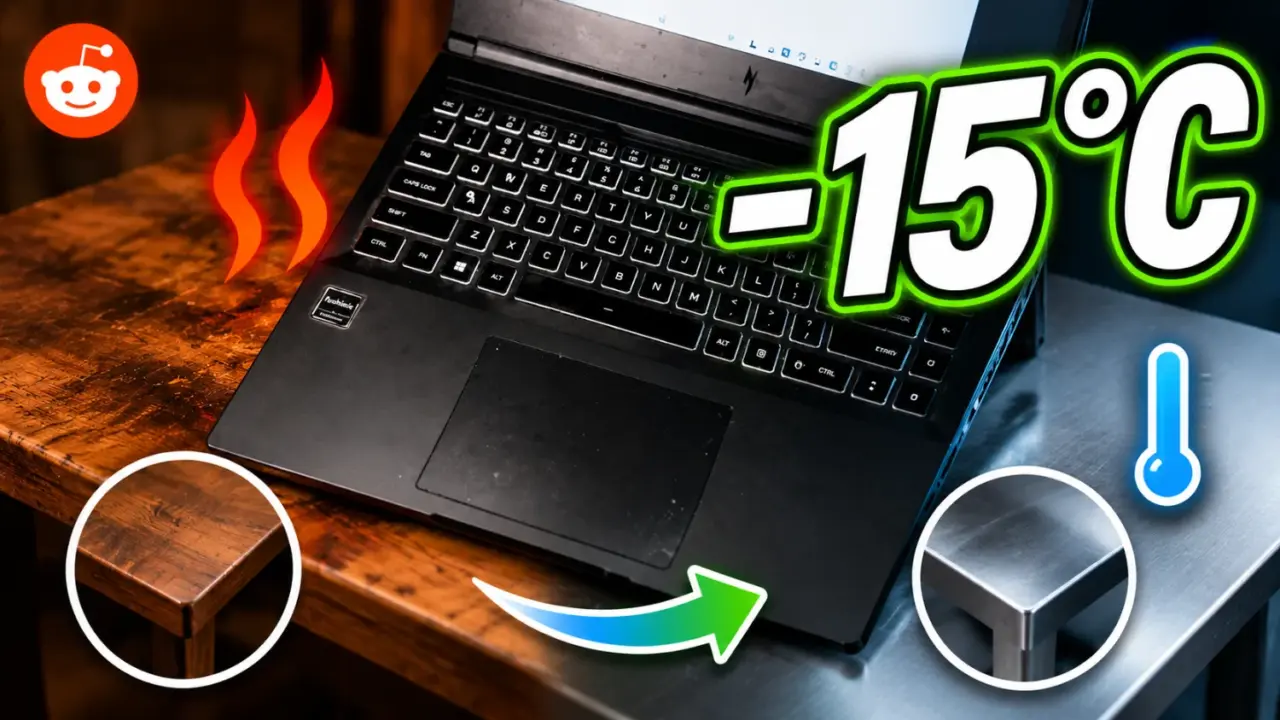
Moving a gaming laptop from a wooden desk to a metal surface can lower internal temperatures by up to 15 degrees Celsius. This adjustment is significant because high temperatures cause fans to operate at higher speeds, which increases noise and may shorten the lifespan of internal components. Users who play demanding titles like Cyberpunk 2077 often see their machines run uncomfortably hot on standard furniture.
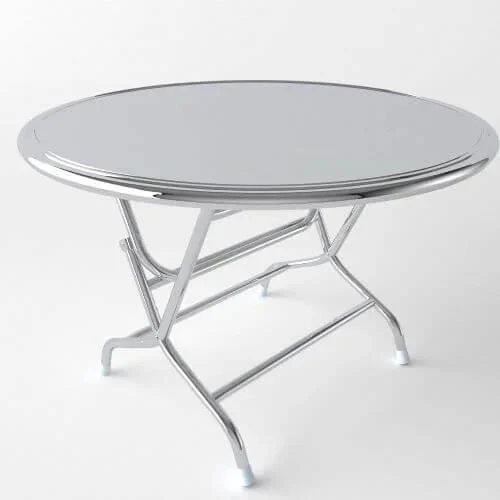
Switching from wood to metal reduces internal heat
A Reddit user identified as MentalReserve2351 shared these findings while testing their device in an air-conditioned room. The user did not specify the exact laptop model, though they linked to an HP Omen review for context. The core finding relies on the thermal properties of the surface beneath the machine rather than any internal hardware modification.
- Temperature Drop: 15C
- Previous Temp Range: 80-90°C
- New Temp Range: 75-83°C
- Surface Material Change: Wooden desk to metal surface
The user reported that temperatures during gameplay dropped from the 80-90 degree Celsius range down to 75-83 degrees Celsius. This shift occurred because metal conducts and dissipates heat far better than wood. The metal surface remained cool to the touch and never became hot enough to be uncomfortable during extended sessions.
The user explicitly warned against icing the metal surface to achieve further cooling, as condensation could damage internal components. They noted that basic cooling practices, such as elevating the chassis or using dedicated cooling pads, remain effective strategies. This method provides a cost-free approach to enhancing airflow and thermal capacity for current devices.
The report highlights how external environmental factors significantly impact laptop thermals. Switching to a conductive surface provides a measurable drop in operating temperatures without requiring software tweaks or new equipment. Users operating on conventional desks can implement this change right away to lower fan noise and reduce thermal stress.
Source: TweakTown