SOFTWARE AND UPDATES Windows 11 Preview Update KB5124010 Crashes Games with Anti-Cheat Systems SOFTWARE AND UPDATES Rodecaster Video firmware 1.4 adds 4K multicam recording but disables live features DLSS WiCi One wireless eGPU lists at $1,999 with RTX 5060 Ti and claims 80 FPS in Cyberpunk 2077 GAMES Splash Damage Nearly Acquired State of Decay Creators Undead Labs Before Deal Collapsed INTEL Lenovo Xiaoxin 14 SE launches with Intel Core 5 320 and user-upgradeable RAM for around $834 SOFTWARE AND UPDATES Lenovo Googlebook Duet m leaks with 13-inch display and MediaTek chip TABLETS Apple iPad Mini 8 to feature OLED display and A20 Pro chip in October 2025 GAMES Fans Demand Tribute Card for Avery the Poke Kid Amid Scalping Accusations ACCESSORIES Turtle Beach launches wireless Vulcan II XP Air with 2,000-hour battery life STEAM Steam Projected to Exceed $20 Billion in Revenue for First Time in 2026 GAMES Sony patents AI matchmaking that tracks biometric data to balance teams PHONES Global budget smartphone sales to drop 40% by 2030 as 230 million fewer units ship ACCESSORIES Infinix launches GT NX Controller with glass touchpad for pixel-level FPS aiming NINTENDO SWITCH RideonJapan Announces Mercenaries Grace: Black Feather and the Golden Right Arm for PS5, Switch, and PC

Windows 11 Preview Update KB5124010 Crashes Games with Anti-Cheat Systems

Daniel Cross 0 comments 2 min read

Windows 11 preview update KB5124010 is causing crashes in games with anti- cheat systems like Battlefield 6. Microsoft has not released a fix yet.

Windows 11 Preview Update KB5124010 Crashes Games with Anti-Cheat Systems
SOFTWARE AND UPDATES

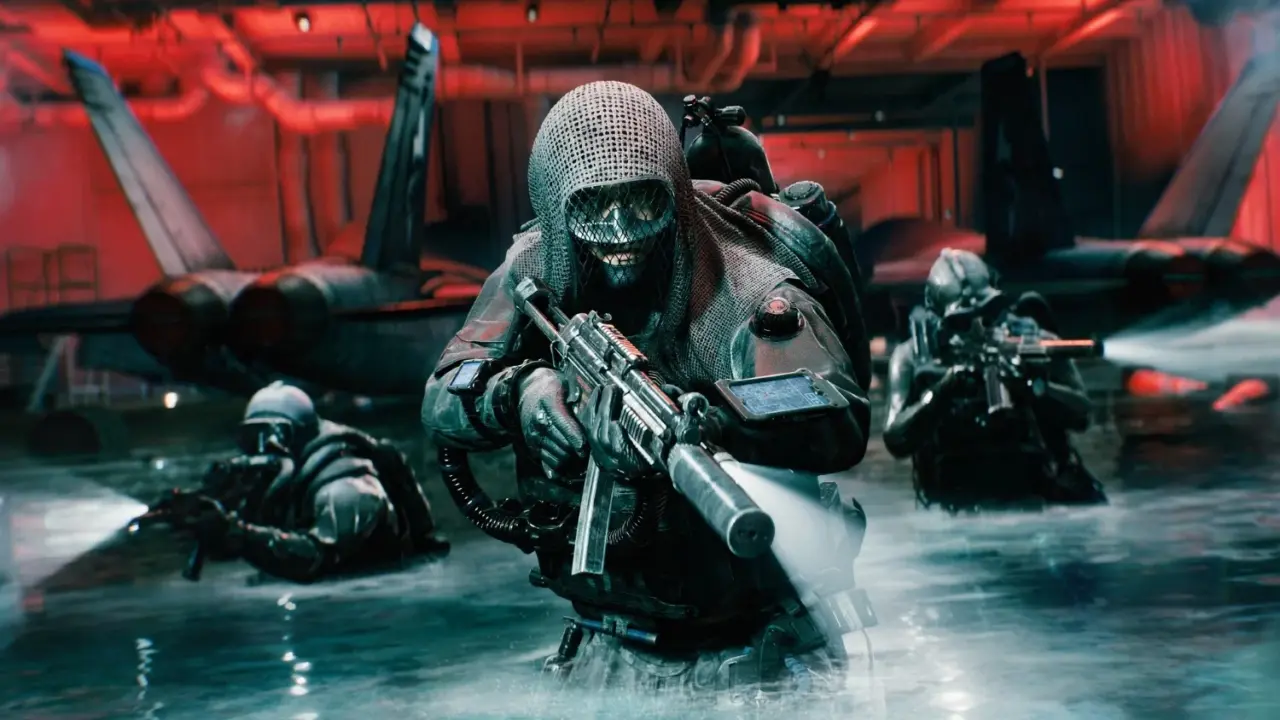
Windows 11 users running the latest preview build are experiencing sudden game crashes that disrupt play sessions. The instability specifically targets titles using anti-cheat software, forcing players to interrupt their sessions or abandon the update. This issue affects major releases like Battlefield 6 and older classics such as Fallout New Vegas. Gamers relying on these titles should pause their update process until Microsoft resolves the conflict.
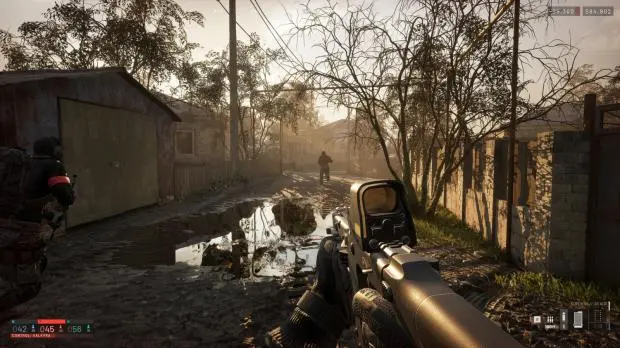
Windows 11 desktop interface showing a game window
Windows 11 preview updates can disrupt gaming sessions.

Users must uninstall the patch to restore gameplay stability

The problematic update is identified as KB5124010, a preview patch distributed through Windows Update. Microsoft has not yet issued an official acknowledgment or a corrective fix for this specific bug. The crashes occur when the operating system interacts with the security layers of anti-cheat systems. This pattern mirrors a previous incident where update KB5121003 caused similar crashes due to RGB peripheral conflicts.
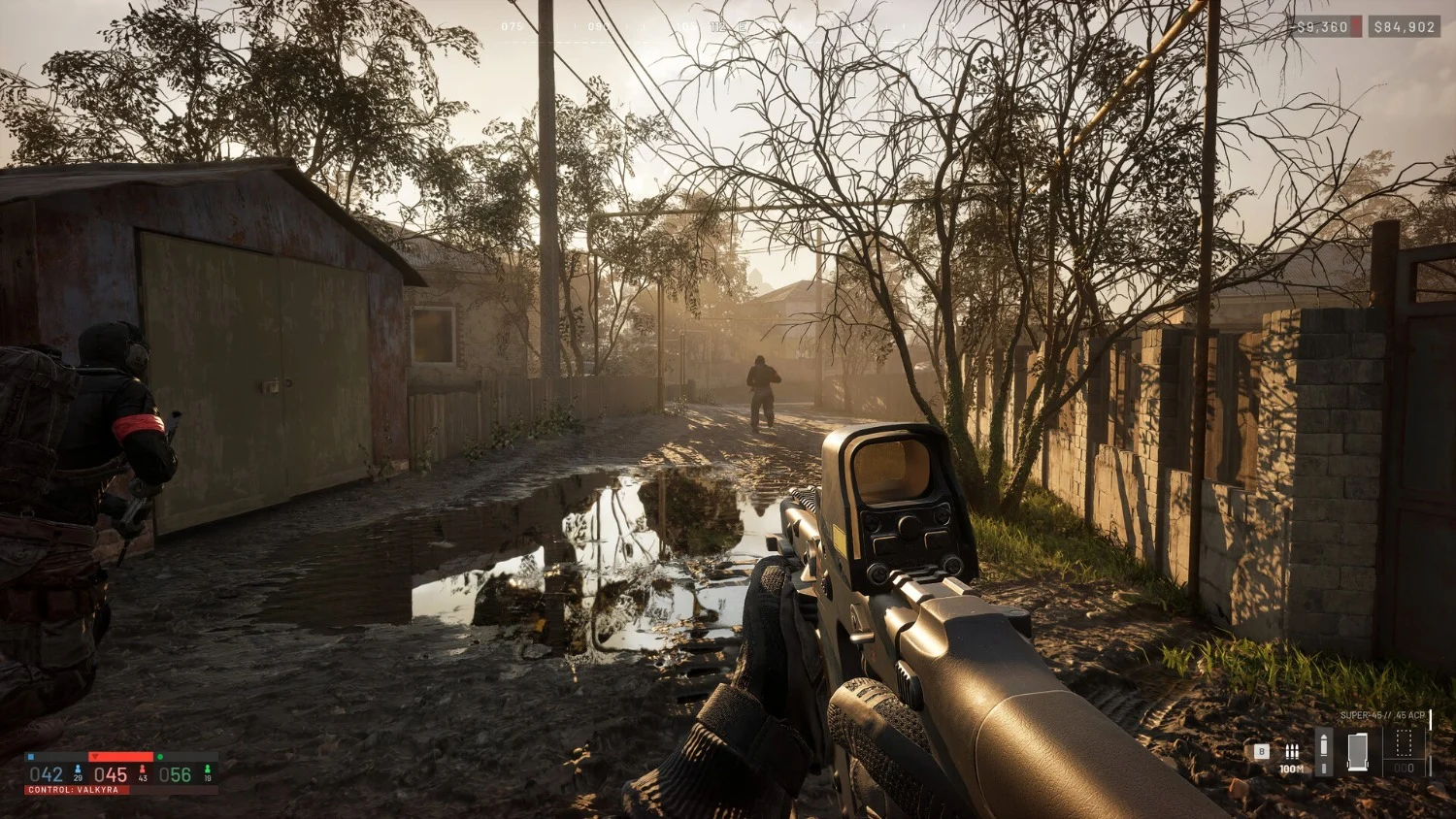
Close up of a computer screen displaying error code KB5124010
The KB5124010 patch is the source of the reported instability.

Users can currently resolve the issue by uninstalling the KB5124010 update from their systems. This manual removal stops the crashes but leaves the system without the latest preview improvements. The root cause remains unconfirmed, though reports point to anti-cheat software as the primary trigger. Microsoft has not provided a timeline for when a stable version of this update will appear.

The affected games include Battlefield 6, WARDOGS, Battlefield 2042, and Fallout New Vegas. These titles all utilize anti-cheat mechanisms that appear incompatible with the current preview build. The issue is isolated to the preview channel and does not impact the stable Windows 11 release. Users on the stable channel can continue updating without encountering these specific crashes.

Source: TweakTown
Discussion

0 comments

Leave a comment