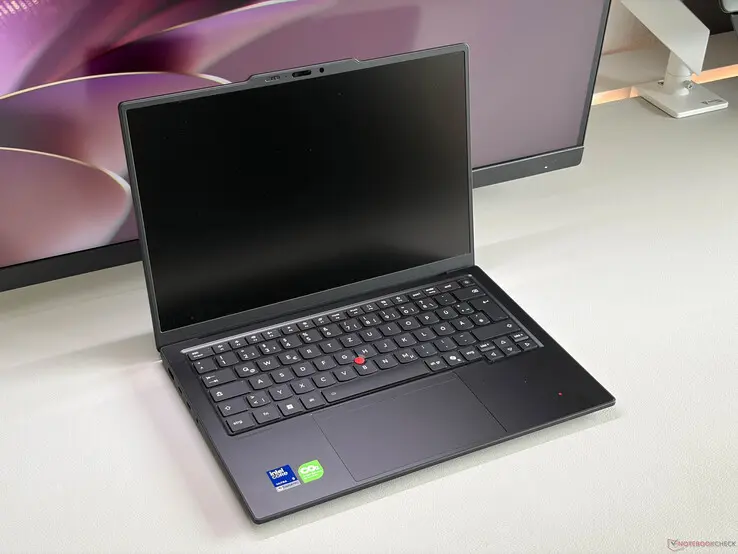
Business travelers who prioritize quiet operation and all-day endurance now have a clear alternative to the loudest contenders in the premium laptop market. The Lenovo ThinkPad X1 Carbon Gen 14 delivers significantly longer battery life and lower fan noise than its direct rival, the HP EliteBook X G2i. This trade-off means users can work in libraries or quiet offices without distraction, while still getting a full day of use.
Lenovo laptop delivers longer endurance and quieter operation than HP rival
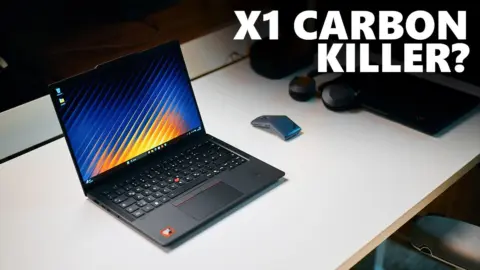
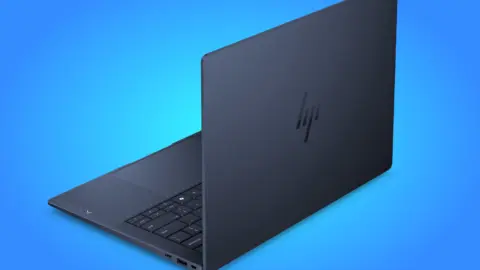
Lenovo positions the ThinkPad X1 Carbon Gen 14 as a direct competitor to the HP EliteBook X G2i 14 in the high-end business segment. Both machines target professionals who need reliable performance and premium build quality. The ThinkPad distinguishes itself by retaining the classic red TrackPoint and offering optional physical mouse buttons, features that the HP model omits.
Spec comparison
| Spec | ThinkPad X1 Carbon Gen 14 | HP EliteBook X G2i |
|---|---|---|
| Battery Life | Over 23 hours | Roughly 18 hours |
| Fan Noise (Max) | 38.9 dB(a) | 47.5 dB(a) |
| Display Brightness | 500 cd/m2 | 700 cd/m2 |
| Battery Capacity | 57 Wh | 68 Wh |
| Power Limit | 35 W | 40 W |
The ThinkPad runs with a 35 W power limit, which keeps the system quieter than the HP EliteBook under load. Notebookcheck data shows the ThinkPad fan noise tops out at 38.9 dB(a), compared to 47.5 dB(a) for the EliteBook. The EliteBook pushes a higher 40 W power limit for potentially faster performance, but it does so at the cost of significantly more acoustic noise.
Display brightness and battery capacity favor the HP EliteBook X G2i in the raw specification sheet. The EliteBook uses a Tandem OLED screen that reaches 700 cd/m2, beating the ThinkPad's 500 cd/m2 OLED panel. The EliteBook also packs a larger 68 Wh battery, which is roughly 17 percent more capacity than the ThinkPad's 57 Wh unit.
Real-world battery life tells a different story than the raw capacity numbers suggest. The ThinkPad achieves over 23 hours of usage, while the HP EliteBook lasts roughly 18 hours. This efficiency advantage makes the ThinkPad the better choice for users who cannot carry a charger during long travel days.
We've been tracking ThinkPad X1 Carbon Gen 14 closely — see our earlier coverage on Lenovo ThinkPad X1 Carbon Gen 14. The comparison highlights that neither laptop is universally superior, as each excels in different areas. Buyers must decide whether they value peak brightness and raw power or prioritize silence and extended battery life.
The Lenovo ThinkPad X1 Carbon Gen 14 confirms its strength in efficiency and acoustic comfort. It offers over 23 hours of battery life and stays below 39 dB under load. These specs make it a practical tool for mobile professionals who value quiet operation over maximum display brightness.
Source: NotebookCheck
Discussion
0 comments