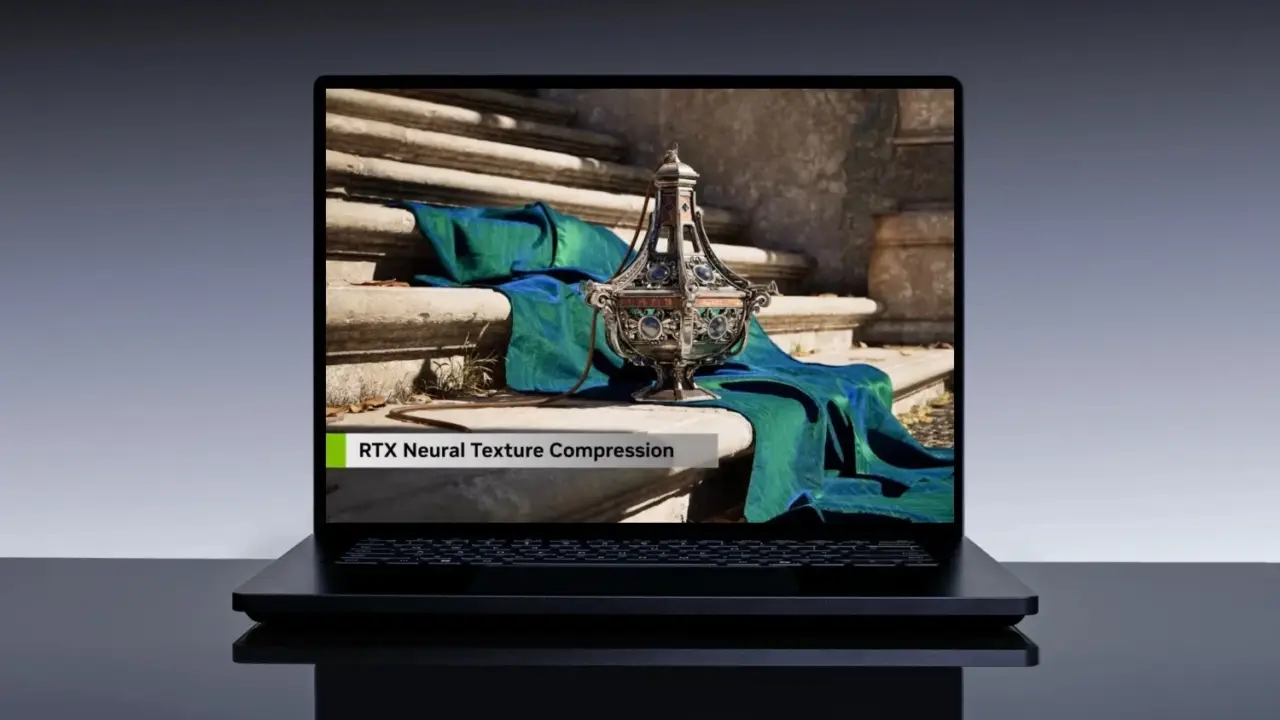
NVIDIA updated its RTX Neural Texture Compression SDK to version 0.10.0 BETA, expanding the technology's reach to new hardware platforms. This change matters because it allows developers to use AI-driven compression on ARM-based systems and specialized edge devices, potentially solving memory bottlenecks in compact gaming hardware. Game assets often consume vast amounts of video memory, and this update provides a path to reduce that footprint significantly without sacrificing visual quality.
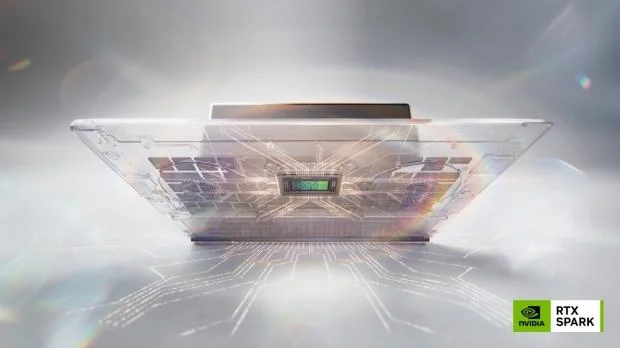
New SDK version enables AI texture compression on ARM-based systems
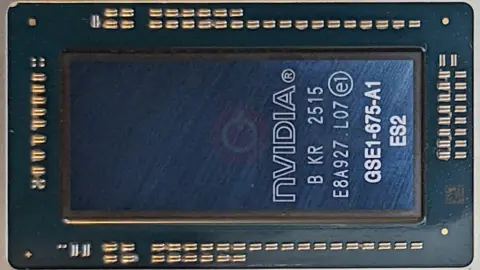
The software update introduces support for the RTX Spark platform and Windows on Arm. These additions extend the compression technology beyond traditional x86 desktop environments into the growing market of ARM-powered PCs and specialized NVIDIA hardware. The SDK remains available for game developers to integrate into their projects, continuing its role as a tool for optimizing asset storage.
The core technology uses artificial intelligence to shrink texture file sizes while maintaining image fidelity. NVIDIA claims the compression can reduce texture sizes by up to 90% in extreme use cases. In a specific example, the SDK reduces a raw 32 MB texture down to 2.5 MB. This performance significantly outpaces current compression methods, which typically reduce the same 32 MB file to only 12 MB.
This level of compression makes 8 GB or 12 GB of VRAM sufficient for 4K gaming in scenarios where memory usage would otherwise be prohibitive. The technology requires a minimum GPU of the GeForce RTX 20 Series or higher to function. TweakTown noted that this AI-driven reduction in VRAM footprint is precisely the kind of technology the industry needs right now to manage asset sizes effectively.
We looked at the last RTX Neural Texture Compression SDK update, several of the same balance and stability themes came up. The SDK is available on GitHub for developers to test and implement. NVIDIA is updating the SDK to assist game developers in managing memory usage for modern games.
Source: TweakTown