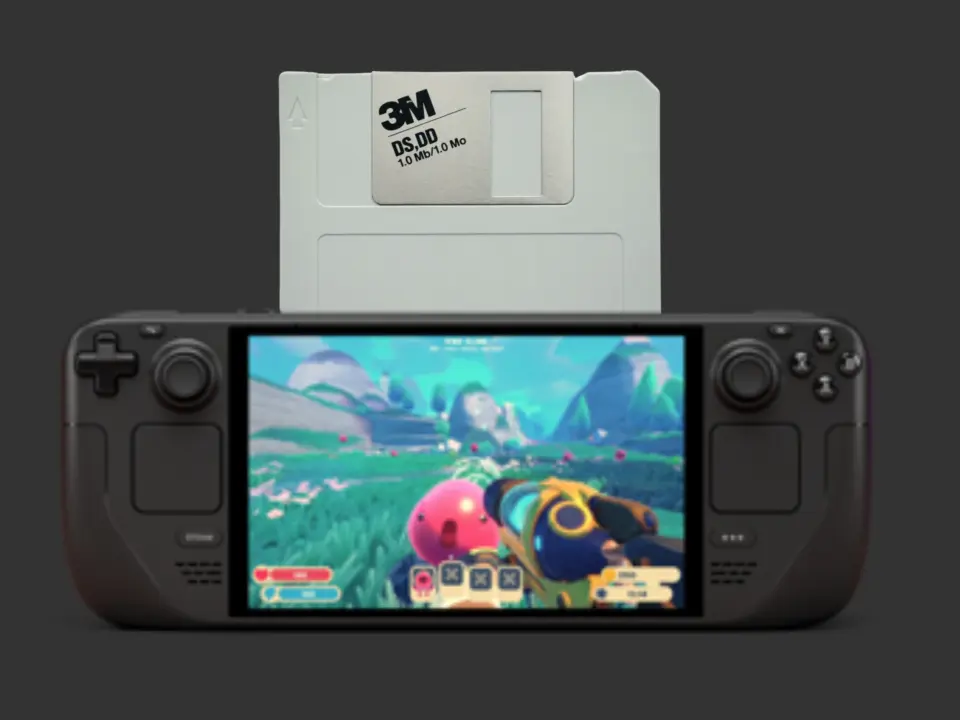
Steam Deck owners who miss the tactile ritual of inserting physical media can now bridge that gap with a new software plugin. Decky Links lets users launch games by scanning or inserting tangible objects, bringing a physical interface back to digital libraries. This adds a layer of nostalgia and convenience for players who prefer holding a game cartridge or disk over scrolling through menus.
Open-source tool lets users launch titles via floppy disks, USB drives, and NFC tags
The plugin, developed by Reddit user BlackIceLA, runs on the Steam Deck and supports both Steam and non-Steam titles. It works by storing the unique launch URL of a game on a physical medium rather than the game data itself. For example, a floppy disk can hold the specific command needed to start Red Dead Redemption 2.
- Plugin Name: Decky Links
- Platform: Steam Deck
- Physical Media Support: Floppy disks, USB drives, NFC tags, QR codes
- Storage Mechanism: URL storage (e.g., steam://run/1174180)
- Floppy Disk Capacity: 1.44 MB
Supported physical formats include standard 3.5-inch floppy disks, USB drives, NFC tags, and QR codes. A standard floppy disk holds just 1.44 MB of data, which is more than enough to store a short URL string. The developer notes that the real appeal lies in giving digital games a physical presence, allowing players to insert an object to launch a title.
Decky Links is available as an open-source project on GitHub for manual installation. A polished version for the Decky Plugin Store has not yet been released, so users must install it manually for now. We looked at the last Decky Links update earlier while tracking Steam Deck software changes, noting similar themes of community-driven feature additions.
The tool transforms how users interact with their handheld library by replacing digital selection with physical triggers. It currently requires technical setup but offers a unique way to organize and launch games. Steam Deck users interested in physical media emulation can test the plugin directly from the developer's GitHub repository.
Source: NotebookCheck