NVIDIA HP OmniBook Ultra 16 and X 14 launch with RTX Spark and 128 GB RAM ACCESSORIES Anker Valorant Hub and Charger Launch Sept 22 With Smart Display STEAM Valve Steam Frame Reservation System Signals September Launch INTEL Ugreen DXP6800 Ultra NAS Launches With Core 5 120U and 208 TB Storage GAMES Naughty Dog Confirms New The Last of Us Projects Beyond HBO Series CONSOLES PlayStation Physical Discs Could Return If Sony Opens Licensing GAMES YouTube relaxes gaming violence rules ahead of GTA 6 launch GAMES Tetris Issues Legal Warning After White House Releases TRUMP ARCADE STEAM Double Fine Announces Thank You Bus Driver for PC INTEL Acer Swift Go 16 gets Intel Arc B390 for double GPU power INTEL Tecno MegaBook T15 Pro gets 120Hz display and Core Ultra 9 for $1,277 SOFTWARE AND UPDATES MacBook Ultra May Get 512 GB RAM and M5 Ultra Chip in October SOFTWARE AND UPDATES Google Password Change Won’t Revoke Third-Party App Access NINTENDO SWITCH 2 Final Fantasy VII Rebirth Physical Copies Require Extra Download

Valve Releases New Steam Controller Guides For Trackpad And Virtual Menus

Owen Carter 1 min read

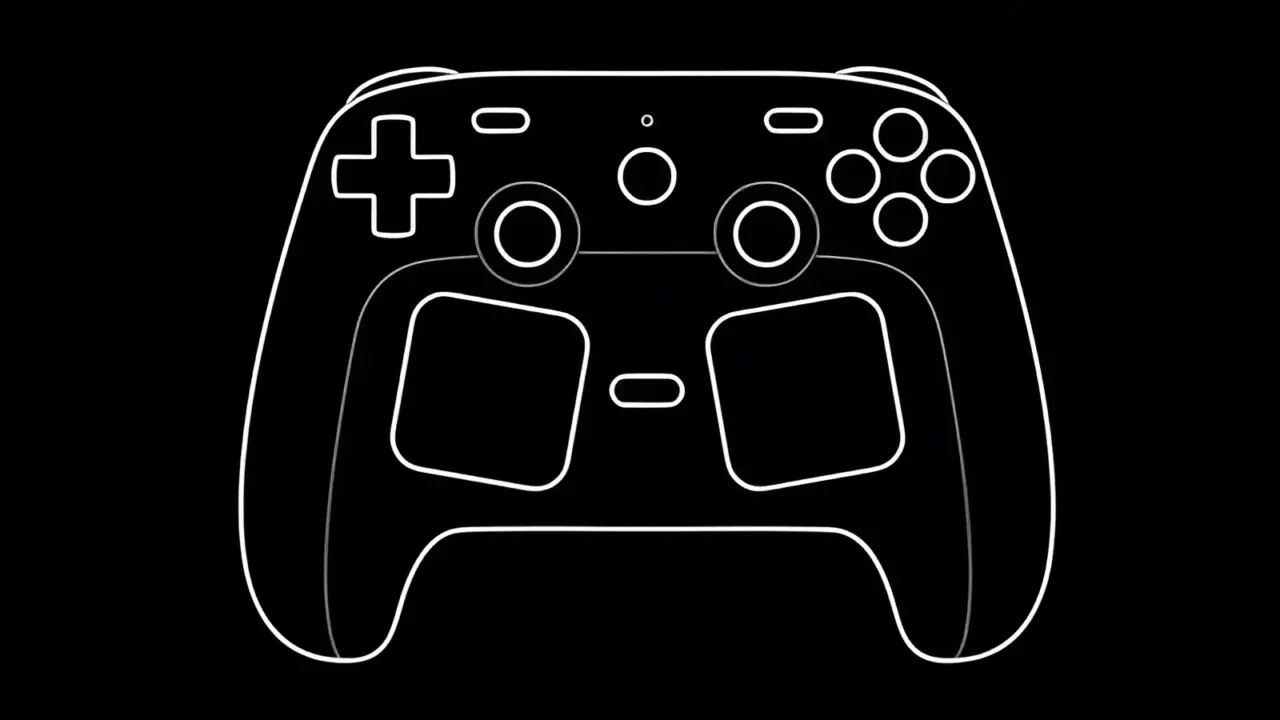
Valve publishes two new official guides detailing how to create virtual menus and utilize advanced trackpad features like mouse replacement and D-pad mapping on the Steam Controller.

Valve Steam Controller
SOFTWARE AND UPDATES

has published two new official guides for the Input system. The documentation targets users of both the Steam Controller and the . These updates expand on earlier blog posts about input remapping and sensitivity settings.

New official documentation expands on trackpad and virtual menu configurations for the Steam Controller.

The first guide explains how to create, customize, and use virtual menus. Players can navigate these menus using trackpads, joysticks, or gyro controls. This feature allows for flexible interface management across different hardware setups.

The second guide focuses specifically on trackpad functionality. It details several use cases including mouse replacement, joystick mode, D-pad mapping, directional swipes, and virtual keyboard access. These options provide granular control over input methods.

Steam DeckHQ reported the release of these documentation updates. Valve has not confirmed any additional guides or future content plans for the Steam Input system.

Source: SteamDeckHQ