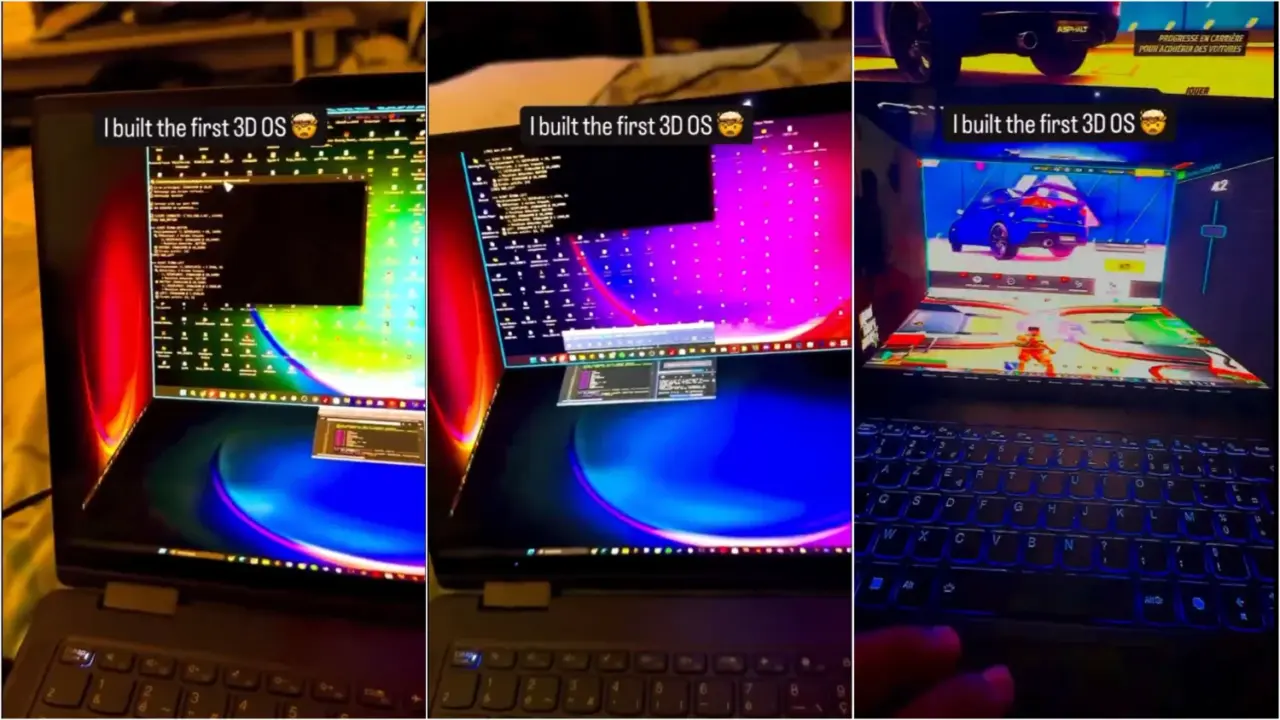
A custom operating system interface that turns your desktop into a 3D cube is currently circulating online, and it highlights the steep hardware cost of spatial computing without a headset. This demo challenges the assumption that immersive multitasking can run smoothly on standard laptop components. We are watching this closely because it reveals the gap between conceptual design and practical daily use.
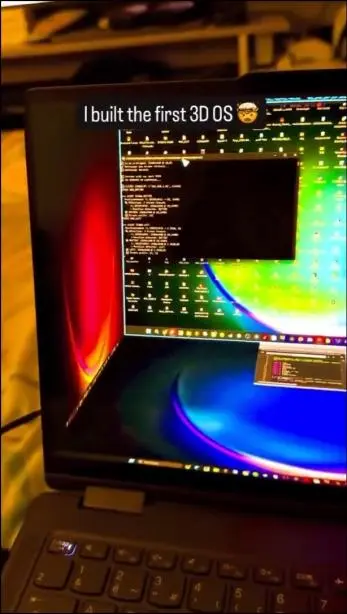
Cube interface maps windows to faces but drains laptop resources
The project comes from a user identified as kapilansh_twt, who shared a video of the software in action. The interface maps application windows onto five faces of a virtual cube, which the user views from the sixth face. This setup attempts to create a spatial desktop experience on a flat, standard 2D laptop screen without requiring VR or AR hardware.
The software relies on perspective shifts, rotation, and depth rendering to simulate the 3D environment. However, the performance metrics tell a different story. The laptop struggles to maintain smooth animation, with both RAM and CPU usage hitting maximum capacity. The system cannot handle the graphical load efficiently.
Readability suffers significantly in this configuration, as text becomes difficult to parse on angled cube faces. The high hardware overhead makes the concept impractical for serious multitasking workflows. We consider this approach too demanding for everyday productivity tasks given the current hardware limitations shown in the demo.
The identity of the actual developer remains unconfirmed, and it is unclear if the poster created the code or is simply sharing someone else's work. There also appears to be head tracking involved, though this may be simulated through camera trickery rather than native hardware support. The project stands as an interesting but flawed technical experiment.
Source: TweakTown