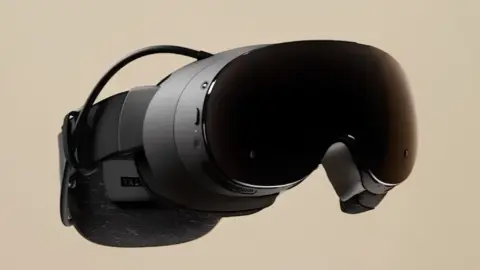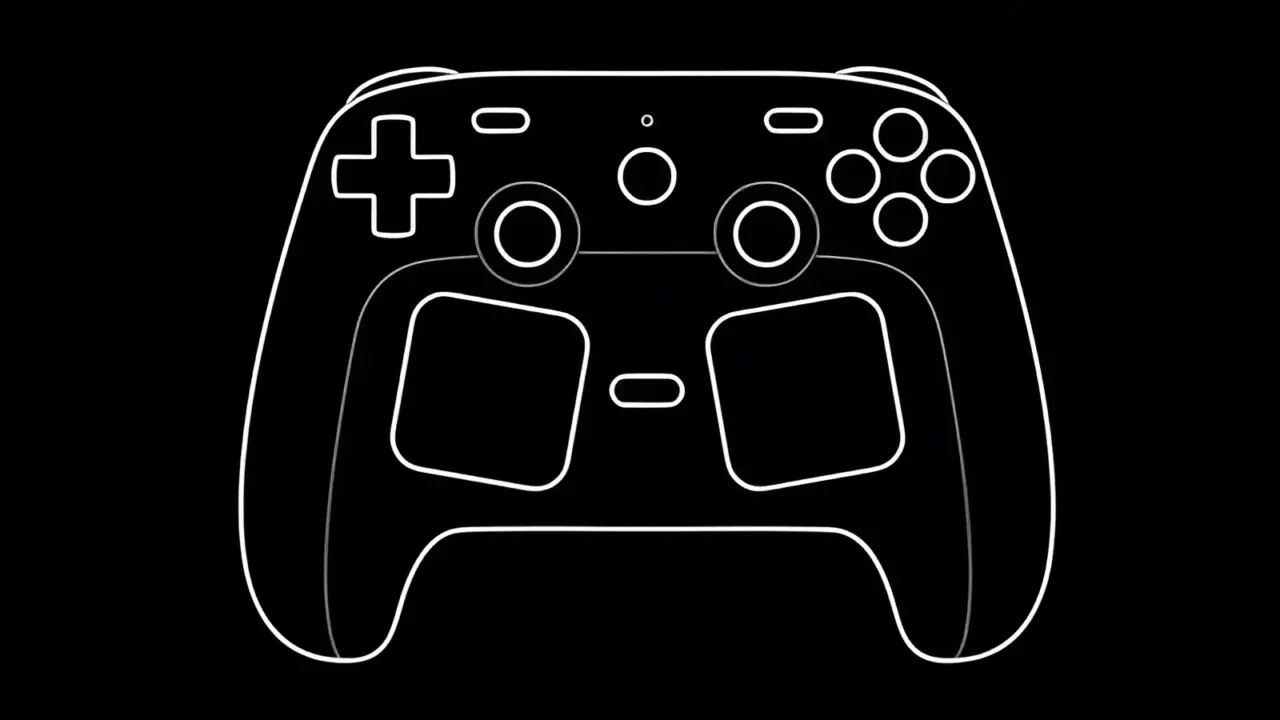
Valve has published two new official guides for the Steam Input system. The documentation targets users of both the Steam Controller and the Steam Deck. These updates expand on earlier blog posts about input remapping and sensitivity settings.
New official documentation expands on trackpad and virtual menu configurations for the Steam Controller.
The first guide explains how to create, customize, and use virtual menus. Players can navigate these menus using trackpads, joysticks, or gyro controls. This feature allows for flexible interface management across different hardware setups.
The second guide focuses specifically on trackpad functionality. It details several use cases including mouse replacement, joystick mode, D-pad mapping, directional swipes, and virtual keyboard access. These options provide granular control over input methods.
Steam DeckHQ reported the release of these documentation updates. Valve has not confirmed any additional guides or future content plans for the Steam Input system.
Source: SteamDeckHQ