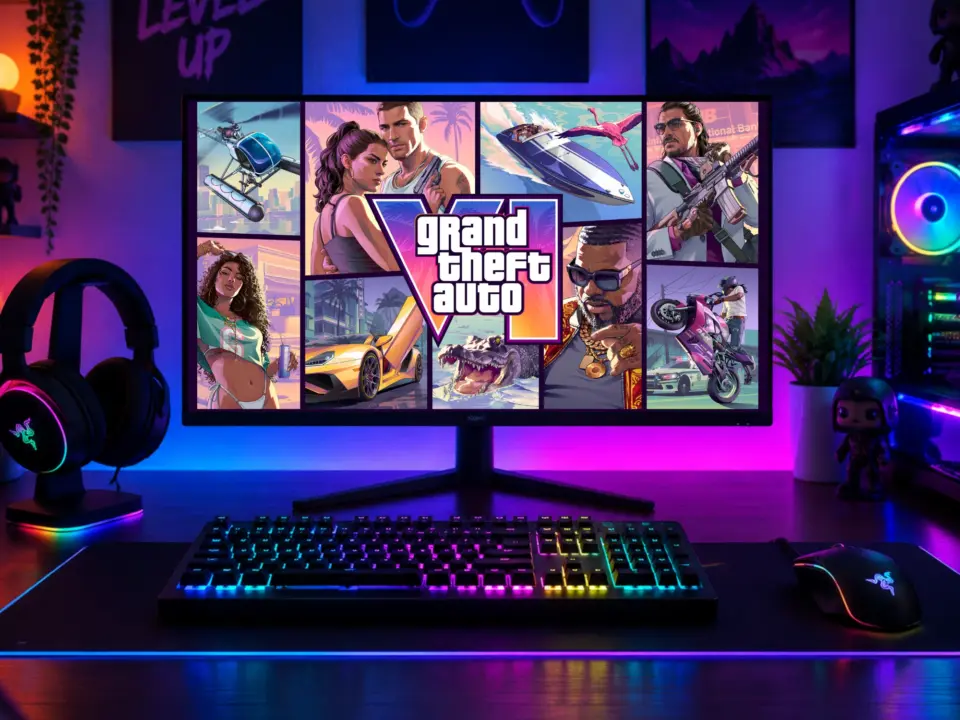
For those playing on PC, owning a PS5 now gives you a way to play resource-intensive games like GTA 6 at 60 fps without needing to upgrade your console. Introducing SmoovPlay: a new PC app which allows you to stream from your PS5 to Windows and double the smoothness with AI. This is significant because it gives you a way to enjoy next-gen games on what you already own.
SmoovPlay streams PS5 games to Windows PCs with AI frame generation
But you have to deal with noticeable input lag. So those of you that value responsiveness over graphics quality will need to think long and hard about this one before you download the app.
Here's how SmoovPlay works: basically you connect to your PS5 and get the video feed from the console, which gets processed on your PC. SmoovPlay uses the Chiaki-ng PS Remote Play client to establish the initial stream connection. This lets you use your PC as a screen for console games running on other devices in your house. Key to this method is the use of your PC to handle the frame generation, instead of the console.
Basically, SmoovPlay works to give you a smoother 60 fps picture by looking at the 1080p video stream coming from your console. The way it does this is by adding fake video frames with the help of AI to fill in the gaps between the existing video frames. For this to work, you need a beefy graphics card to take on the extra processing. Ideally, the developer suggests Nvidia 30, 40, or 50 series GPU.
So with this frame generation, you'll be getting about 20 ms of input lag at 60 fps. That's the extra latency you get because of the extra processing time with the AI to generate those extra frames. This could mean you'll feel a little lag when controlling characters or aiming in fast-paced games.
At this stage, the app is mainly for PS5 streaming. It's unclear if it'll support Xbox or use of capture cards officially.
SmoovPlay is a software solution to getting more performance out of your console on your PC display. It gives you a way to play games like GTA 6 at 60 fps with what you already have in your PS5. However, you'll need to trade that off for the increased input latency in order to get the smoother graphics. This app is for you if you're using Windows and have a compatible Nvidia GPU and PS5.
Source: NotebookCheck
Discussion
0 comments