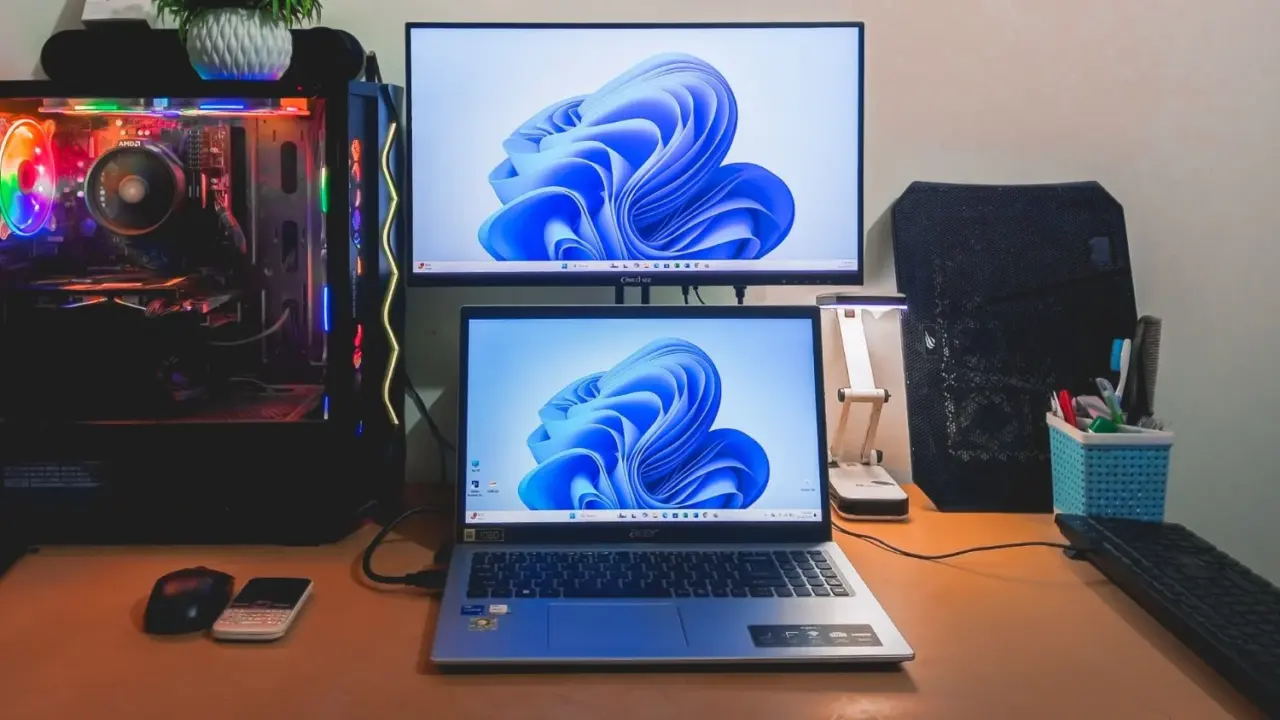
Microsoft has released Windows 11 version 26H2, a lightweight update that extends official support for Windows 11 Home and Pro editions to October 2028. This extension matters because it buys organizations and individual users an extra two years of security patches before they need to plan a hardware refresh or major OS migration. The update ships immediately through Settings > Windows Update for eligible devices.
Lightweight release adds AI summaries and simultaneous camera access
The 26H2 release shares the same codebase as the previous 25H2 and 24H2 versions, allowing Microsoft to describe it as a predictable and low-disruption update. We have seen similar stability-focused releases before, and when we covered the last Windows 11 update, several of the same balance and stability themes came up. This consistency means users can expect a familiar experience with fewer unexpected changes to their daily workflow.
Key technical changes include deeper customization options for the Start menu and taskbar, giving users more control over size and placement. Windows Search has been optimized for faster speeds and clearer results, reducing the time spent looking for files. The File Explorer now features AI-powered summary capabilities for OneDrive and SharePoint documents, helping users digest document content more quickly.
Accessibility and connectivity features also receive notable updates in this release. Multiple applications can now access the camera simultaneously, removing a previous restriction that forced apps to queue access. Bluetooth audio sharing allows users to send audio streams to multiple devices at once, which is useful for shared listening sessions. Windows Hello sign-in gains enhanced app access controls for better security.
Installation for this update is designed to be fast, requiring only a small download and a quick system restart. The update is currently available globally for all eligible Windows 11 devices. Users should check their Windows Update settings to see if the 26H2 update is ready to install on their specific machine.
Source: TweakTown


Discussion
0 comments