Microsoft is rolling out a significant software update to Xbox Series X and Series S consoles, bringing sharper remote play visuals and better voice chat clarity to players. This update matters because it improves the quality of playing games on other screens and makes voice communication less distracting during multiplayer sessions. The changes are part of a broader set of six new features designed to enhance the user interface and streaming experience.
New console software update improves streaming resolution and chat clarity
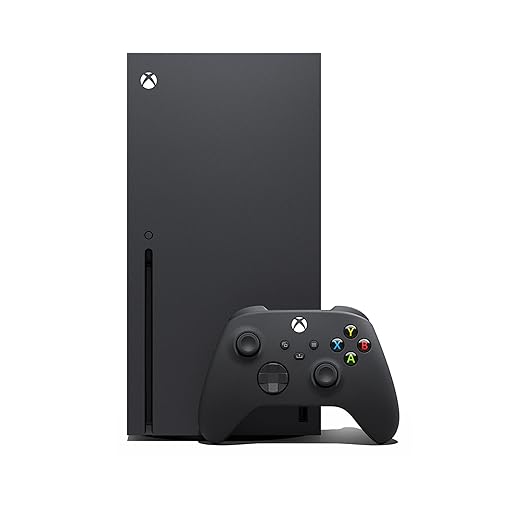
The update targets both the Xbox Series X and Xbox Series S models, delivered through the Xbox Insider program for early testing. Microsoft introduced these upgrades to address common user complaints about remote play resolution limits and background noise in party chats. The changes apply to the current generation of consoles rather than a new hardware release.
Remote Play streaming now supports resolutions up to 1440p with higher video bitrates, replacing the previous lower resolution cap. A new Voice Clarity setting is enabled by default for most titles released since 2020 to reduce background noise in party chat and in-game communication. Users can also customize startup animations, choosing from options ranging from the original Xbox One generation through the current Series X|S designs.
Profile customization now allows players to select up to five badges to display on their profile card and hide individual badges. Local search functionality has been reworked to include official club achievements and personal gaming history. Additionally, games can continue downloading in the background while users stream games via Xbox Cloud Gaming, which should reduce waiting times for installations.
Microsoft says the wider availability of this update is expected before the end of 2026. The company stated that the update introduces six new features and upgrades to improve the overall console experience. Players can expect these changes to roll out to the general user base in the coming months.
Source: NotebookCheck



Discussion
0 comments